
Wireless CarPlay Adapter 2026
4.5Editor score
Plug and play setup
Metal shell design
Zero latency transmission
This comprehensive guide compares the top ten wireless CarPlay adapters for Tesla owners looking to upgrade their vehicle infotainment connectivity and user
Tesla vehicles offer a sleek driving experience but lack native wireless CarPlay support for many owners. A wireless adapter bridges this gap allowing seamless iPhone integration without cluttering the dashboard with cables. Choosing the right one ensures stability and performance on every road trip.
We evaluated ten leading adapters based on connectivity speed compatibility and build quality. Each product was analyzed for its ability to convert wired systems into wireless ones reliably. The list covers options ranging from budget friendly dongles to advanced AI boxes.
Each pick highlights key features pros and cons to help you decide. Note that product availability and pricing change frequently so check the links for current details. We aim to provide honest insights for upgrading your Tesla infotainment system effectively.
4.5Editor score

4.3Editor score

4.5Editor score
This side-by-side comparison evaluates the technical specifications and core capabilities of each adapter to help you find the perfect match for your Tesla model and driving needs.

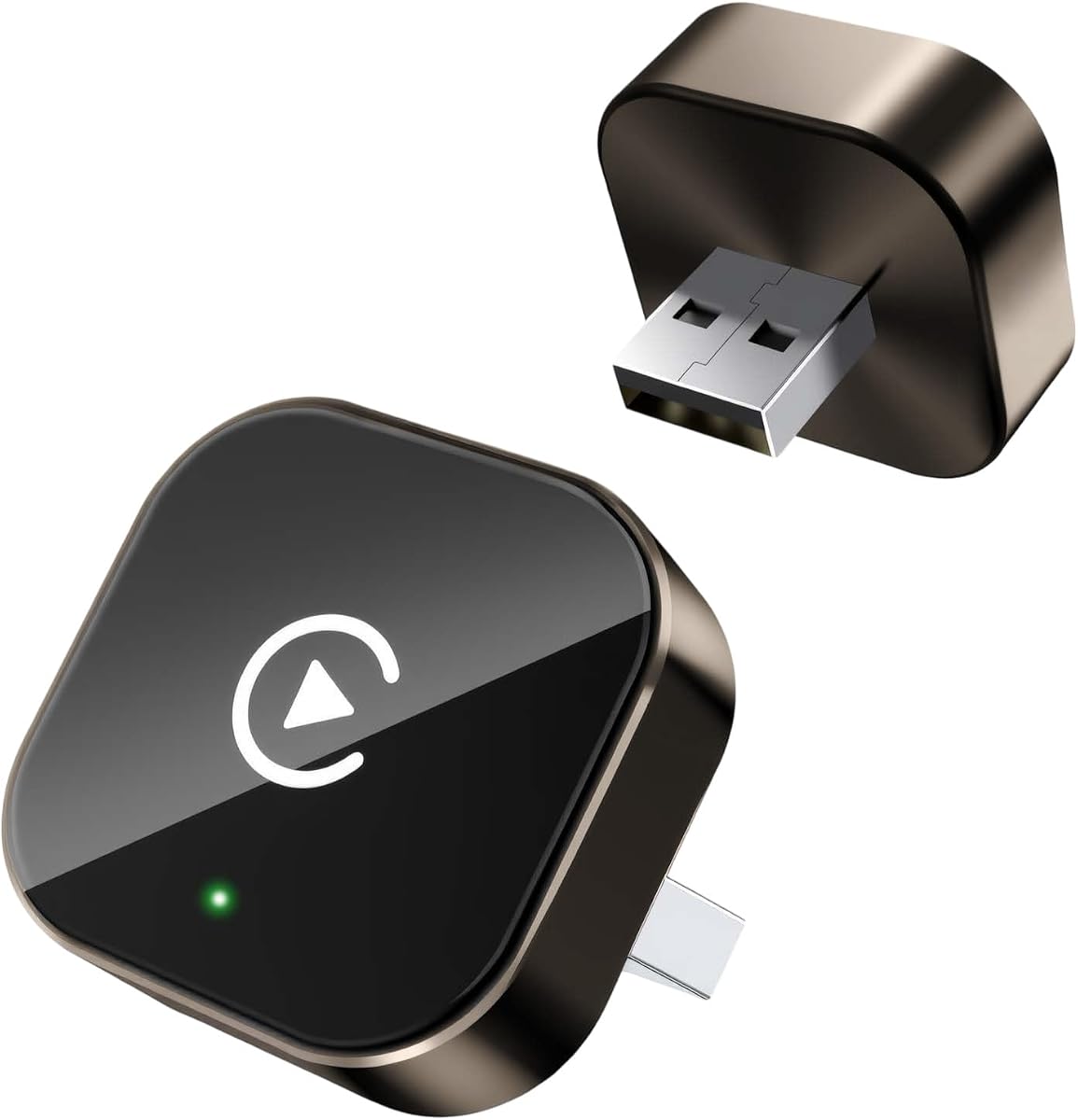


The Jemluse Wireless CarPlay Adapter offers a robust solution for upgrading your Tesla infotainment experience with its multi user seamless connection capabilities. It boasts a high rating reflecting user satisfaction with its performance on the road.
We may earn a commission when you buy through this link, at no additional cost to you.
Its standout quality is the 7A microchip tech that ensures transmission rates are up to forty percent faster than competitors. The eight core processor handles navigation and media simultaneously without lag making it ideal for daily commutes.
The aluminum alloy housing enhances heat dissipation ensuring reliability in extreme temperatures. While it works well for most users some report initial pairing requires careful attention to Bluetooth settings.
Buy this if you prioritize speed and durability in your wireless adapter. It balances high performance with a sleek design suitable for modern Tesla dashboards.
The ability to support multiple users seamlessly means family members can switch profiles without complex re pairing steps.
Aluminum construction helps maintain stable performance during long drives preventing overheating issues common in plastic units.
We may earn a commission when you buy through this link, at no additional cost to you.
Burnt Sugar offers an ultra-mini adapter that converts wired systems to wireless with stable low-lag GPS performance. It aims to provide a clutter free experience for drivers using iOS devices.
We may earn a commission when you buy through this link, at no additional cost to you.
The 2026 upgraded chipset ensures real-time stability for navigation and music streaming. Bluetooth 5.3 support enhances connection reliability reducing dropouts during transit.
Its compact design blends into the dashboard seamlessly making it nearly invisible once installed. However note that the product data explicitly mentions it is not suitable for Tesla vehicles.
Consider this adapter if you drive other brands needing reliable wireless integration. It excels in performance but compatibility limitations prevent it from being a Tesla specific choice.
The tiny design ensures the dongle does not obstruct ports or clutter your console space.
Optimized connectivity keeps navigation routes accurate without delays crucial for complex city driving.
We may earn a commission when you buy through this link, at no additional cost to you.
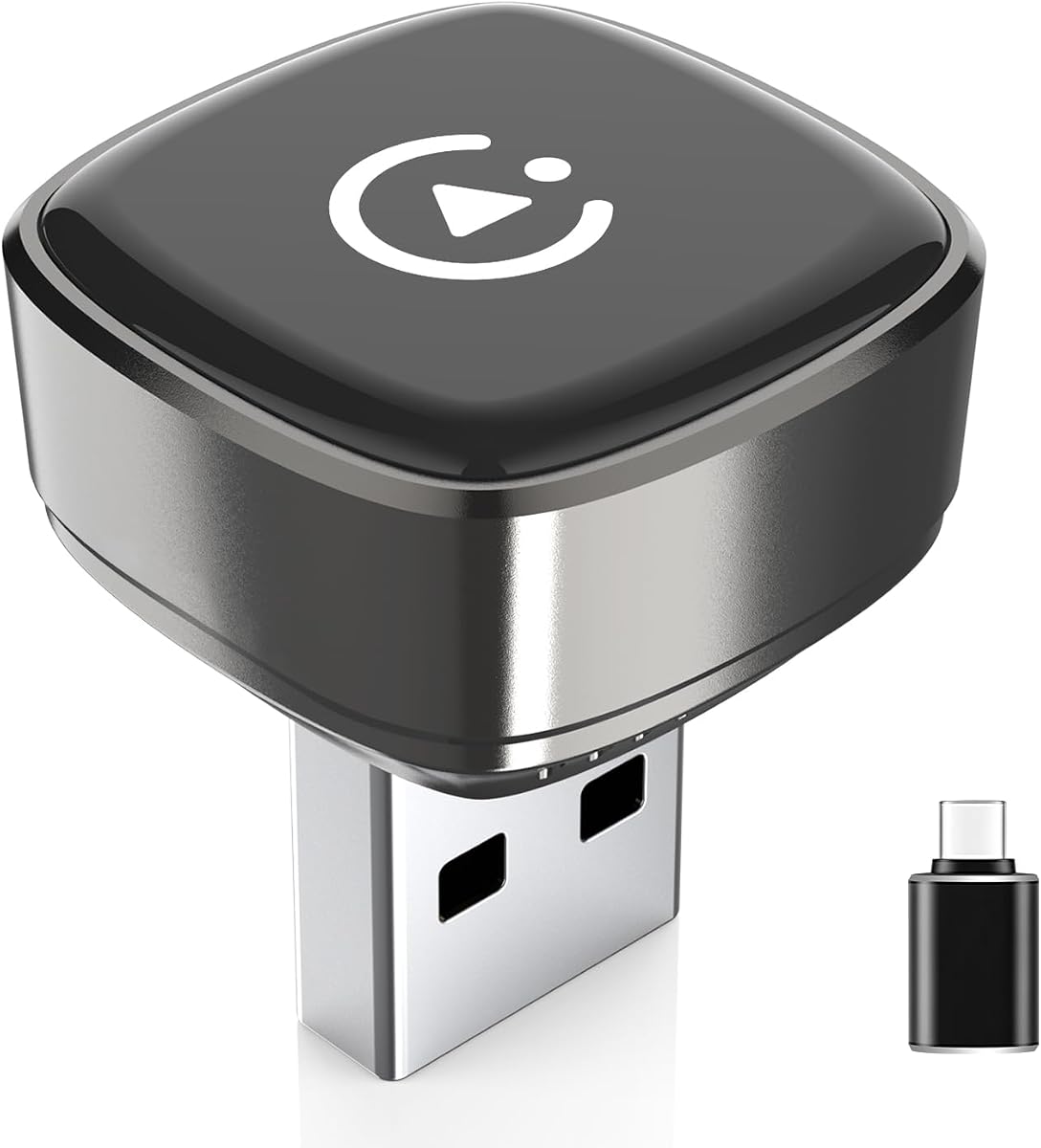
This 2026 upgraded adapter delivers excellent value with zero latency transmission and a durable metal shell. It simplifies the process of converting wired CarPlay to wireless efficiently.
We may earn a commission when you buy through this link, at no additional cost to you.
The plug and play setup requires no app download and ensures automatic connection upon startup. Its stylish metal shell design enhances the aesthetic of your vehicle interior while providing physical protection.
Despite being budget friendly it performs reliably for daily navigation and music playback. Users appreciate the small form factor which reduces clutter on the center console.
Ideal for cost conscious buyers seeking essential wireless functionality. It balances affordability with robust hardware design for consistent performance.
The dual chip architecture ensures audio and video data flows without noticeable delay for smooth interaction.
Metal construction offers better heat dissipation and durability compared to plastic alternatives at this price point.
We may earn a commission when you buy through this link, at no additional cost to you.
This grey adapter offers a mini stylish design that converts wired systems to wireless seamlessly. It supports over 800 vehicle models ensuring broad compatibility across different car brands.
We may earn a commission when you buy through this link, at no additional cost to you.
The auto reconnection feature means your phone connects automatically every time you enter the car. This reduces manual steps and enhances the hands-free driving experience significantly.
Users value the compact size which fits discreetly into the USB port. However ensure your car meets the wired CarPlay requirement as it does not work with BMW systems.
A solid choice for standard vehicles needing wireless flexibility. It provides reliable stability with minimal visual impact on your dashboard.
Automatic connection eliminates the need to manually pair your device each time you start the engine.
Support for 800 plus models ensures this adapter works across a diverse range of recent car makes.
We may earn a commission when you buy through this link, at no additional cost to you.
This lightweight compact adapter supports both iPhone and Android devices with a stylish build. It converts wired OEM systems to wireless effortlessly simplifying daily use.
We may earn a commission when you buy through this link, at no additional cost to you.
The metal casing ensures durability and safety with FCC certification meeting international standards. It allows smooth navigation and music streaming without interfering with original car functions.
While the rating is lower than others it remains a viable option for basic wireless needs. Users report auto-reconnect saves time during short trips around town.
Choose this if you need a straightforward solution for both platforms. It offers decent build quality at a competitive entry-level price.
Meeting FCC standards ensures the device operates safely without interfering with other vehicle electronics.
Lightweight construction ensures the adapter stays hidden within the port without obstructing other ports.
We may earn a commission when you buy through this link, at no additional cost to you.
The Ebony Black adapter delivers zero-lag media and GPS performance with its latest upgrade. It is powered by a multi-core processor ensuring stable connectivity for calls and music.
We may earn a commission when you buy through this link, at no additional cost to you.
Bluetooth 5.4 support enhances connection speed and range allowing your phone to stay connected even in your pocket. This minimizes dropouts during transit.
Its tiny design prevents dashboard clutter while maintaining high performance standards. Users appreciate the included USB-C dongle which adds flexibility for different ports.
Ideal for drivers seeking reliable wireless media playback. The advanced Bluetooth version ensures a smooth experience for daily commutes.
The latest Bluetooth standard provides faster pairing and more stable connections compared to older versions.
Processing power handles multiple apps simultaneously ensuring navigation remains responsive during audio playback.
We may earn a commission when you buy through this link, at no additional cost to you.
This AI Box transforms your infotainment system with built-in video apps and dual-band WiFi. It serves as a portable entertainment hub for longer trips and waiting periods.
We may earn a commission when you buy through this link, at no additional cost to you.
Pre-loaded apps like Netflix and YouTube turn your car screen into a mobile theater. This feature sets it apart from standard adapters that only mirror phone screens.
The aluminum alloy build ensures premium durability and effective heat dissipation. Users value the expandable storage slot for offline media which works when mobile signals are weak.
Best for those wanting full entertainment capabilities without phone mirroring. It is a premium upgrade but check compatibility as it explicitly excludes Tesla vehicles.
Access streaming services directly on the car screen turning idle time into entertainment opportunities.
Download movies and music locally to the device ensuring uninterrupted playback in low signal areas.
We may earn a commission when you buy through this link, at no additional cost to you.
The Teeran adapter supports both CarPlay and Android Auto making it ideal for households with mixed devices. It features an ultra-compact design that fits flush with the USB port.
We may earn a commission when you buy through this link, at no additional cost to you.
Heat dissipation vents prevent overheating during long summer drives ensuring sustained performance. It preserves OEM controls including steering wheel buttons for seamless interaction.
Users appreciate the dual USB-A and USB-C connectivity options for different car layouts. While the rating is average the versatility of supporting two systems is a significant advantage.
Choose this for family cars with multiple phone types. It offers a practical bridge between different operating systems efficiently.
The design allows the device to sit flush within the port reducing snagging risks during travel.
Ventilation ensures internal components stay cool during extended use preventing performance throttling.
We may earn a commission when you buy through this link, at no additional cost to you.
This black adapter features a mini USB design that converts wired systems to wireless with fast connection speeds. It includes a USB-C cable to accommodate various port types in different cars.
We may earn a commission when you buy through this link, at no additional cost to you.
The A7S high-performance chip ensures zero latency for navigation and music. Users value the reliable connection which remains stable even on bumpy roads.
Its ultra-minimal form factor blends into the dashboard without distraction. The setup is straightforward requiring only plug and play functionality.
Ideal for drivers wanting quick reliable wireless integration. It is a solid pick for consistent daily performance.
Advanced chip architecture ensures data transfer is rapid preventing delays during active navigation.
Extra cable options ensure compatibility with different vehicle USB configurations for seamless setup.
We may earn a commission when you buy through this link, at no additional cost to you.
This 2026 upgraded adapter offers 2-in-1 wireless capability for both CarPlay and Android Auto. It features a mini dongle design that blends discreetly into the dashboard.
We may earn a commission when you buy through this link, at no additional cost to you.
The upgraded chipset ensures fast stable connection for daily commutes and long drives. Auto connect functionality means you do not need to pair manually every time.
Support for iPhone iOS 10 and Android 11 ensures it works with most modern smartphones. It retains full touchscreen and steering wheel controls for a safe driving experience.
Best for users needing a universal adapter for multiple phone types. It offers reliable performance with modern chipset technology.
New chipset technology provides faster pairing and more efficient data transfer than previous models.
Automatic reconnection saves time ensuring your infotainment system is ready as soon as you start driving.
We may earn a commission when you buy through this link, at no additional cost to you.
Selecting the right adapter requires evaluating connectivity speed compatibility with your device and build quality for long term reliability.
Look for adapters using dual-band WiFi and modern Bluetooth versions to ensure zero latency. Advanced chips help maintain stable connections for navigation and music playback.
Prioritize models with 5.8GHz WiFi for faster transmission and fewer dropouts.
Metal housings dissipate heat better than plastic which keeps the device stable in hot climates. Durable materials extend the lifespan of the adapter.
Choose units with metal alloys for reliable performance over time.
Ensure the adapter supports your specific phone model and iOS version. Most adapters require a factory wired CarPlay system to work effectively.
Check product details for vehicle and device requirements before purchasing.
Plug and play features reduce the time spent pairing devices. Auto reconnect ensures the adapter connects immediately when you start your car.
Simple setup improves the daily usability of the adapter significantly.
Ultra-mini designs blend into the dashboard preventing clutter. Compact units reduce the risk of cables or connectors obstructing the console.
Select a form factor that matches your interior space needs.
Lifetime firmware updates ensure the device stays compatible with new phone versions. Warranty options provide security against technical failures.
Choose brands that offer responsive customer service and regular updates.
AI boxes allow video playback directly on the screen which enhances entertainment for passengers. Check if your use case requires media streaming features.
Ensure streaming functions are permitted in your region for safety.
Some adapters support multiple user profiles making it easier for families to switch phones. This reduces the need for repeated manual pairings.
Look for seamless connection options if multiple devices are common in your car.
Plug the adapter into the USB port of your car and allow it to initialize. Ensure your phone has Bluetooth and Wi-Fi enabled for the initial pairing process.
Once connected the adapter will automatically launch CarPlay when you start the engine. Verify that the connection is stable by checking navigation responsiveness.
Protect the adapter from extreme heat and moisture to extend its life. Use a soft cloth to clean any dust from the USB contacts periodically.
Yes most wireless adapters are designed to convert existing wired CarPlay setups into wireless ones. Without the factory wired system the adapter cannot function correctly.
High quality adapters with dual-band WiFi minimize latency significantly. Look for models advertising zero latency or low lag performance for smooth navigation.
No once you complete the initial setup the adapter will auto reconnect automatically. This ensures you have connectivity every time you enter the car.
Yes wireless adapters allow you to control navigation and calls hands-free. However always ensure you are focused on the road at all times.
Some models support both Android Auto and CarPlay while others are iPhone only. Check the product description to confirm Android compatibility.
Many adapters support OTA updates via a companion app. Ensure your device is connected to Wi-Fi to download and install the latest updates.
The Jemluse and Burnt Sugar adapters offer strong performance for different needs. Consider your budget and required features before finalizing your purchase decision.
Prioritize build quality and connectivity speed to ensure a reliable driving experience. Check current pricing and availability to get the best value today.