
Arsvita CD Laser Lens Cleaner Disc
4.2Editor score
Two-brush clean process
Includes glasses cloth
Extends player service life
This guide compares the top CD and DVD Player Cleaner options to help you restore playback quality and extend device life with proven laser lens solutions.
Keeping your optical drives running smoothly requires regular maintenance. Dust and debris accumulate on laser lenses over time, causing skips and loading issues. A reliable CD and DVD Player Cleaner helps restore performance without opening the device.
We evaluated ten top-rated cleaning kits based on user feedback, cleaning technology, and compatibility. Our analysis covers brush systems, included accessories, and effectiveness across various media formats and gaming consoles to ensure you find the right tool.
Each pick highlights specific strengths like ease of use or bundled fluids. Prices and availability change frequently, so verify current details before purchasing. These selections aim to keep your entertainment systems functioning at their peak quality for years to come.
4.2Editor score

4.3Editor score

4.2Editor score
The following table provides a side-by-side look at each product's key specifications and features to help you compare options quickly.





The Arsvita CD Laser Lens Cleaner Disc is a straightforward solution for maintaining optical drives. With a rating of 4.2 stars it offers a reliable way to address slow loading or freezing during playback.
We may earn a commission when you buy through this link, at no additional cost to you.
This kit features a 2-brush clean process designed to remove dirt and dust deposits that cause audio and video dropouts. Cleaning the lens extends the service life of CD and DVD players while improving sound and image quality simultaneously.
While it works well for standard players it is not compatible with gaming consoles like Xbox or PlayStation. The packaging is basic but includes a glasses cloth for additional care which adds value to the set.
This product is ideal for home users needing a quick fix for playback issues. It provides a cost-effective way to restore performance without professional help.
The dual brush system ensures thorough cleaning of the laser lens to prevent signal interference.
Regular cleaning helps maintain optimal function reducing wear on internal components over time.
We may earn a commission when you buy through this link, at no additional cost to you.
The Arsvita ARCD-04 offers a slightly enhanced kit with added cleaning fluid. It holds a 4.3 rating and targets players experiencing slow loading or freezing during playback.
We may earn a commission when you buy through this link, at no additional cost to you.
Its 2-brush clean process removes dust deposits causing video dropouts. The inclusion of disc cleaning fluid adds versatility for users who want to clean the disc surface as well.
Although it is not compatible with Xbox or PlayStation consoles the support team provides 24 hours standby service. The fluid packs are limited but sufficient for occasional maintenance needs.
This is a great budget pick for those needing extra cleaning tools. It balances affordability with useful accessories for better playback results.
The included fluid helps clean disc surfaces for better read accuracy alongside lens maintenance.
Access to 24 hour service ensures help is available if issues arise during usage.
We may earn a commission when you buy through this link, at no additional cost to you.
The ARCD-02 model provides a similar experience to the 04 but with one fluid pack. It rates at 4.1 and addresses slow loading or freezing issues effectively.
We may earn a commission when you buy through this link, at no additional cost to you.
It uses a 2-brush clean process to remove dust deposits causing video dropouts. The single fluid pack allows for basic surface cleaning alongside the lens treatment.
While the console compatibility is limited the 24 hour support team is ready to assist. The lower fluid count keeps the price down for occasional users.
This variant suits users needing a basic fix with minimal extras. It remains a reliable choice for standard CD and DVD players.
The included fluid handles minor disc dirt to complement the lens cleaning process.
Reduced accessories lower the cost while maintaining core cleaning effectiveness.
We may earn a commission when you buy through this link, at no additional cost to you.
Endust is a well-known name in electronics care. This lens cleaner holds a 4.3 rating and is designed to safely clean any CD or DVD compatible device.
We may earn a commission when you buy through this link, at no additional cost to you.
It works for home offices and school use. You simply turn the device audio on for instructions once the CD is inserted to start cleaning.
The need for audio activation adds a step but ensures proper usage. The higher price reflects the brand reputation and reliability for office environments.
This is a good choice for professional settings needing safe cleaning. It minimizes risk of damage during maintenance tasks.
Designed for shared workstations to ensure consistent and safe maintenance practices.
A trusted name in dust control ensures quality materials in this lens cleaner.
We may earn a commission when you buy through this link, at no additional cost to you.
Maxell offers a premium cleaning solution with copper impregnated brushes. It holds a 4.2 rating and focuses on removing static and scratches through its Thunder on brush system.
We may earn a commission when you buy through this link, at no additional cost to you.
It is recommended to clean after every 10 hours of use. The copper fibers help demagnetize and remove debris for maximum cleaning performance.
The main trade-off is the limited lifespan requiring replacement after 20 usages. This ensures the brushes remain effective but adds to long term costs.
This is ideal for frequent users needing high quality maintenance. It provides robust cleaning for Blu-Ray and DVD players.
Copper impregnation helps remove static build up that can interfere with playback.
Designed for regular cleaning schedules to maintain peak performance levels.
We may earn a commission when you buy through this link, at no additional cost to you.
The Nicer NS-2 kit includes liquid and a microfiber cloth for thorough care. It rates at 4.1 and offers voice guidance for easy operation.
We may earn a commission when you buy through this link, at no additional cost to you.
The whole process takes just 3 minutes. Left and right channel testing help confirm the lens is clean and functioning properly.
It includes 6-month after-sales service which adds value. The short cleaning time is convenient for quick fixes but may need repetition for heavy dust.
This is a good mid-range kit with useful accessories. It simplifies maintenance for users needing a complete cleaning set.
Voice guidance ensures you know when the cleaning cycle is complete.
Includes liquids and cloths for comprehensive disc and lens maintenance.
We may earn a commission when you buy through this link, at no additional cost to you.
The NS-1 model is a faster version with just the disc and cloth. It rates at 4.0 and finishes the process in 1.5 minutes.
We may earn a commission when you buy through this link, at no additional cost to you.
It includes voice guidance and a microfiber cloth. The short time makes it perfect for routine checks between uses.
Lacking cleaning fluid makes it less thorough than the NS-2. However the lower price and speed suit casual users.
This is a great option for quick maintenance. It ensures your players stay clean with minimal effort.
Fast process allows you to clean players quickly without interrupting sessions.
Quick cleaning cycle saves time while maintaining basic hygiene standards.
We may earn a commission when you buy through this link, at no additional cost to you.
These wipes focus on cleaning the disc surface rather than the player. They hold a 4.3 rating and help remove dirt and fingerprints causing playback issues.
We may earn a commission when you buy through this link, at no additional cost to you.
The pack contains 20 soft wipes that prevent skipping. They are ideal for routine maintenance to keep discs in peak performance.
They do not clean the lens so pairing with a disc cleaner is best for full care. The price is affordable for frequent disc cleaners.
This is essential for libraries with many physical media. It ensures discs are clean before they enter the drive.
Quickly wipes away oils and smudges for better signal reading.
Soft material ensures discs are not scratched during cleaning.
We may earn a commission when you buy through this link, at no additional cost to you.
Allsop uses a carbon system to target static build-up specifically. It holds a 4.1 rating and is designed to prevent skipping during playback.
We may earn a commission when you buy through this link, at no additional cost to you.
The eight brush carbon system removes static causing issues. This design helps maintain smooth operation across drives and players.
Packaging may vary which can be confusing for returns. However the core cleaning function remains reliable for static issues.
This is a solid choice for users with static interference. It focuses on the underlying cause of skipping in older drives.
Carbon fibers actively reduce static charges that disrupt laser sensors.
Eight brushes ensure thorough coverage of the lens surface.
We may earn a commission when you buy through this link, at no additional cost to you.
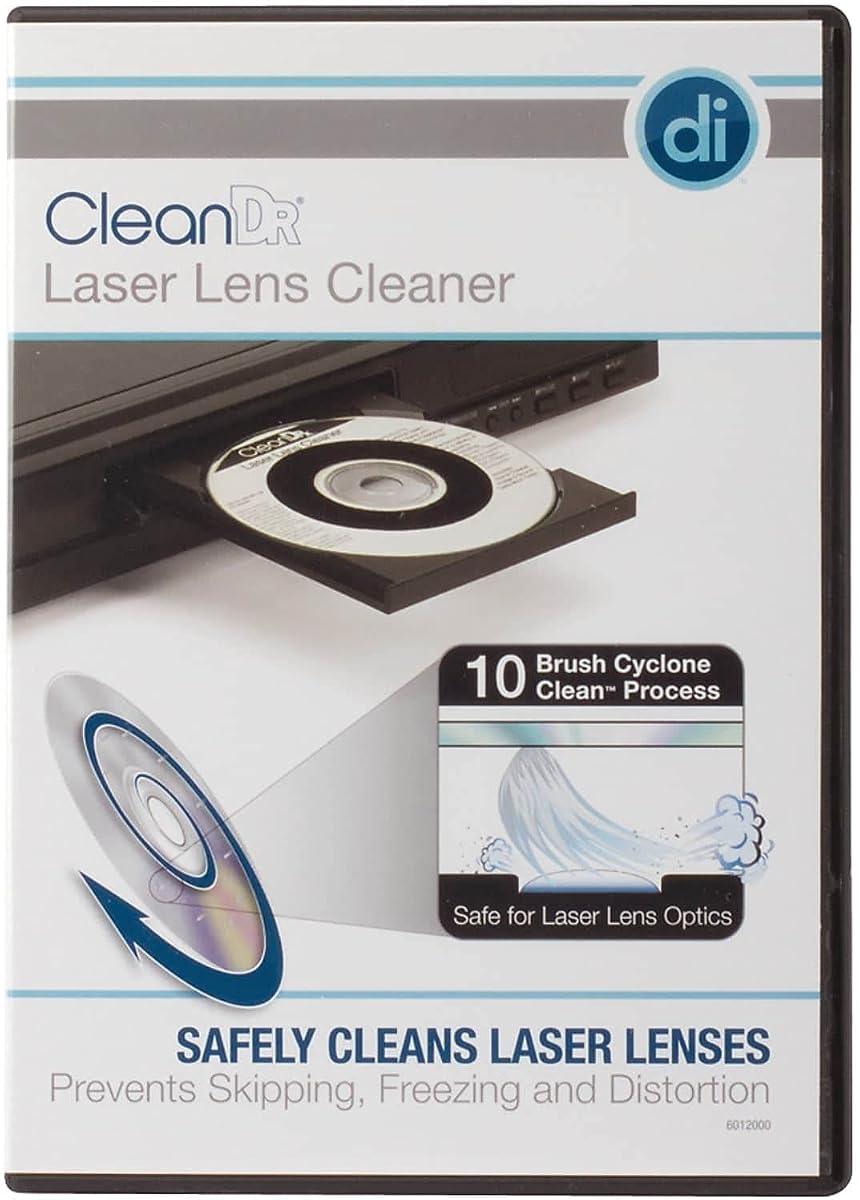
Digital Innovations uses a unique 10-brush cyclone process for deep cleaning. It rates at 4.2 and handles dust dirt and debris well.
We may earn a commission when you buy through this link, at no additional cost to you.
It demagnetizes the lens to optimize performance. This three-stage process ensures the lens is clean and ready for playback.
It is not for multi-disc or Blu-Ray systems. This limits it but it remains effective for standard drives and older consoles.
This is a strong option for deep maintenance. It offers advanced cleaning features for older or complex systems.
The process helps neutralize magnetic fields that affect laser accuracy.
Multi-stage removal ensures no debris remains after the cycle.
We may earn a commission when you buy through this link, at no additional cost to you.
Selecting the right cleaner depends on your device type and maintenance needs.
Check if the cleaner works with your specific player or console. Many options do not support newer game systems like Xbox or PS3.
Verify compatibility before buying to avoid purchasing the wrong tool for your device.
Products use brushes or wipes. Brushes clean the lens while wipes clean the disc. Decide if you need one or both for complete care.
Choose based on whether your issue is with the player or the media.
Some kits include cleaning fluid or microfiber cloths. These extras help clean the disc surface as well as the lens.
Look for kits that match your cleaning routine and budget.
Trusted brands like Endust and Maxell offer reliability. Higher ratings often reflect better quality control and performance.
Prioritize brands with consistent feedback for better long term results.
Some products feature voice guidance or simple steps. This helps ensure correct usage without manual reading.
Select options that fit your technical comfort level.
Brush-based cleaners wear out over time. Some recommend replacement after specific usage counts.
Factor in replacement costs when comparing total ownership value.
Cleaning times vary from 1 to 3 minutes. Faster options suit quick checks while longer ones may clean deeper.
Choose speed that fits your usage frequency.
Some sellers offer after-sales service periods. This helps if you face issues during or after cleaning.
Consider support terms when deciding between similar products.
Insert the disc with graphics facing up as instructed. Press play on the device to start the cleaning cycle.
Do not press stop during the cycle unless specified. Allow the brushes to rotate and clean the lens fully.
Remove the disc carefully and store it in its case. Clean regularly to maintain optimal playback quality.
It is recommended to clean after every 10 hours of use. For home systems cleaning once a month helps prevent buildup.
Most lens cleaners do not support newer consoles. Check the specific model's compatibility list before purchasing.
Yes if used as instructed. They are designed to safely remove dust without damaging the lens.
Wait for the cycle to finish. Do not force the disc out as this may damage the mechanism.
Wipes clean disc surfaces but not the player lens. For best results use both types for maintenance.
Some can be reused but brushes wear out. Replace when performance drops or after the recommended usage count.
We reviewed ten products offering different features for maintenance. Arsvita and Endust stand out for reliability and ease of use.
Prioritize compatibility and brush quality for long term results. Consider the lifespan for total value.
Check current prices and availability before buying. Regular maintenance extends the life of your optical drives.