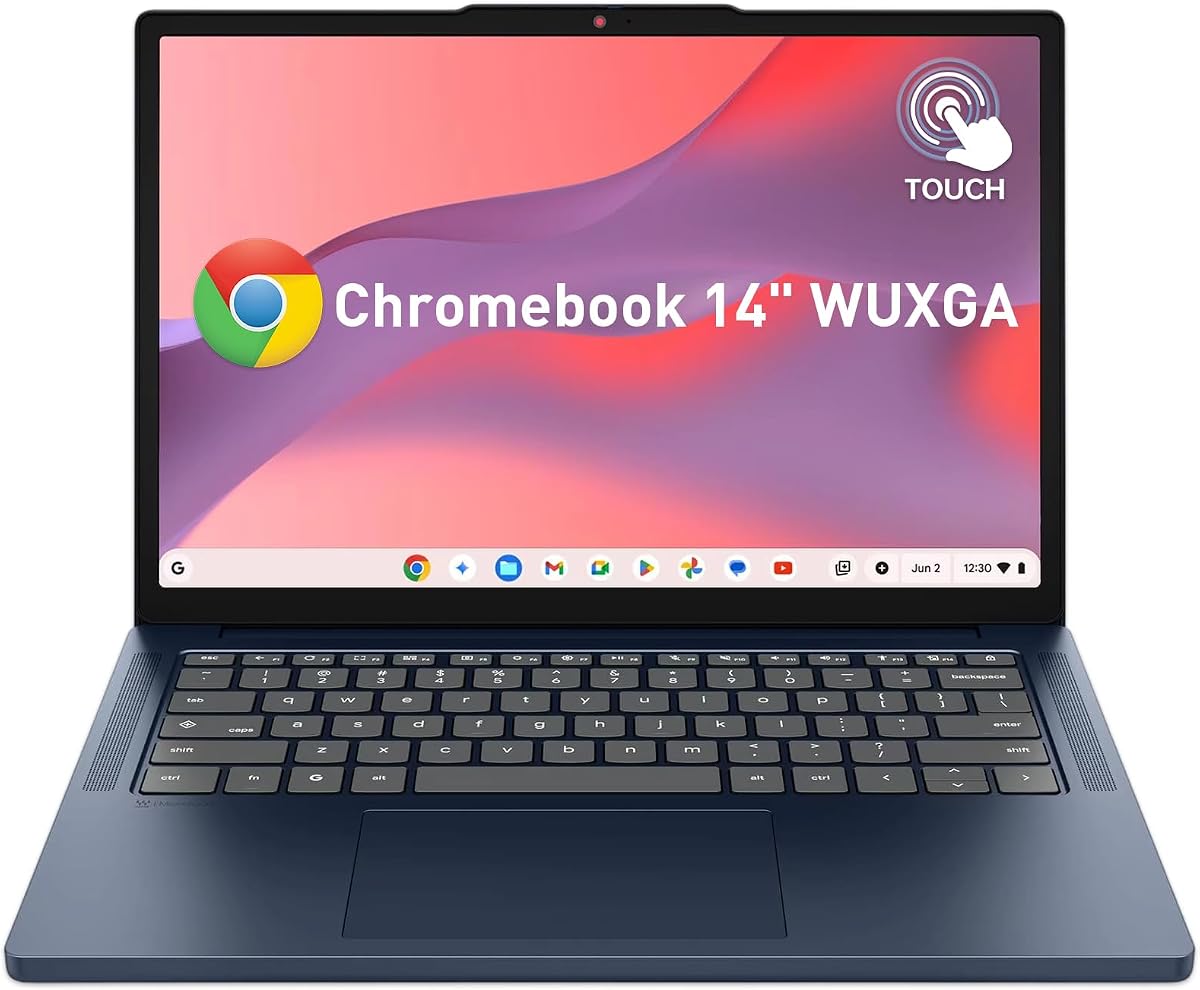
Lenovo 2026 Chromebook 14
5.0Editor score
MediaTek Kompanio 540 Processor
4GB LPDDR5X RAM
Lightweight Design
Chromebooks for AI bring powerful on-device and cloud features directly to your laptop. Modern devices now support advanced tools like Gemini for text generation and image editing without needing heavy hardware.
We evaluated ten real models based on their processors, memory, display quality, and AI feature integration. Each selection prioritizes performance, battery life, and the ability to run Google AI Pro effectively for various users.
Every pick highlights specific strengths like touchscreens, long battery life, or premium build quality. Please note that pricing and availability change frequently so check current listings before purchasing your ideal device.
5.0Editor score

4.9Editor score

As an Amazon Associate we earn from qualifying purchases.
This side-by-side comparison reviews all ten selected Chromebooks highlighting their key specifications and unique AI capabilities for informed decision making.


The Acer Chromebook Plus 514 stands out as the top choice for AI tasks with its high rating and powerful Intel Core i3-1315U processor.
We may earn a commission when you buy through this link, at no additional cost to you.
Its inclusion of Google AI Pro offers 5TB storage and advanced Gemini features making it ideal for creative work and productivity.
While battery life can vary and some AI tools need internet access the device offers robust hardware and future proof Wi-Fi 7 support.
Ideal for students and professionals this Chromebook delivers seamless AI integration and strong performance for everyday tasks and entertainment.
Gemini capabilities allow handwriting conversion and photo editing enhancing workflow efficiency.
Titan C2 chip and Wi-Fi 7 provide secure and fast connections for reliable browsing.
We may earn a commission when you buy through this link, at no additional cost to you.
This Lenovo Chromebook earns the best budget badge with a perfect rating making it an excellent entry level option for AI tasks.
We may earn a commission when you buy through this link, at no additional cost to you.
Its MediaTek Kompanio processor and 4GB RAM handle web browsing and basic AI features smoothly for educational needs.
The limited storage and RAM may restrict power users but the long battery and portable design suit commuters well.
Students and casual users will find this model ideal for affordable and reliable performance in classrooms and on the go.
Privacy shutter and durable build protect personal data and hardware in campus environments.
Weighing only 2.99 lbs it fits easily in backpacks for daily travel.
We may earn a commission when you buy through this link, at no additional cost to you.
The Acer Chromebook Plus Spin 714 offers premium features like Intel Core Ultra 5 processor designed to unlock advanced AI experiences.
We may earn a commission when you buy through this link, at no additional cost to you.
Its 120Hz display and Thunderbolt 4 connectivity cater to professionals needing high performance and versatile connections for complex workflows.
Although pricing is higher and ratings are not fully available the hardware specs promise significant advantages for demanding users.
This model is best for professionals who prioritize cutting edge AI capabilities and premium build quality in their devices.
Dedicated processor engines handle AI tasks efficiently for immersive graphics and processing.
120Hz touchscreen with DTS audio enhances media consumption and creative work.
We may earn a commission when you buy through this link, at no additional cost to you.
This ASUS model offers strong AI tools and generous Google AI Premium access for general users seeking productivity enhancements.
We may earn a commission when you buy through this link, at no additional cost to you.
Features like noise cancellation and lighting enhancement improve video calls while generative AI aids creative background design.
The lower rating and standard resolution might not satisfy power users but the included storage and AI plan add value.
Best for users needing reliable cloud AI features and basic multitasking without demanding high end hardware specs.
Two TB cloud storage and AI Premium provide excellent value for media and document management.
Built-in camera features ensure clear audio and visuals during meetings.
We may earn a commission when you buy through this link, at no additional cost to you.
The Acer Chromebook Plus 515 provides a larger 15.6 inch screen ideal for users needing more workspace for documents and AI tools.
We may earn a commission when you buy through this link, at no additional cost to you.
Its inclusion of NotebookLM in Google AI Pro enhances research and content organization for students and writers effectively.
While slightly heavier the device maintains solid performance with Wi-Fi 6E and reliable battery life for all day use.
Users preferring a bigger canvas for multitasking will appreciate the screen size and dedicated AI research features included.
NotebookLM integration helps summarize long text and manage research materials efficiently.
Wi-Fi 6E ensures stable connections in busy environments with high demand.
We may earn a commission when you buy through this link, at no additional cost to you.
This model offers impressive storage and durability making it a strong contender for users needing rugged and spacious computing.
We may earn a commission when you buy through this link, at no additional cost to you.
The 512GB SSD allows ample space for files while MIL-STD 810H ensures reliability in challenging environments.
Though slightly heavier the support for three external monitors enhances productivity for complex desktop setups.
Ideal for businesses and remote teams this Chromebook balances robust hardware with essential AI tools efficiently.
512GB SSD supports extensive local files and media without relying solely on cloud.
Military standard testing ensures survival against drops and spills effectively.
We may earn a commission when you buy through this link, at no additional cost to you.
This Chromebook emphasizes creativity with Quick Insert key and high resolution webcam for media tasks and content creation.
We may earn a commission when you buy through this link, at no additional cost to you.
Rugged build quality and 5TB cloud storage provide reliability and space for professional creative workflows.
While similar to other models the specific creative tools and durability features set it apart for certain users.
Artists and writers who need secure and portable hardware will find these specialized features highly valuable.
Quick Insert key speeds up image insertion and writing assistance tasks.
1080p webcam with shutter ensures safe video conferencing environments.
We may earn a commission when you buy through this link, at no additional cost to you.
Acer Chromebook Plus 514 offers reliable performance with Intel Core 3 processor and generous RAM for multitasking.
We may earn a commission when you buy through this link, at no additional cost to you.
Its 512GB storage and Wi-Fi 6E provide ample space and fast connectivity for daily tasks and content.
While processor technology is older than newer models the device delivers consistent speed and value for users.
Suitable for general office work and browsing this Chromebook balances specs and cost for moderate AI usage.
8GB LPDDR5X RAM handles multiple apps smoothly without lag.
Wi-Fi 6E and Bluetooth 5.3 ensure stable connections to peripherals.
We may earn a commission when you buy through this link, at no additional cost to you.
This AMD Ryzen model stands out with strong battery life and specialized AI tools for enhanced video communication and calls.
We may earn a commission when you buy through this link, at no additional cost to you.
Spill resistant keyboard and military grade durability ensure reliability in office or classroom environments for daily use.
Though storage is lower the device offers robust performance and AI features suitable for collaborative and remote work.
Business professionals needing durable hardware and clear video calls will appreciate these targeted and practical features.
AI tools enhance lighting and cancel noise automatically during meetings.
Spill resistant keyboard protects against accidental liquid damage.
We may earn a commission when you buy through this link, at no additional cost to you.
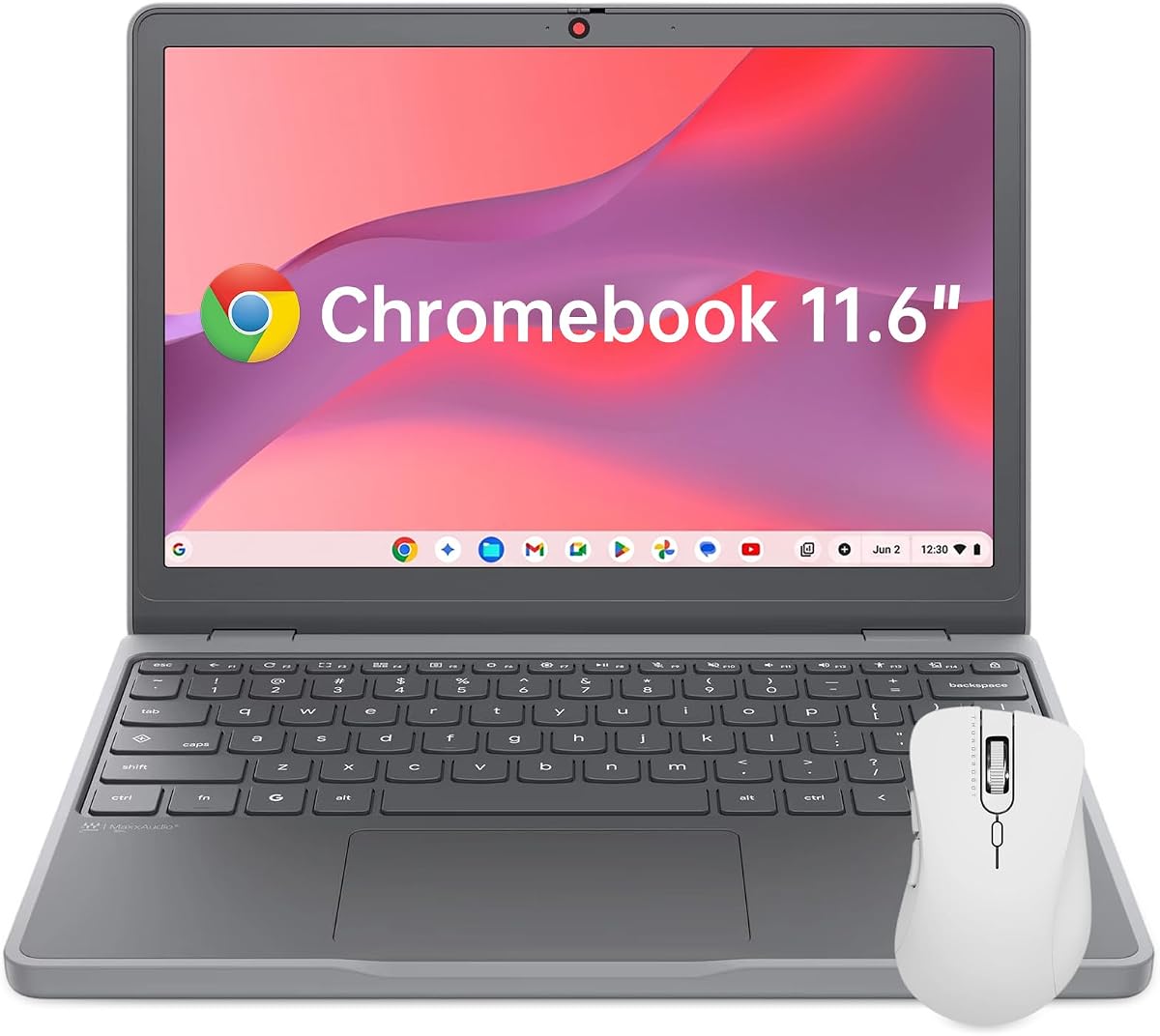
This compact Lenovo Chromebook offers extreme portability making it perfect for travel and casual AI browsing on the go.
We may earn a commission when you buy through this link, at no additional cost to you.
The Google H1 Security Chip and MIL-SPEC durability ensure safety and reliability for students and travelers daily.
Limited storage and screen size may restrict complex tasks but its lightness suits users prioritizing portability above all.
Travelers needing basic AI capabilities and maximum mobility will find this model an ideal lightweight companion.
Weighing just 2.69 lbs it slips easily into small bags.
Google H1 Security Chip protects sensitive data effectively.
We may earn a commission when you buy through this link, at no additional cost to you.
Selecting the right Chromebook for AI requires balancing hardware specifications with cloud AI capabilities.
Look for Intel Core i3 or AMD Ryzen 3 processors to ensure smooth performance of AI tasks like video calls and document editing. Newer chips offer better efficiency for daily multitasking and AI processing.
Prioritize processors with multiple cores for faster performance when running multiple AI apps.
8GB RAM is recommended for optimal AI and multitasking performance on Chromebooks. Lower RAM can slow down responsiveness when running multiple tabs or AI tools.
Choose models with 8GB LPDDR5X for faster data transfer and efficiency.
AI tools like Google AI Pro offer generous cloud storage but local SSD storage is still important for apps and files. Aim for 256GB or more to handle media and documents.
Select SSD storage for faster boot times and app loading speeds.
Touchscreens with WUXGA or Full HD resolution improve interaction with AI tools and content creation. Brightness levels around 300 nits ensure visibility in different lighting.
Prioritize touchscreens and anti-glare coatings for comfortable long-term use.
Wi-Fi 6E or Wi-Fi 7 ensures fast internet connections required for cloud-based AI tools. USB-C and HDMI ports allow easy external monitor connections for larger workflows.
Check for USB-C charging and sufficient USB ports for accessories.
All-day battery life is essential for mobile AI tasks. Look for models offering 8 to 12 hours of runtime to avoid interruptions during work.
Choose devices with fast charging support to quickly top up battery power.
Titan C2 or Google H1 security chips protect data and privacy when using AI services. Built-in camera shutters also help maintain privacy during calls.
Ensure the Chromebook has regular security updates and hardware protections.
MIL-STD 810H durability standards indicate the device can withstand drops and spills. This is crucial for students and professionals on the move.
Look for spill-resistant keyboards and rugged chassis designs for long-term use.
To maximize AI features install Google AI Pro from the Play Store and link your Google account. This unlocks advanced Gemini tools like handwriting conversion and photo editing.
Keep your Chromebook updated via the Settings menu to ensure the latest AI tools and security patches are available for smooth operation.
Protect your device with a case or sleeve if carrying it frequently. Regularly clean the screen with a soft cloth and avoid exposing it to moisture or extreme temperatures.
Google AI Pro is a subscription service that provides access to advanced AI tools like Gemini Advanced and expanded cloud storage. It enables features like text generation and image enhancement directly on ChromeOS.
Most AI features require an internet connection to communicate with Google servers. However some basic functions may work offline. Check specific feature requirements in the app settings.
Yes you can use Adobe apps like Photoshop via Chromebooks. The built-in AI tools help with creative workflows and productivity tasks efficiently.
Intel Core i3 or AMD Ryzen 3 processors offer good performance for AI tasks on Chromebooks. Newer models with Core Ultra series provide even better AI engine capabilities.
At least 256GB of local storage is recommended to handle apps and files alongside cloud storage from AI subscriptions. This ensures enough space for your projects.
Yes Chromebooks feature built-in security like Titan C2 chips and automatic updates. These protect your data and privacy while using AI services and online tools.
The Acer Chromebook Plus 514 leads the pack with powerful hardware and comprehensive AI features. It is ideal for users seeking the best overall experience.
Budget conscious buyers may prefer the Lenovo 2026 Chromebook 14 for its affordability and student focused design. It balances cost with essential AI tools.
Always check current pricing and availability before purchasing since offers and prices can change frequently. Choose the model that best fits your workflow needs.