
BenQ TH671ST
4.4Editor score
3000 Lumens Full HD
Ultra Low Input Lag
Short Throw Design
This guide compares the top Benq Projector for Golf Simulator models based on brightness, resolution, throw ratio, and gaming performance for 2026 setups.
Finding the right Benq Projector for Golf Simulator requires careful consideration of brightness and throw ratio to ensure a realistic virtual course experience in any indoor space.
We evaluated ten top models focusing on resolution, input lag, and connectivity options to help you choose the best projector for immersive golf simulation and home entertainment.
Each pick highlights key features and potential trade-offs to guide your decision, but remember that prices and availability may change frequently so verify current offers before buying.
4.4Editor score

3.5Editor score

5.0Editor score
This side by side comparison table outlines the key specifications of all ten selected projectors to help you quickly identify which model fits your specific simulator requirements.
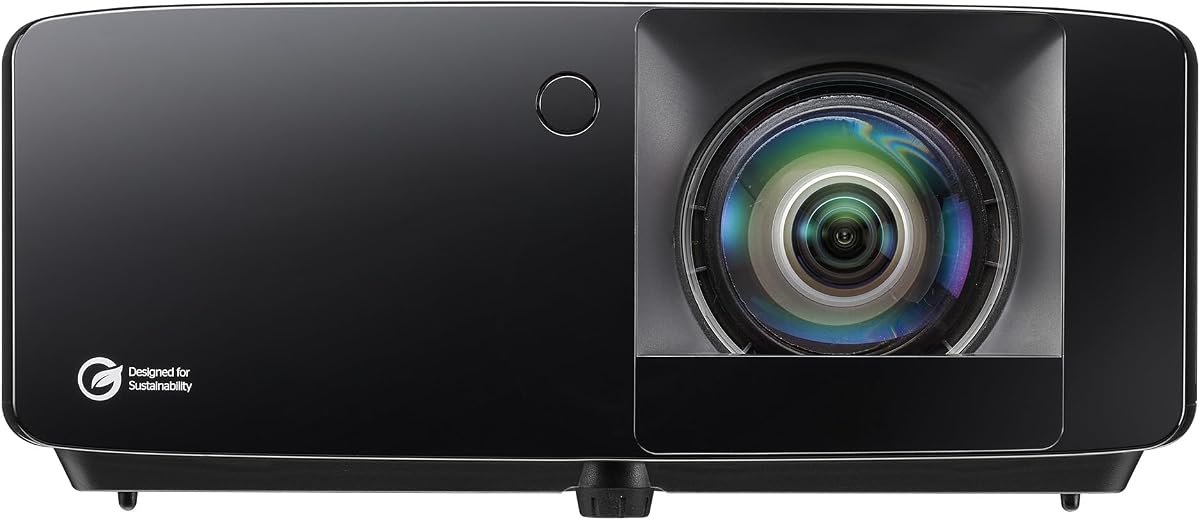
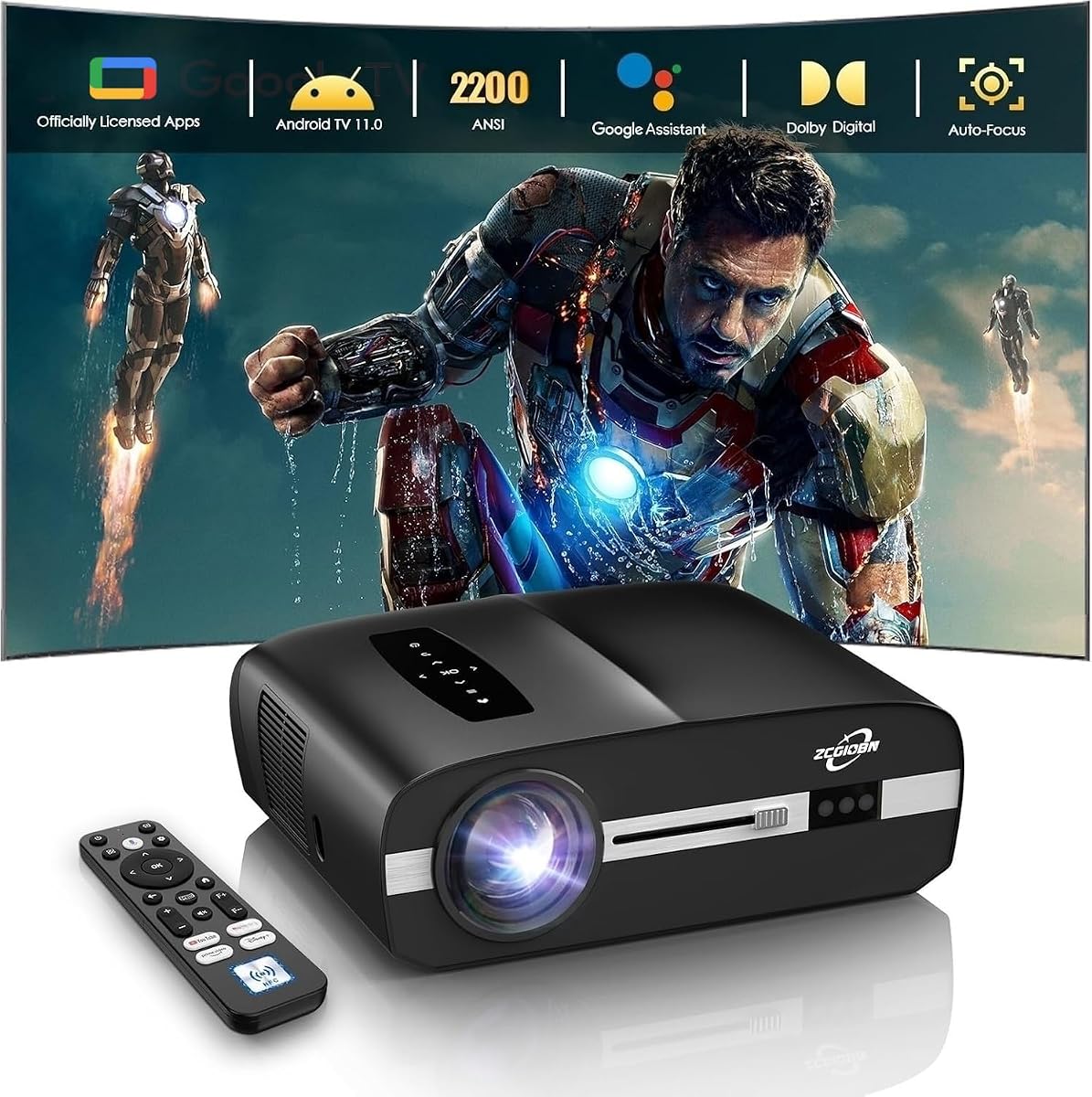


The BenQ AH700ST is a robust choice for golf simulators featuring 4000 ANSI lumens and Full HD resolution to deliver clear visuals even in well lit environments.
We may earn a commission when you buy through this link, at no additional cost to you.
Its dedicated golf picture mode enhances greens and fairways while the short throw ratio allows placement close to the screen without obstructing the swing path.
Although it lacks native 4K resolution the color accuracy and brightness make it a reliable option for serious players who prioritize visibility over ultra high detail.
We recommend this projector for home setups where space is limited and you need a dependable laser source that minimizes maintenance over years of use.
The high brightness ensures you can see details clearly even with lights on which is crucial for daytime simulation sessions.
Short throw capability means you can project a large image from a short distance keeping the projector safe from stray balls.
We may earn a commission when you buy through this link, at no additional cost to you.
The BenQ TH671ST offers an excellent entry point for golf simulators with 3000 lumens and Full HD resolution at a competitive price range.
We may earn a commission when you buy through this link, at no additional cost to you.
Its ultra low input lag ensures responsive feedback during swing analysis while the short throw design helps maximize space in smaller rooms or garages.
While it uses a traditional lamp instead of laser it still provides impressive contrast and color accuracy for the price making it a strong value pick.
This model is ideal for beginners or those on a budget who want a reliable projector capable of handling both gaming and simulation tasks effectively.
The low input lag and high refresh rate make it suitable for interactive games beyond golf ensuring smooth motion without blur.
You can project a 100 inch screen from just five feet away making it easy to set up in various home environments.
We may earn a commission when you buy through this link, at no additional cost to you.
The BenQ LK936ST stands out as a premium choice with native 4K resolution and 5100 ANSI lumens delivering unmatched clarity for high end golf simulators.
We may earn a commission when you buy through this link, at no additional cost to you.
Its short throw ratio combined with lens shift allows for precise placement while the laser source ensures consistent brightness over 20000 hours of use.
While expensive the image quality and durability justify the investment for professional setups or enthusiasts who demand the best visual fidelity available today.
We suggest this model for users who need to project in bright environments and want every blade of grass to appear vivid and true to life.
4K resolution reveals fine details in textures and landscapes making the virtual course feel incredibly realistic and immersive.
The long lasting laser light source means you won't need to replace lamps frequently saving time and maintenance costs over years.
We may earn a commission when you buy through this link, at no additional cost to you.
The Optoma GT3900UHD is engineered for small spaces with a 0.496 throw ratio that keeps projectors safely out of the swing zone while maintaining a large image.
We may earn a commission when you buy through this link, at no additional cost to you.
It features True 4K resolution and HDR compatibility which enriches colors and contrast to provide a lifelike simulation experience for serious golf enthusiasts.
The DuraCore laser technology supports up to 30000 hours of use ensuring long term reliability without the need for frequent maintenance or lamp replacements.
This projector is perfect for setups where ceiling mounting is difficult and you need an ultra short throw device that still delivers high fidelity visuals.
The short throw design maximizes room space by projecting a massive image from a very short distance away from the screen.
With low input lag this model supports smooth gaming performance ideal for interactive golf simulators and fast paced video games.
We may earn a commission when you buy through this link, at no additional cost to you.
This versatile 4K projector brings smart TV features and auto alignment to the golf simulator market at a very accessible price point for home users.
We may earn a commission when you buy through this link, at no additional cost to you.
It includes a sealed optical engine to protect against dust which is crucial in environments with potential debris from golf swings or indoor activities.
While it is not a short throw model the flexibility in placement allows for ceiling mounting or desk setups provided you account for shadow casting and clearance.
We recommend this for users who want a full smart entertainment hub that can switch between golf simulation and streaming movies without extra devices.
Built in Google TV allows you to access streaming apps directly without needing a separate media player or HDMI source.
The fully sealed optical engine helps maintain brightness stability and protects internal components from dust common in garage setups.
We may earn a commission when you buy through this link, at no additional cost to you.
The BenQ TH575i combines high brightness with Google TV integration to deliver a versatile entertainment solution that fits well into a home golf setup.
We may earn a commission when you buy through this link, at no additional cost to you.
Its 3800lm brightness ensures clear images even with ambient light on which is helpful for daytime sessions when natural light fills the room.
While it is a general home projector the low input lag and sport modes make it adaptable enough for casual simulation use without major compromises.
This model is best for those who prioritize smart features and brightness over extreme resolution and want an easy plug and play setup.
The included licensed Google TV dongle gives you instant access to popular streaming services without extra hardware.
High brightness ensures visibility even in rooms that are not fully darkened which is common in residential garages.
We may earn a commission when you buy through this link, at no additional cost to you.
The BenQ LU935ST is a professional grade projector with WUXGA resolution and high brightness making it suitable for large scale indoor training centers.
We may earn a commission when you buy through this link, at no additional cost to you.
Its short throw ratio and extensive lens shift allow for flexible installation in spaces where ceiling mounting is restricted by structural constraints.
While designed for presentations the high brightness and contrast ensure that simulation software renders clearly even in environments with significant ambient light.
We suggest this for commercial installations where reliability and brightness are more critical than consumer level smart features or cost efficiency.
5500 ANSI lumens ensures clear visuals even in large well lit rooms or conference spaces often used for group training sessions.
Lens shift allows for image alignment without physical movement of the projector simplifying installation in complex architectural spaces.
We may earn a commission when you buy through this link, at no additional cost to you.
The BenQ W4100i offers a cinematic experience with 4K resolution and wide color coverage which enhances the visual depth of virtual golf courses.
We may earn a commission when you buy through this link, at no additional cost to you.
Its lens shift and zoom flexibility allow for ceiling mounting which keeps the unit out of the swing path and provides a clean installation.
While it is not a short throw model the image quality and smart features make it a great hybrid for rooms that serve multiple entertainment purposes.
This model is ideal for users who want a high end home theater projector that can also handle golf simulation with excellent color accuracy.
100% DCI-P3 coverage ensures vibrant and accurate colors making the virtual course look more lifelike and engaging.
Lens shift allows for ceiling mounting even if the projector is not perfectly centered on the screen which saves floor space.
We may earn a commission when you buy through this link, at no additional cost to you.
The ViewSonic LS740W stands out for its 5500 ANSI lumens brightness and dedicated golf mode that enhances greens for a more authentic course feel.
We may earn a commission when you buy through this link, at no additional cost to you.
It uses a long lasting laser source and supports large screen sizes which are beneficial for high end facilities or large residential training centers.
While the resolution is lower than some competitors the extreme brightness makes it a viable option for very bright environments where visibility is key.
We recommend this for commercial settings or very large rooms where high brightness and durability are more important than ultra high resolution details.
The specialized Golf Mode boosts greens and blues to improve visual clarity and immersion during virtual play.
5500 ANSI lumens ensure that the image remains vivid even in expansive rooms with significant natural or artificial light.
We may earn a commission when you buy through this link, at no additional cost to you.
The GoSports Projector Cover provides essential protection for your simulator projector allowing floor placement without costly ceiling mounting hardware.
We may earn a commission when you buy through this link, at no additional cost to you.
Made from durable HDPE and a polycarbonate panel it shields the projector from mishits and stray balls while maintaining airflow through included vents.
While not waterproof it is designed for indoor use where the main risk is physical impact rather than moisture so it is a practical safety addition.
This accessory is perfect for setups where ceiling mounting is difficult or expensive and you need a reliable way to protect your investment.
The polycarbonate panel acts as a shield against balls preventing damage to the projector lens or body during vigorous play.
No assembly is required and you can place the cover over your projector and route cables through the side vents instantly.
We may earn a commission when you buy through this link, at no additional cost to you.
Selecting the right projector involves evaluating brightness resolution throw ratio and connectivity to match your specific indoor golf simulation needs.
Brightness is measured in lumens and determines how visible the image is in lit rooms. For golf simulators aim for at least 3000 lumens to ensure clarity even when lights are on.
Higher brightness helps maintain image quality during the simulation session without requiring a dark environment.
The throw ratio defines how far the projector must be from the screen. Short throw projectors are ideal for golf simulators as they allow placement close to the screen to avoid swing interference.
Look for ratios below 1.0 for better flexibility in small spaces.
Resolution impacts how sharp and detailed the image appears. Full HD is a minimum standard while 4K offers superior detail for realistic course visuals.
Higher resolution is beneficial if you want to see grass textures and ball flight paths clearly.
Input lag refers to the delay between an action and its display on screen. For golf simulators low input lag is crucial to ensure real time feedback during swings.
Look for models specifically marketed for gaming to ensure fast response times.
Laser light sources generally last longer and maintain consistent brightness compared to traditional lamps. This reduces maintenance costs over the life of the projector.
Consider models with 20000+ hour lifespans for long term durability.
Ensure the projector has the necessary HDMI or USB ports to connect your golf simulator computer or console. Some models also offer wireless options for added convenience.
Multiple inputs allow flexibility if you plan to use other devices with the projector.
Projectors can generate heat and noise during operation which may distract during a game. Check fan noise ratings to ensure a quiet experience.
Proper ventilation is key to managing heat especially in enclosed spaces.
Prices vary significantly based on features and performance. Determine your budget and prioritize features like brightness or resolution that matter most to your setup.
Investing in a mid range model often offers the best balance of cost and performance.
Proper placement is critical for a golf simulator. Position the projector where it does not obstruct the swing path and aligns correctly with the screen using keystone correction if needed.
Regular cleaning of the lens and ventilation slots helps maintain brightness and prevents overheating. Use a soft cloth and avoid harsh chemicals when wiping surfaces.
Update firmware periodically to ensure compatibility with your simulator software. Keep the firmware updated to fix bugs and improve performance over time.
A short throw ratio under 1.0 is typically best for golf simulators because it allows the projector to be placed closer to the screen reducing the risk of interference with the golfer's swing path.
While 4K offers superior detail a high quality 1080p projector can still provide an excellent experience. Prioritize brightness and input lag if you have a limited budget.
Yes but you must ensure it has low input lag and sufficient brightness. Standard projectors without gaming features may introduce delay that affects the simulation realism.
For a garage or bright room choose a projector with at least 3000 lumens. Higher brightness ensures the image remains clear even with ambient light on during the day.
Input lag is the delay between your action and the on screen response. Low input lag is vital for golf simulators to ensure your movements are reflected instantly.
Laser projectors generally offer longer lifespans and consistent brightness compared to lamp models. They require less maintenance and are often more energy efficient for regular use.
We have reviewed ten top models ranging from budget friendly options to premium 4K choices. Each offers unique benefits depending on your space and performance needs.
Prioritize brightness and throw ratio when making your decision to ensure a smooth and realistic golfing experience. Features like input lag and connectivity are also important considerations.
Prices and availability change so verify current offers before purchasing. With the right projector your home simulator can provide endless hours of practice and entertainment.