
Redragon S101-3 PRO Gaming Keyboard and Mouse
4.5Editor score
RGB backlit programmable keyboard
Value combo set
Independent macro record keys
Explore our expert comparison of the top Baldurs Gate 3 Keyboard and Mouse combos for immersive gameplay and precise control in every session.
Finding the right Baldurs Gate 3 Keyboard and Mouse can transform your gaming experience by ensuring precise inputs during intense combat and exploration.
We compared ten highly rated combos based on ergonomics, durability, lighting, and responsiveness to help you find the perfect setup for your adventures.
Each pick highlights key strengths and trade-offs so you can choose confidently. Keep in mind that prices and availability may change over time.
4.5Editor score
4.4Editor score

4.2Editor score
The following table provides a side-by-side overview of all ten selected combos to help you quickly compare their core specifications and standout features.


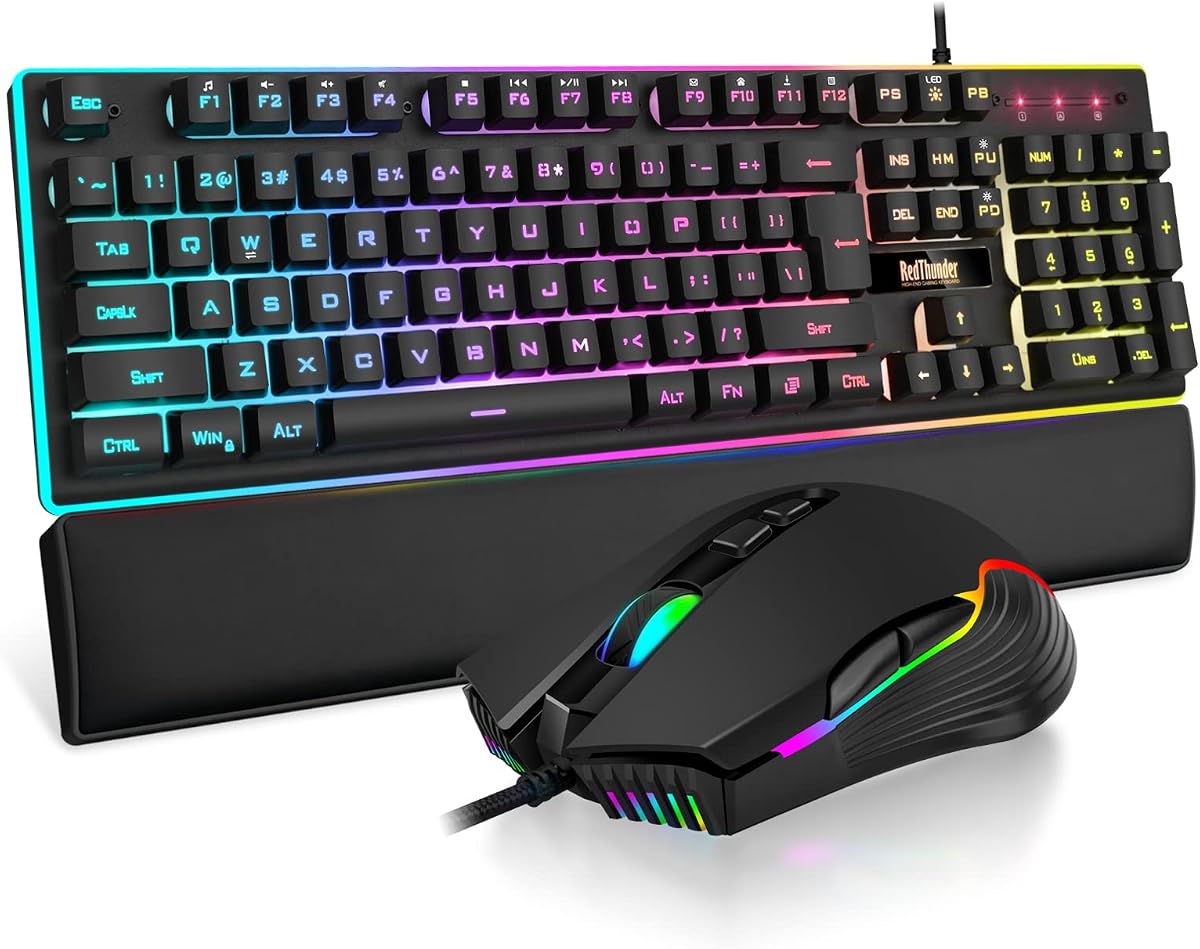
The RedThunder K10 Wired stands out with a professional gaming layout and high-precision optical sensor that ensures accurate cursor control during intense battles.
We may earn a commission when you buy through this link, at no additional cost to you.
Its built-in steel plate and mechanical feel keys provide durability and tactile feedback, while the soft leather wrist rest reduces fatigue during long gaming sessions.
While it lacks wireless flexibility, the robust construction and customizable RGB lighting make it a reliable choice for fixed gaming setups.
Players seeking a sturdy, feature-rich combo with ergonomic support will find this set delivers excellent value and performance.
The soft leather wrist rest with memory foam offers extra relaxation to minimize hand strain over extended use.
With 7200 DPI and 12000fps scan rate, the mouse meets fast browsing and gaming demands effectively.
We may earn a commission when you buy through this link, at no additional cost to you.
This complete wired set offers premium features without a premium price, making it ideal for first-time gamers and budget-conscious users.
We may earn a commission when you buy through this link, at no additional cost to you.
The RGB backlit keyboard and high-precision mouse provide everything needed for gaming and work, with customizable lighting and macro keys for competitive edges.
Quiet membrane keys ensure comfort during marathon sessions, though they may not offer the same tactile feedback as mechanical switches.
Anyone seeking a durable, responsive upgrade from basic peripherals will find this combo delivers reliable performance at an accessible price point.
Intuitive software allows easy customization of colors, brightness, and patterns to match your style.
Built to last with anti-ghosting and tested performance ensuring seamless compatibility with major PCs.
We may earn a commission when you buy through this link, at no additional cost to you.
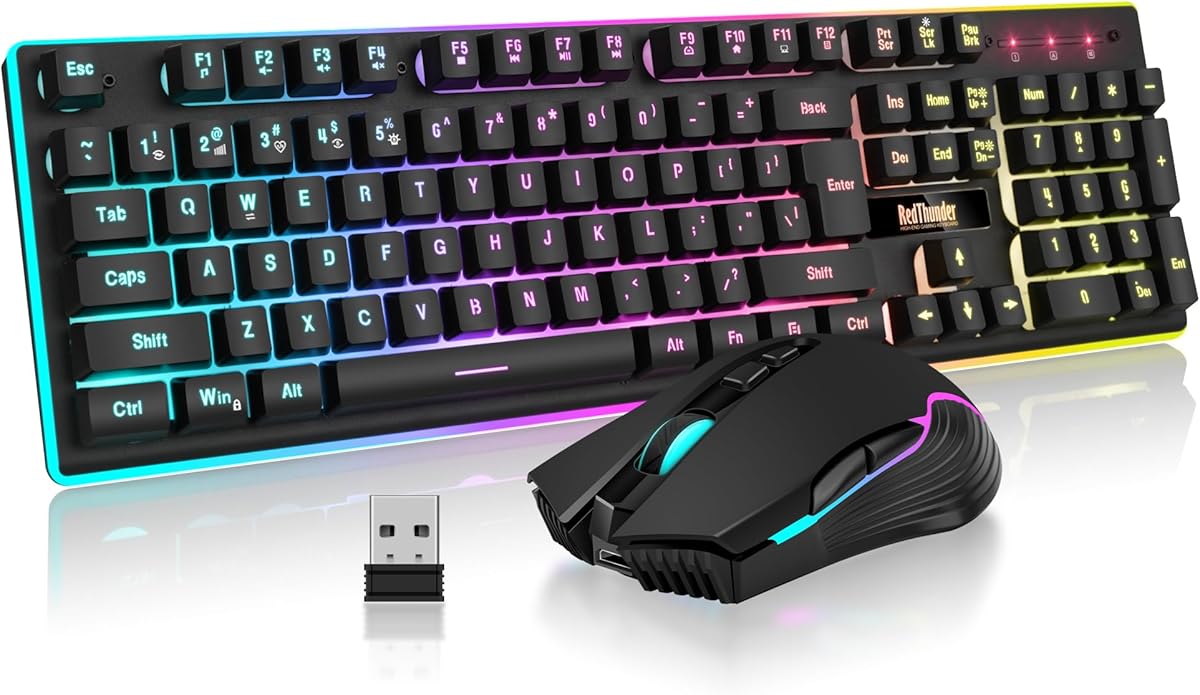
This wireless combo delivers cleaner, tidier workspaces with a reliable 2.4G connection and rechargeable convenience for both keyboard and mouse.
We may earn a commission when you buy through this link, at no additional cost to you.
Personalized RGB lighting and silent operation enhance immersion and comfort, while the ergonomic wrist rest and phone holder add practical versatility.
Users may need to charge devices occasionally, but the absence of disposable batteries reduces long-term hassle and cost.
It is an excellent choice for those wanting wireless flexibility and style without sacrificing essential gaming or productivity features.
A 10m range allows you to type from a distance or in a more comfortable position without cables.
Quiet operation reduces noise significantly so you can focus on work or games without distractions.
We may earn a commission when you buy through this link, at no additional cost to you.
This rechargeable wireless combo balances work and games with a stable 2.4G transmission and mechanical feel keys for responsive input.
We may earn a commission when you buy through this link, at no additional cost to you.
The durable design and long battery life support extended use, while LED backlighting enhances visibility and aesthetics in low-light environments.
Occasional connection resets may be required, but overall performance remains solid for gaming and everyday tasks.
Users wanting wireless flexibility without sacrificing mechanical key feedback will appreciate its versatility and long-lasting power.
Long battery life with smart energy-saving functions allows continuous use for hours after full charge.
Keys have 10 million keystrokes lifetime ensuring long service life with frosted metal cover protection.
We may earn a commission when you buy through this link, at no additional cost to you.
This compact set offers comfortable ergonomic design and professional mechanical feel suitable for work or gaming without taking up much space.
We may earn a commission when you buy through this link, at no additional cost to you.
Cool visual effects with LED backlit and breathable mouse lights create a gorgeous look, while multiple DPI levels adjust sensitivity to your needs.
No driver installation is required, making it easy to use across various devices including Android TV boxes and Raspberry Pi.
If you need a portable, reliable combo that is quick to set up and use across multiple platforms, this set fits well.
Its compact design and wide compatibility make it ideal for travel and multi-device users seeking simplicity.
Ergonomic features help release hands from fatigue during prolonged usage for better user experience.
We may earn a commission when you buy through this link, at no additional cost to you.
Featuring a 104-key full-size layout and RGB LED backlight with multiple modes, this combo offers customizable aesthetics and functional design.
We may earn a commission when you buy through this link, at no additional cost to you.
The ergonomic design with floating keycaps and high-resolution mouse supports comfortable typing and accurate movement for various tasks.
Waterproof cables and engineering plastic enhance durability, though the mouse design remains simple compared to premium gaming options.
It is a solid choice for users prioritizing ergonomic comfort and customizable lighting at a budget-friendly price.
8 light colors, 5 modes, and adjustable brightness allow you to personalize the look easily.
Scientific key layout and non-slip pads help reduce fatigue during prolonged use.
We may earn a commission when you buy through this link, at no additional cost to you.
Designed with high-contrast large print keys, this combo helps users who have trouble seeing standard keyboards type more easily and accurately.
We may earn a commission when you buy through this link, at no additional cost to you.
Adjustable 7-color backlight and ergonomic features reduce hand fatigue, while silent wired operation supports comfortable typing in various environments.
Though not aimed at hardcore gamers, its clear visibility and reliability suit office work, seniors, and visually impaired users.
Anyone needing better visibility and ergonomic comfort will find this set a thoughtful and practical solution.
Larger characters in bold fonts help users identify keys quickly without straining their eyes.
Ergonomic design with stand and wrist rest support comfortable typing positions for long periods.
We may earn a commission when you buy through this link, at no additional cost to you.
This set features a rainbow backlit keyboard and includes a mouse pad to enhance comfort and provide extra space during gaming or work.
We may earn a commission when you buy through this link, at no additional cost to you.
The built-in steel plate improves durability, while adjustable DPI allows sensitivity customization for different tasks and environments.
Although mouse ergonomics are basic, the overall package offers solid value with reliable performance across many operating systems.
Users wanting a budget-friendly combo with extra comfort accessories will appreciate this well-rounded set.
Inclusion of a mouse pad improves movement space and comfort without extra cost.
Built-in steel plate resists falls and ensures long-lasting keyboard performance.
We may earn a commission when you buy through this link, at no additional cost to you.
This combo offers large print keys and quiet low-profile design ideal for office environments and extended typing sessions.
We may earn a commission when you buy through this link, at no additional cost to you.
Integrated wrist rest and ergonomic design help reduce fatigue, while multimedia hotkeys and adjustable RGB lighting add convenience.
Although designed primarily for office use, its comfort features and visibility support various professional tasks well.
Users working long hours who need clarity and comfort will find this set practical and reliable.
Quiet keys and ergonomic support minimize distractions and strain during daily work tasks.
Oversized keys improve identification and typing accuracy for users who need better contrast.
We may earn a commission when you buy through this link, at no additional cost to you.
Designed with 4X larger print characters, this combo helps seniors and students type accurately while reducing typing fatigue.
We may earn a commission when you buy through this link, at no additional cost to you.
The integrated palm rest and adjustable tilt stand improve posture and comfort, while 7-color backlight supports typing in dim environments.
Though wired, its ergonomic design and large keys make it ideal for work, study, and everyday tasks.
Anyone needing enhanced accessibility and ergonomic comfort will find this thoughtful and practical choice.
Adjustable palm rest and foldable stand help reduce wrist fatigue during long sessions.
Large characters and simple plug and play connectivity make setup quick for all users.
We may earn a commission when you buy through this link, at no additional cost to you.
Selecting the right keyboard and mouse for Baldurs Gate 3 requires balancing ergonomics, responsiveness, durability, and features that suit your playing style and setup.
Because Baldurs Gate 3 involves long sessions of exploration and combat, ergonomic keyboards with wrist rests or adjustable tilt can significantly reduce hand and wrist fatigue.
Choose designs that support your natural hand posture to maintain comfort during extended use.
Mechanical or mechanical-feel keyboards offer tactile feedback that can improve typing accuracy and gaming response compared to membrane keys.
If you prefer quiet operation, membrane or low-profile keys may be better suited for shared spaces.
A mouse with adjustable DPI settings allows you to customize cursor sensitivity for precise aiming or faster navigation depending on the situation.
Higher DPI and scan rates provide smoother tracking, which is valuable for fast-paced combat encounters.
Baldurs Gate 3 often requires pressing multiple keys simultaneously for skills or movement, so anti-ghosting ensures all inputs are registered accurately.
Look for sets that support multiple simultaneous key presses to avoid missed commands during intense moments.
Wired connections offer stable input with no latency, while wireless options provide flexibility and reduce desk clutter.
If you choose wireless, ensure reliable transmission and adequate battery life to avoid interruptions during gameplay.
RGB backlighting can enhance immersion and visibility in dark environments, with customizable lighting effects adding personal style.
Consider whether you value aesthetic features or prefer minimal lighting for focused work environments.
A durable keyboard with metal reinforcement or high-quality plastics will withstand prolonged use and prevent wear over time.
Check for reinforced construction and warranty coverage to ensure your investment lasts through many gaming sessions.
Ensure the combo supports your operating system and includes useful extras like multimedia keys or phone holders if you need multi-device functionality.
Additional features can improve convenience, but prioritize core performance to match your primary needs.
Begin by connecting the keyboard and mouse to your computer via USB or wireless receiver to enable plug-and-play functionality.
Adjust DPI settings on the mouse to match your preferred sensitivity for navigation and precise control during gameplay.
Clean keys and mouse regularly with a soft cloth to remove dust and maintain responsive performance over time.
Mechanical keyboards provide tactile feedback and faster response, which can improve gaming precision. However, membrane keyboards are quieter and more affordable, so choose based on your preference for feedback versus noise.
A DPI between 1200 and 3200 suits most players, balancing cursor speed and control. Adjust based on your mouse pad size and personal comfort for comfortable movement.
Yes, modern wireless combos with 2.4G connections offer stable performance with minimal latency. Ensure batteries are charged regularly to avoid interruptions during play.
Anti-ghosting ensures multiple key presses register simultaneously, which is vital for combining movement and actions. This prevents missed inputs during complex combat scenarios.
Ergonomic features like wrist rests and adjustable keys reduce strain and fatigue over time. They are recommended for comfort during extended gaming or work periods.
Absolutely, most gaming combos are versatile for productivity. Silent or low-profile options are better for office environments to minimize noise while maintaining performance.
Regular cleaning with a soft cloth and avoiding spills will prolong their lifespan. Store them properly when not in use to prevent wear or damage.
RGB adds style and visibility but may distract some users. Choose based on your preference for aesthetics versus simplicity depending on your setup goals.
The RedThunder K10 Wired leads as the top pick with high precision and ergonomic comfort, ideal for serious players.
Consider your budget and whether wireless freedom or durability matters most when selecting the right combo for your setup.
Check current prices and availability to ensure you get the best value for your gaming and work needs today.