
Blackmagic Design Mini Converter Audio to SDI 2
4.9Editor score
Redundant SDI Inputs
Auto Switching Support
Compact Mini Design
This guide compares the top audio to Sdi embedder options available in October 2026 for professional video production and broadcast workflows requiring
Professional video production requires seamless integration of audio and video signals. An audio to Sdi embedder ensures high quality sound travels with your video stream without sync issues or signal loss during live events or recording sessions.
We evaluated ten top models based on video resolution support, audio channel capacity, and reliability features. Our analysis covers budget friendly units and premium converters designed for critical broadcast environments where downtime is not an option for any production team.
Each selection highlights specific strengths like redundant inputs or ultra low latency. Prices and availability change frequently so verify current details before purchasing. This list helps you find the right tool for your specific workflow and budget constraints today.
4.9Editor score

4.5Editor score

3.8Editor score
The following table provides a side by side comparison of all ten models reviewed in this guide. You can quickly see the key specifications and capabilities of each unit to determine which fits your specific production needs.




This model stands out as a top choice for professional workflows due to its exceptional reliability rating. It offers critical features like redundant inputs ensuring your signal never drops during important broadcasts.
We may earn a commission when you buy through this link, at no additional cost to you.
The auto switching capability handles format changes seamlessly without manual intervention. This feature is vital for live events where video formats might shift unexpectedly during a broadcast event or presentation session.
While it lacks some high end features like 4K support its focus on stability makes it ideal for standard SD HD workflows. The compact size allows easy integration into any rack or desk setup without taking up much space.
Anyone needing a dependable converter for professional use should consider this unit highly. Its high user satisfaction and robust features ensure your audio embeds smoothly into your video signal every single time reliably.
Redundant inputs protect against cable failure during live events.
Small form factor fits easily into any production setup.
We may earn a commission when you buy through this link, at no additional cost to you.
This unit is a solid budget friendly option for those needing robust SDI conversion. It includes features like universal power supplies making it great for international travel or mobile production teams.
We may earn a commission when you buy through this link, at no additional cost to you.
The support for a huge range of video standards ensures compatibility with older cameras and monitors. It automatically switches between standard and high definition formats as your video source changes during use.
Future format compatibility is maintained through USB upgrades which is a great forward looking feature. However it does not support newer 4K workflows so check your resolution needs before buying this model.
Ideal for broadcast or live events needing redundancy without the premium cost. Its strong performance and affordable price make it a top pick for cost conscious professionals requiring reliability.
Includes international adapters for use anywhere in the world.
USB connection allows loading new formats for future compatibility.
We may earn a commission when you buy through this link, at no additional cost to you.
This premium converter supports up to 12G-SDI for ultra high resolution workflows. It accepts professional AES/EBU audio and optical inputs giving you flexibility for high quality sound integration.
We may earn a commission when you buy through this link, at no additional cost to you.
The auto switching between SD HD 2K and 4K ensures you never need to manually adjust settings. This makes it perfect for studios dealing with mixed resolution feeds daily.
One notable feature is the ability to configure an XLR connector for timecode input which is rare. However the high price tag means it is best reserved for dedicated professional environments.
Buy this if you need 4K support and professional audio inputs. It is a top choice for facilities requiring the highest video resolution and robust audio embedding capabilities.
Handles 12G-SDI for 4K and Ultra HD production.
Balanced AES/EBU inputs ensure pristine sound quality.
We may earn a commission when you buy through this link, at no additional cost to you.
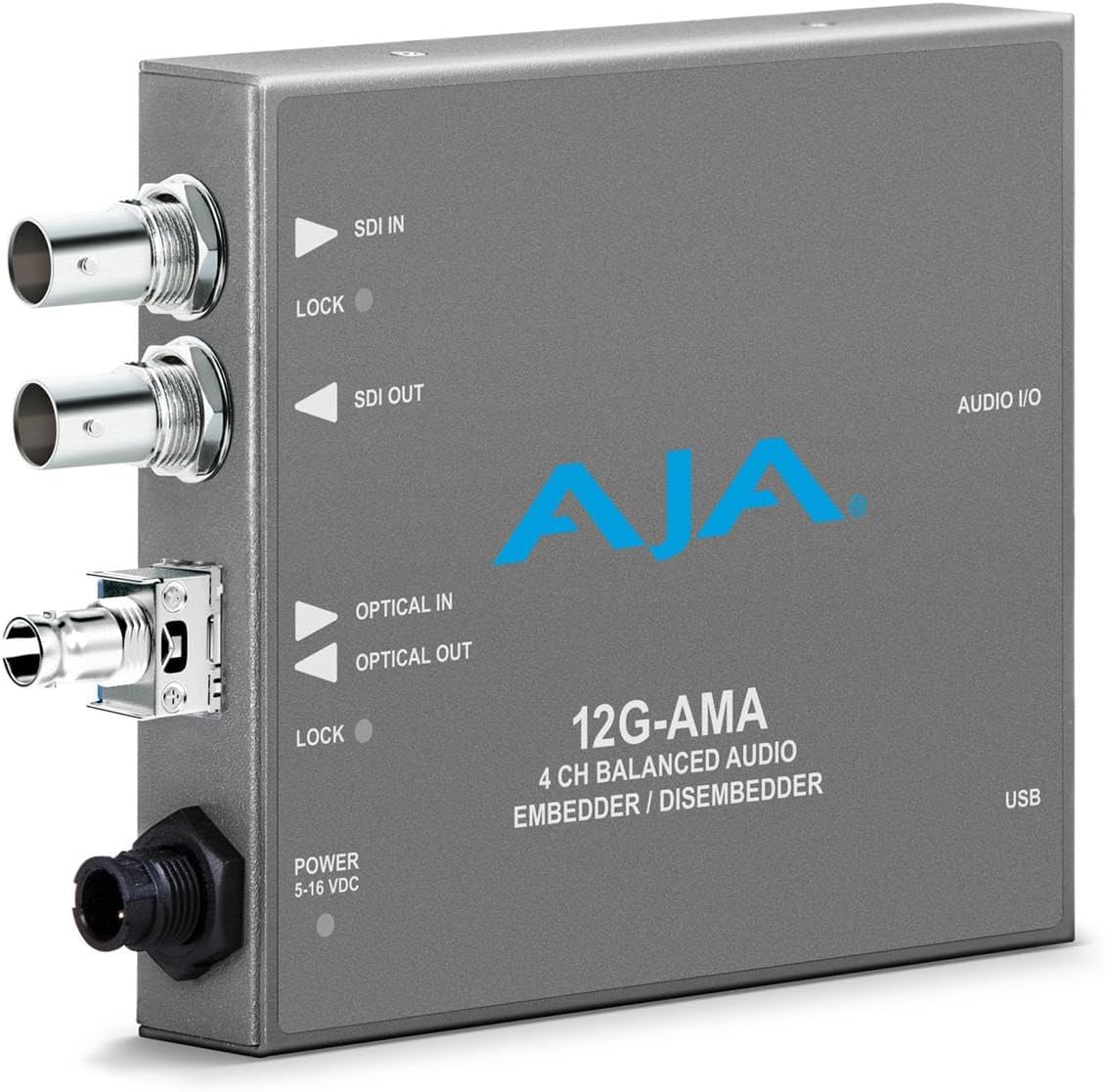
This unit from AJA is built for high end 12G-SDI workflows. It supports fiber options which are essential for long distance signal transmission in large studios or complex production environments.
We may earn a commission when you buy through this link, at no additional cost to you.
The balanced audio embedding ensures high quality sound travels with your video stream reliably. This model is designed for professionals who need precise control over both audio and video signals.
While it is a powerful tool the lack of customer ratings means you rely on brand reputation. It is best suited for enterprise level production teams with specific fiber connectivity requirements.
Consider this if you need fiber options and balanced audio. It offers top tier performance for high end environments that require robust signal handling capabilities.
Supports fiber options for long distance signal runs.
Ensures clean audio embedding without interference.
We may earn a commission when you buy through this link, at no additional cost to you.
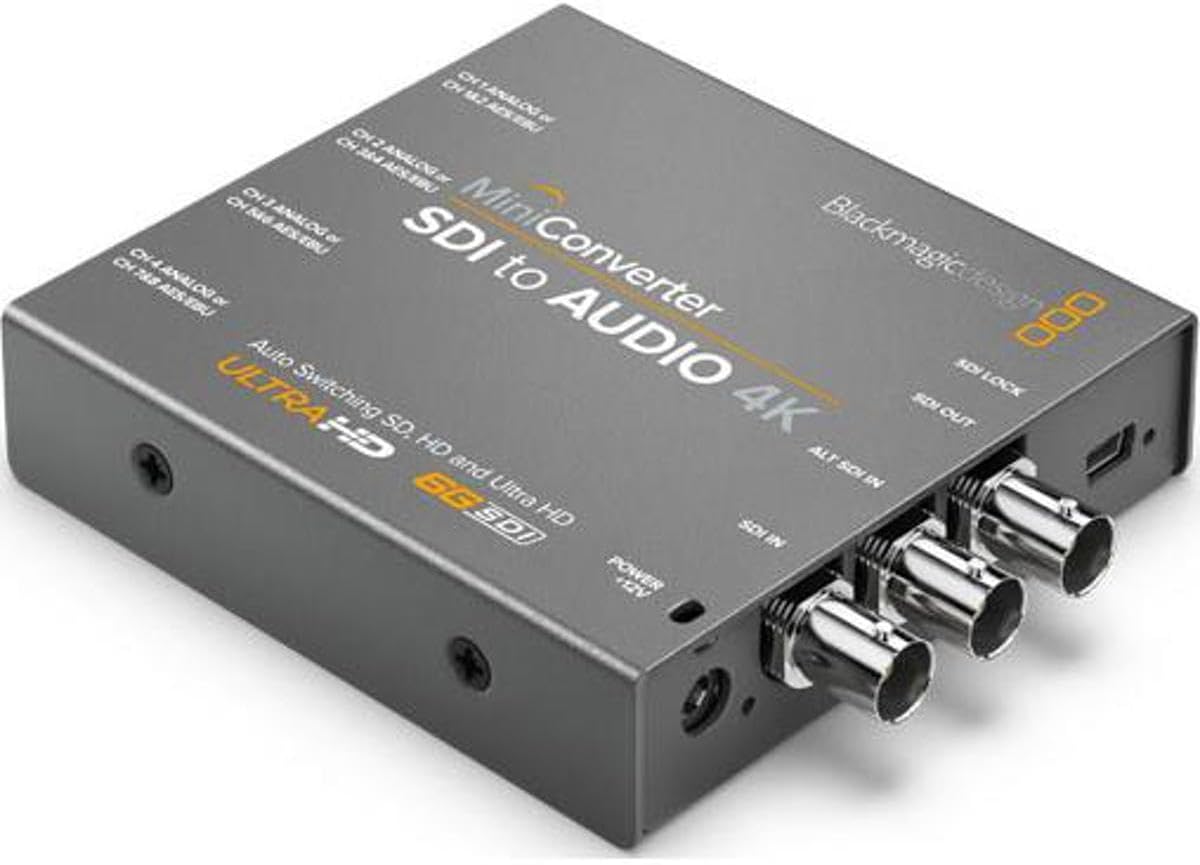
This converter is designed specifically for extracting audio from SDI signals. It works with a universal power supply making it easy to use in various locations without adapter issues.
We may earn a commission when you buy through this link, at no additional cost to you.
The compact design fits easily into any rack setup. It provides reliable extraction of audio channels for monitoring or recording purposes during live production.
Note that this model is for de-embedding only and not embedding. Ensure you need audio extraction specifically before purchasing as it does not create SDI from analog.
Great for engineers who need to monitor audio on site. It is a reliable tool for extracting sound from video signals efficiently and consistently.
Extracts audio from SDI for monitoring or recording.
Universal adapter lets you use it anywhere.
We may earn a commission when you buy through this link, at no additional cost to you.
This unit converts SDI video signals to analog outputs for legacy displays. It can also de-embed SDI audio to balanced analog or AES/EBU outputs for professional use.
We may earn a commission when you buy through this link, at no additional cost to you.
The dual conversion capability makes it versatile for connecting modern cameras to older monitors or mixers. Its compact form factor ensures it takes up minimal space on your desk.
While it is a great tool for outputs it does not support embedding analog into SDI. This limitation means it serves specific workflow needs involving playback or monitoring.
Choose this for converting SDI to analog video and audio. It is ideal for bridging the gap between modern and legacy equipment in your studio.
Converts both video and audio from SDI to analog.
Saves space on your crowded production desk.
We may earn a commission when you buy through this link, at no additional cost to you.
This model supports 4K SDI inputs for high resolution de-embedding. It provides both analog and AES/EBU audio outputs giving you flexibility in how you monitor sound.
We may earn a commission when you buy through this link, at no additional cost to you.
Redundant inputs ensure reliability by switching to a backup cable if the main one fails. This is critical for live events where signal loss is not an option.
The device automatically matches SDI formats so you do not need to tweak settings often. It is a robust tool for engineers who need to extract audio from 4K feeds.
Buy this for 4K audio extraction and redundancy. It is perfect for high end broadcasts where audio reliability and resolution are top priorities for your team.
Switches to backup input if main cable is lost.
Handles audio extraction from 4K video feeds.
We may earn a commission when you buy through this link, at no additional cost to you.
This unit converts analog video sources to SDI output for modern systems. It allows you to embed audio from balanced AES/EBU or analog inputs directly into the signal.
We may earn a commission when you buy through this link, at no additional cost to you.
It accepts component NTSC and PAL signals making it useful for legacy camera integration. The embedded audio ensures your sound travels with the video without extra cabling.
While it handles many formats it is best for older analog sources. If your workflow relies on legacy equipment this converter bridges the gap to SDI networks.
Choose this for converting old cameras to SDI. It ensures your audio is properly integrated into the stream for better signal integrity.
Converts old video signals to modern SDI.
Embeds sound so you do not need extra cables.
We may earn a commission when you buy through this link, at no additional cost to you.
This AJA converter is designed for professional broadcasts with minimal delay. It supports up to 3G-SDI and features ultra low latency of 3.2 microseconds.
We may earn a commission when you buy through this link, at no additional cost to you.
You can customize audio levels via MiniConfig software for precise control. The 4 channel balanced analog I/O allows seamless integration of high quality audio into your video.
Its broad compatibility with formats like 1080p makes it versatile for various production needs. It is ideal for live broadcasts where synchronization is critical for success.
Buy this for low latency and precise audio control. It is a top choice for professionals who need real-time synchronization in their live video workflows.
Maintains sync with latency as low as 3.2 usec.
MiniConfig software allows detailed audio customization.
We may earn a commission when you buy through this link, at no additional cost to you.
This model converts professional analog or AES/EBU audio to SDI with 4K support. It ensures pristine sound quality with 24-bit audio sampling for high fidelity output.
We may earn a commission when you buy through this link, at no additional cost to you.
Redundant inputs automatically switch over if the main input is lost ensuring uninterrupted feeds. It supports a wide range of formats including 720p and 1080i/p.
Advanced signal processing like 4:4:4 sampling guarantees high color precision. It is a robust solution for 4K productions requiring reliable audio embedding.
Consider this for 4K video productions needing high fidelity audio. It guarantees uninterrupted feeds and pristine sound in your broadcast workflows.
24-bit sampling ensures pristine sound quality.
Redundant inputs ensure you never lose your signal.
We may earn a commission when you buy through this link, at no additional cost to you.
Selecting the right audio to Sdi embedder requires evaluating resolution support channel capacity and reliability features for your production workflow.
Ensure the unit supports your video format whether SD HD 2K or 4K. Some models like the Teranex Mini handle 12G-SDI while others focus on 3G or HD.
Match the embedder resolution to your camera and switcher capabilities for seamless integration.
Check how many audio channels the device can embed. Some units support 4 channels while others offer 8 channels of AES/EBU audio.
Select a model that meets your multi-track recording or broadcast requirements.
For critical events look for redundant SDI inputs that switch automatically if the main cable fails. This prevents signal loss during live broadcasts or important presentations.
Redundant inputs are a must-have for mission critical productions.
Live productions require ultra low latency to keep audio and video in sync. Devices like the AJA model specify latency levels as low as 3.2 microseconds.
Prioritize low latency specs if you are working with live streaming or broadcast.
Verify that the unit has the correct inputs like XLR AES/EBU or TOSLINK for your audio source. Also check for fiber options if you need long distance signal transmission.
Choose an embedder with the ports you need to avoid extra adapters.
Universal power supplies with international adapters are vital for mobile crews or overseas work. This ensures the device can run on local power without extra equipment.
Look for models that include robust power options for reliability in the field.
Some units allow firmware upgrades via USB to support future video formats. This extends the lifespan of your equipment as standards evolve over time.
Prioritize embedders that support software updates for long-term value.
Consider the size of the device and whether it fits your rack or desk setup. Mini converters are designed to be compact so you can run multiple units.
Ensure the physical design matches your workspace constraints.
Connect your analog or AES/EBU audio source to the embedder inputs using balanced XLR cables to ensure noise-free transmission. Then link the embedder output to your video switcher or monitor SDI port.
Set the device settings according to your video standard such as NTSC PAL or 1080p using the front panel or software tool. This ensures the audio matches the video format automatically.
Regularly inspect cables and connectors to prevent signal loss. Keep the device in a cool and dry environment to ensure long lifespan and optimal performance during production.
An audio to Sdi embedder combines analog or digital audio signals with video to send as one SDI stream. This is essential for professional broadcast and production workflows to ensure sound stays with video.
Yes some models like the Teranex Mini support 4K and 12G-SDI. Ensure you buy a unit that matches your resolution requirements if you are working with high definition content.
Redundant inputs allow the device to automatically switch to a backup cable if the main one fails. This protects your signal during critical live events where downtime is not acceptable.
If you travel internationally or work on mobile production a universal power supply is essential. It allows you to use the unit with local outlets without needing extra adapters.
Embedding combines audio into an SDI signal while de-embedding extracts audio from it. Ensure you buy the correct unit based on whether you need to add or remove audio.
High latency causes audio and video to fall out of sync which ruins live streams. Look for embedders with ultra low latency specs to maintain real-time synchronization.
The best pick for reliability is the Blackmagic Design Mini Converter Audio to SDI 2 due to its redundant inputs. For budget conscious teams the CONVMCAUDS offers great value and format support.
Prioritize resolution support and channel count based on your specific production needs. Whether you need 4K or just HD the right unit ensures your audio stays in sync.
Remember that availability and prices change so verify details before buying. Choose the embedder that fits your workflow for reliable and professional broadcast results.