
Standard 5ft 10 Amps 125 Volts Black 3 Prong AC Power Cord
4.7Editor score
Flexible 5ft length
Universal three prong plug
Durable molded design
This guide compares the top ten ASUS Monitor Power Cord Replacement options to help you choose the right adapter for your specific screen model quickly.
When your monitor loses power, finding the correct replacement cord is essential. A good adapter delivers stable voltage and matches the connector size perfectly to avoid damage.
We compared ten highly rated options based on compatibility, build quality, and safety features. Each entry supports common ASUS monitor models with reliable performance.
Every pick lists key specs and verified user feedback to simplify your choice. Remember that stock and availability may change so check current listings before ordering.
4.7Editor score

4.6Editor score

4.8Editor score
The following table shows every selected adapter side by side so you can compare connector types and wattage at a glance.

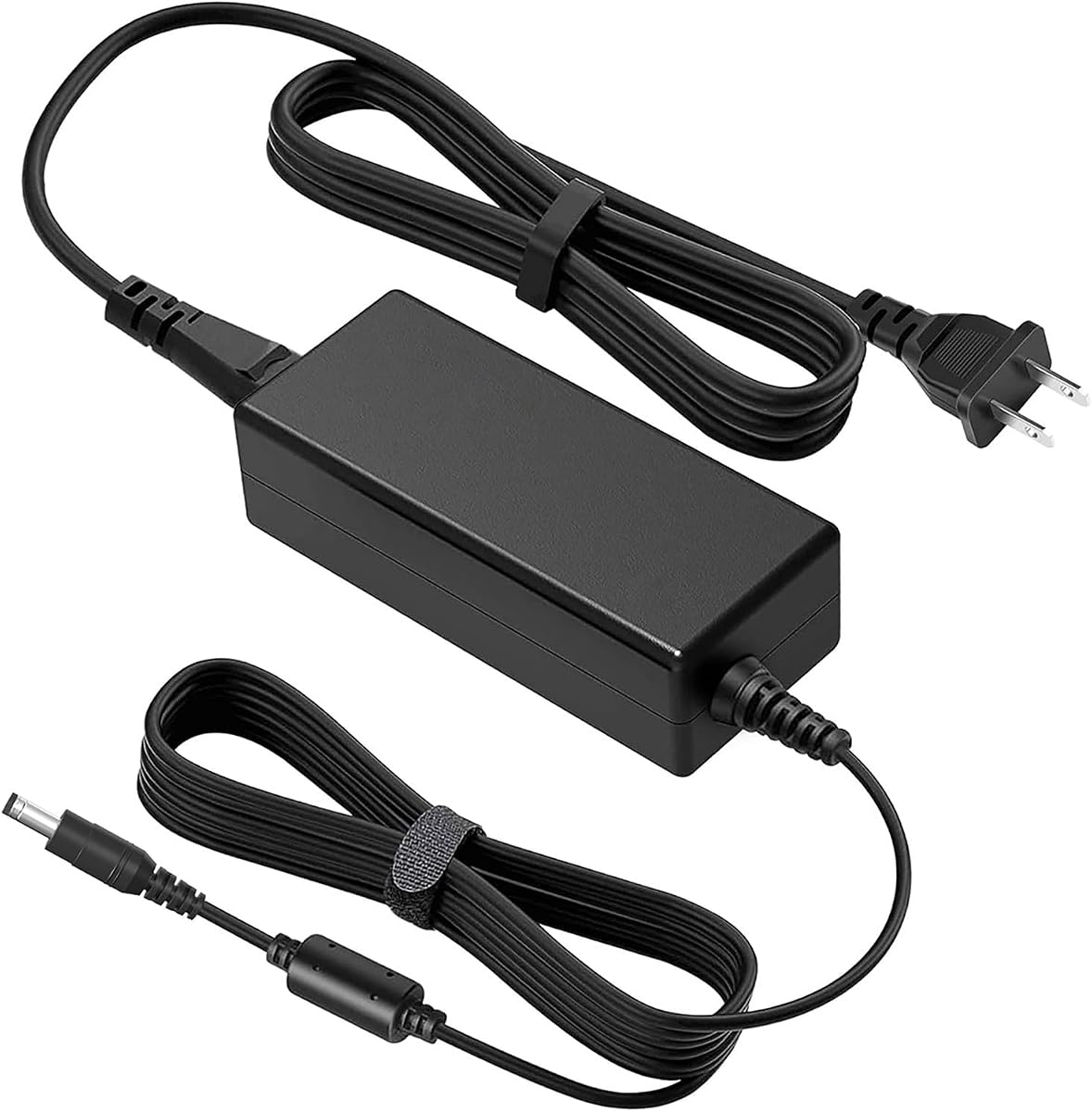


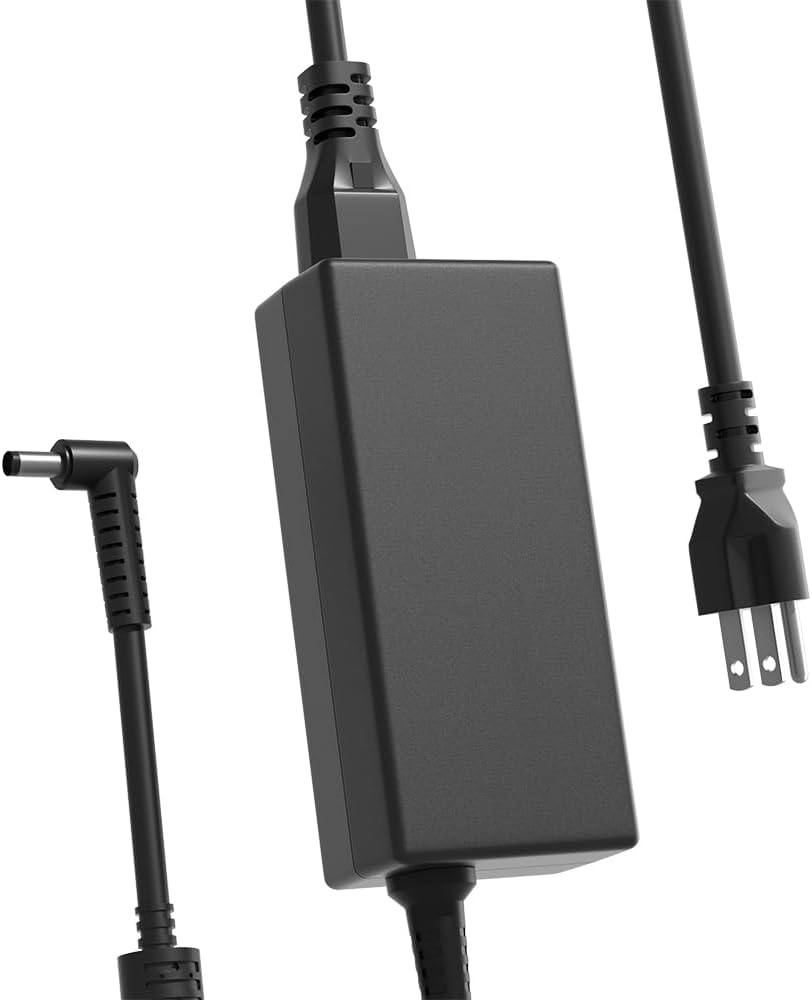


This adapter stands out for its broad compatibility across ASUS monitors ranging from 22 to 27 inches. It has a strong 4.8 rating and delivers up to 90W of power safely.
We may earn a commission when you buy through this link, at no additional cost to you.
The adapter uses a standard 5 by 2.5 millimeter connector that fits most classic models. Its high wattage headroom keeps voltage stable even during intensive use.
Buyers should verify their monitor requires 19V before ordering. It will not fit devices that use smaller tips or lower voltage standards.
Gamers and office workers alike will appreciate the reliability of this unit. Choose it when you need a durable upgrade that supports high refresh setups.
It works with VX VG and MX series screens plus older LG models.
The extra wattage ensures consistent brightness under heavy loads.
We may earn a commission when you buy through this link, at no additional cost to you.
This five foot power cord is a universal replacement for many monitors and devices. It carries a 4.7 rating and features a sturdy three prong plug.
We may earn a commission when you buy through this link, at no additional cost to you.
The cable uses a heavy duty gauge and molded design for long life. It replaces worn cables on any device with a standard three pin socket.
Note that this item is an AC power cord not a DC adapter. It must connect to a proper adapter that fits your monitor model.
Budget conscious buyers will find this cord a great spare to keep nearby. It ensures your setup stays powered even if the main line fails.
It fits PCs printers and TVs besides many monitors.
The cord bends easily without kinking or cracking.
We may earn a commission when you buy through this link, at no additional cost to you.
This adapter is a top rated choice for users who need reliable power for 22 to 27 inch screens. It has a 4.6 rating and provides up to 65W safely.
We may earn a commission when you buy through this link, at no additional cost to you.
The unit uses a 5.5 by 2.5 millimeter tip and meets FCC and CE standards. It also supports global voltage input for use in many regions.
Be sure to check your port size before buying. The adapter is not meant for models that use a smaller 4mm tip or USB-C input.
Gaming enthusiasts will like the ability to run cooler under load. This makes it a smart upgrade for setups that demand steady energy.
It restores power to ROG and Swift models instantly.
Multiple protections guard against overheating and shorts.
We may earn a commission when you buy through this link, at no additional cost to you.
Users praise this HHZ adapter for its strong ratings and broad coverage of popular models. It delivers 65W and carries a 4.8 score from verified buyers.
We may earn a commission when you buy through this link, at no additional cost to you.
The cord uses a 5.5 by 2.5 millimeter tip that matches many classic screens. It includes built-in circuitry to prevent overloads and overheating.
Verify that your monitor needs 19V and has the right port. It will not fit devices that rely on a smaller tip or lower voltage.
Choose this unit when you want a dependable replacement with solid reviews. It suits both office and gaming setups that need steady energy.
The high rating shows consistent performance over time.
Internal circuits protect the adapter from surges.
We may earn a commission when you buy through this link, at no additional cost to you.
This unit offers a long nine foot cable for flexible placement near walls or desks. It carries a 4.4 rating and supports screens up to 32 inches.
We may earn a commission when you buy through this link, at no additional cost to you.
The adapter uses a smart chip to manage current and protect against surges. It also provides 65W output for reliable performance under load.
Buyers should confirm their monitor needs 19V before ordering. The cable length helps reach distant outlets but adds some size.
Choose this option if you need extra reach for your setup. It works well in large rooms where standard cords do not reach far enough.
The nine foot cable helps when outlets are far away.
Onboard chips monitor current to prevent damage.
We may earn a commission when you buy through this link, at no additional cost to you.
This adapter targets users who need a replacement for Tuf gaming monitors. It carries a 4.6 rating and delivers 65W with a 5.5 by 2.5 millimeter tip.
We may earn a commission when you buy through this link, at no additional cost to you.
The package includes an AC power cable so setup is quick and simple. It also supports worldwide voltage input so it works in many regions.
Verify that your screen requires 19V before purchasing. The adapter will not fit devices with different tips or lower voltage needs.
Buy this unit if you own a Tuf or ROG setup. It matches the energy needs of high refresh screens and provides steady power.
It ships with both adapter and AC power cord.
The adapter adapts to voltages from 100 to 240V.
We may earn a commission when you buy through this link, at no additional cost to you.
Users rely on this adapter for steady performance across many screen sizes. It has a 4.5 rating and provides 65W with a standard 5.5 by 2.5 millimeter tip.
We may earn a commission when you buy through this link, at no additional cost to you.
The unit supports global input voltages so it works in different regions. It also includes protection features to guard against power issues.
Make sure your monitor requires 19V before ordering. This adapter is not meant for devices with different ports or voltage needs.
Choose this unit if you want a proven replacement for common setups. It keeps screens running smoothly during work and gaming.
The adapter adjusts to voltages from 100 to 240V.
It maintains consistent voltage under varying loads.
We may earn a commission when you buy through this link, at no additional cost to you.
This adapter balances size and performance for users who want a lightweight unit. It has a 4.6 rating and delivers 65W with a standard 5.5 by 2.5 millimeter tip.
We may earn a commission when you buy through this link, at no additional cost to you.
The housing uses flame resistant materials to support safety during use. It also includes internal chips to manage temperature and protect the device.
Confirm that your monitor needs 19V before buying. The unit is not designed for models that use a smaller tip or lower voltage.
Choose this option if you need a compact solution for work or home. It fits easily in travel kits and desk drawers without taking space.
Its small size makes it easy to pack.
Flame resistant plastics reduce heat related risks.
We may earn a commission when you buy through this link, at no additional cost to you.
This adapter works for both Asus and HP monitors. It has a 4.4 rating and delivers 65W with a standard 5.5 by 2.5 millimeter tip.
We may earn a commission when you buy through this link, at no additional cost to you.
The unit is lightweight and easy to transport. It also supports global voltage input so it adapts to different power standards.
Confirm that your monitor needs 19V before purchasing. It will not fit devices with USB-C ports or lower voltage needs.
Choose this option if you need a versatile spare for mixed setups. It simplifies repairs by covering multiple brands with one part.
It fits both Asus and HP displays reliably.
The light weight helps when moving between rooms.
We may earn a commission when you buy through this link, at no additional cost to you.
This adapter comes with an eight foot cable to support flexible cable management. It has a 4.6 rating and delivers 65W with a standard 5.5 by 2.5 millimeter tip.
We may earn a commission when you buy through this link, at no additional cost to you.
The unit uses pure copper wires for stable output and low heat. It also features flame retardant materials to reduce fire risk.
Confirm that your monitor needs 19V before ordering. The adapter will not fit devices with different port sizes or lower voltage needs.
Choose this option if you want extra cable length for your setup. It works well in gaming rooms where outlets are far from the desk.
The eight foot cord helps reach distant outlets.
Pure copper wires reduce resistance and heat.
We may earn a commission when you buy through this link, at no additional cost to you.
Selecting the right adapter requires matching the connector and wattage to your screen. Follow these factors to avoid errors and choose a safe replacement.
Most ASUS monitors use a 5.5 by 2.5 millimeter round tip. Smaller four millimeter tips exist on slim models so check the back label before ordering.
Always verify the port dimensions to avoid mismatch and damage.
The replacement should meet or exceed the original wattage. A higher rating like 65W can run cooler and handle brighter displays with ease.
Choose adapters rated at least as high as your original unit.
Verify the voltage matches the original adapter exactly. Using the wrong voltage can harm the monitor or prevent it from powering on.
Always double check that voltage rating before buying.
Look for CE FCC and RoHS marks that indicate compliance with safety standards. Certified units include protection against overheating and short circuits.
Certified adapters reduce the risk of electrical hazards.
Measure the distance from your desk to the nearest outlet. Longer cables help when outlets are far away and reduce strain on the plug.
Pick a length that reaches comfortably without slack.
Check that the adapter lists your exact screen model number. Many replacements support series like VG VX or ROG but details vary.
Use the product list to match your model before ordering.
Solid housing and flame resistant materials extend the adapter lifespan. Good units stay cool under load and resist wear over time.
Prioritize sturdy units for long term reliability.
A warranty helps if the adapter fails during normal use. It shows the maker stands behind their product and supports buyers.
Look for sellers that offer warranty protection.
Unplug the old adapter from the wall and your monitor before swapping in the new unit. Match the connector to the port gently to avoid bending it.
Check the adapter label to confirm voltage and wattage match your monitor. Plug it into the wall and turn on the screen to confirm it powers up.
Keep the adapter in a cool dry place away from liquids. Periodically inspect the cord for cuts or damage and replace it if needed.
Most models use a 5.5 by 2.5 millimeter round tip. Some newer units use smaller tips so check the label first.
Yes as long as voltage matches and the tip size is correct. Higher wattage units often run cooler and last longer.
Some packages include an AC cord but others require you to buy it separately. Read the product list before you order.
Check the label for USB-C input. Most older screens use barrel tips so confirm the port type before buying.
Look for CE FCC and RoHS marks on the adapter. These show it meets safety standards and includes protection features.
Wrong voltage can damage your monitor or prevent it from powering on. Always match the voltage exactly before buying.
The top three picks offer a range of options from budget cables to premium adapters. Each one supports common models and includes safety protection.
Prioritize wattage and connector size to ensure your monitor runs reliably. Certified units with good reviews provide long term peace of mind.
Prices and stock can change so review current listings before placing an order. Choose the adapter that fits your screen and setup best.