Veepeak Mini Bluetooth OBD2 Scanner
4.4Editor score
Classic Bluetooth for Android only
Compact design fits easily
Low cost entry option
This guide compares the top Android Obdii Scanner Tool options for 2026, evaluating connectivity, features, and compatibility to help you choose the right
Finding the right Android Obdii Scanner Tool can save you time and money on car repairs. Modern adapters connect to your smartphone, turning it into a powerful diagnostic device that reads codes and monitors engine health instantly.
We evaluated ten top-rated scanners based on connectivity, compatibility, and feature depth. Each product was reviewed for its ability to work seamlessly with Android devices and provide accurate, actionable data for everyday drivers and enthusiasts.
Each pick highlights unique strengths like wireless ease, bidirectional control, or budget value. Prices and availability change often, so check current listings before purchasing to ensure you get the best deal for your specific needs.
4.4Editor score

4.5Editor score

4.4Editor score
This table provides a quick side-by-side comparison of all ten scanners evaluated in this guide. Look at specs like connection type, supported protocols, and special features to find the best match for your vehicle.


The Veepeak OBDCheck BLE stands out as a top budget choice for Android users seeking a wireless diagnostic experience. With a rating of 4.5 stars, it delivers reliable basic functionality without breaking the bank.
We may earn a commission when you buy through this link, at no additional cost to you.
Its standout quality is the Bluetooth Low Energy connection, which pairs easily with most apps like Torque or Car Scanner. This ensures you can read and clear engine codes and view live sensor data seamlessly on your phone.
However, users must download a compatible third-party app since the device itself does not have one built-in. Advanced diagnostics like ABS or SRS are not supported on this generic OBD-II adapter.
It is ideal for drivers who need a simple, low-cost way to check engine lights and monitor performance. If you already have an app in mind, this scanner integrates smoothly to keep your vehicle running efficiently.
Bluetooth LE ensures quick pairing and low battery drain on your smartphone during diagnostics sessions.
Compatibility with popular apps like Torque and OBD Fusion allows you to customize your data display.
We may earn a commission when you buy through this link, at no additional cost to you.
The OBDLink MX+ is a robust scanner rated 4.6 stars, ideal for users who need diagnostics across multiple platforms. It bridges the gap between phone and PC, offering professional-grade data access.
We may earn a commission when you buy through this link, at no additional cost to you.
Its strength lies in enhanced OEM support for major brands like Ford, GM, and Toyota. You can access more parameters like TPMS and ABS codes than generic readers, making it versatile for detailed troubleshooting.
The main trade-off is the cost and the need to manage connection settings carefully. While powerful, it requires a bit of learning to unlock its full potential compared to plug-and-play simple units.
This tool fits tech-savvy drivers or mechanics who need deeper vehicle insights. If you value versatility and reliable performance over a low price, the MX+ is a solid investment for your garage.
Seamlessly switch between Android, iOS, and Windows to run diagnostics on any device you own.
Access enhanced codes for systems beyond engine, including transmission and airbag modules on supported cars.
We may earn a commission when you buy through this link, at no additional cost to you.
Rated 4.5 stars, the Veepeak OBDCheck BLE+ offers an enhanced experience with improved data streaming capabilities. It is perfect for monitoring real-time engine performance without needing complex hardware.
We may earn a commission when you buy through this link, at no additional cost to you.
Its key strength is the support for both classic Bluetooth and Low Energy, giving you more connection options depending on your phone and app requirements. This flexibility ensures you can log data consistently.
However, like the standard BLE version, it lacks advanced system resets and is dependent on external apps. You will not get factory-level diagnostics unless your vehicle and app specifically enable them.
Buy this if you prioritize live data logging and want a reliable tool under $50. It is excellent for fuel economy monitoring and basic health checks for your daily driver.
Support for both classic and LE Bluetooth ensures compatibility with a wider range of diagnostic apps.
View live sensor parameters like transmission temperature and battery health on supported vehicles.
We may earn a commission when you buy through this link, at no additional cost to you.
The BlueDriver OBD2 Scanner is a top-rated tool at 4.5 stars, offering a premium experience without hidden fees. It turns your phone into a professional scanner with technician-verified repair reports.
We may earn a commission when you buy through this link, at no additional cost to you.
Its standout feature is the unlimited access to repair guidance matched to your VIN. You get definitions, causes, and confirmed fixes without ever paying a subscription, which saves money in the long run.
The trade-off is the initial price and reliance on the BlueDriver app. While powerful, it does not support the full range of aftermarket tuning apps that enthusiasts might prefer.
This is the best choice for most car owners who want reliable results and clear explanations. If you hate reading technical codes and want straightforward advice, the BlueDriver is highly recommended.
Get specific repair suggestions based on real-world fixes from mechanics for your exact vehicle model.
One-time purchase gives full access to all features, keeping long-term costs lower than other tools.
We may earn a commission when you buy through this link, at no additional cost to you.
The ANCEL AD310 is a top-selling tool rated 4.6 stars, known for its simplicity and reliability. It operates without a smartphone, making it ideal for users who prefer a dedicated handheld unit.
We may earn a commission when you buy through this link, at no additional cost to you.
Its strength is the plug-and-play design that reads and clears codes quickly. The device has all necessary OBDII protocols to work with most cars from 1996 onward, ensuring broad compatibility.
However, it lacks wireless features and advanced data graphing. You only see codes and basic live data on a small screen, so it is less capable than phone-based scanners for detailed analysis.
This tool is perfect for casual users who just need to clear check engine lights. It is small enough to keep in your glove box and works immediately without setup or apps.
Use the device independently without needing to pair with a phone or download any software.
Compatible with all standard OBDII protocols ensuring it works on most domestic and foreign vehicles.
We may earn a commission when you buy through this link, at no additional cost to you.
Rated 4.5 stars, the FOXWELL NT301 offers a specialized focus on emissions testing. Its color screen and dedicated smog check keys make it easy to verify if your car is ready for inspection.
We may earn a commission when you buy through this link, at no additional cost to you.
Its key feature is the one-click I/M readiness check that saves you time at the testing center. You can view live data and sensor graphs to ensure everything is in working order before you arrive.
The trade-off is the wired connection and lack of system diagnostics beyond emissions. While it provides great visual feedback, it does not offer the depth of ABS or transmission codes.
This is ideal for DIYers who need a reliable tool for annual maintenance and emissions checks. The free updates ensure it stays current with new vehicle protocols without extra cost.
Get instant pass or fail feedback on emissions monitors to avoid failed smog tests.
View real-time sensor data in easy-to-read graphs that help spot issues before they become problems.
We may earn a commission when you buy through this link, at no additional cost to you.
The BlueDriver Next-Gen improves on the classic model with support for 2024+ vehicles and light-duty trucks. Although it has a 3.9 rating, it offers the same trusted repair reports and no subscription model.
We may earn a commission when you buy through this link, at no additional cost to you.
Its strength lies in the expanded coverage for newer makes, ensuring you can still diagnose modern tech with the same simplicity. This is vital as car systems become more complex in the new year.
While performance is strong, the rating reflects some connection nuances on specific models. It may require checking compatibility more carefully than older devices to ensure full feature access.
If you drive a recent model or a truck, this version is the best fit. It keeps the user-friendly interface while upgrading the hardware to handle advanced automotive systems.
Optimized to handle communication protocols for 2024 and newer vehicles including Nissan and Mazda.
Includes support for light-duty trucks like Silverado and Sierra, expanding use beyond passenger cars.
We may earn a commission when you buy through this link, at no additional cost to you.
The XTOOL A30D is a premium tool rated 4.4 stars, offering advanced features like bi-directional control and 19 resets. It turns your phone into a pro-grade scanner with full system access.
We may earn a commission when you buy through this link, at no additional cost to you.
Its standout capability is the ability to send commands to components like fuel pumps and valves. This helps you test parts actively without taking them apart, saving time and effort.
The main trade-off is the higher price and complexity. While powerful, it requires learning the app functions to use all features effectively compared to simple code readers.
This tool is perfect for serious DIYers who need reset functions for oil changes or brake pads. If you want professional tools without the high cost of a shop scanner, the A30D is ideal.
Test components like windows and pumps remotely to confirm they work before repairing or replacing.
Perform 19 routine maintenance resets like oil and brake pad changes without visiting a service center.
We may earn a commission when you buy through this link, at no additional cost to you.
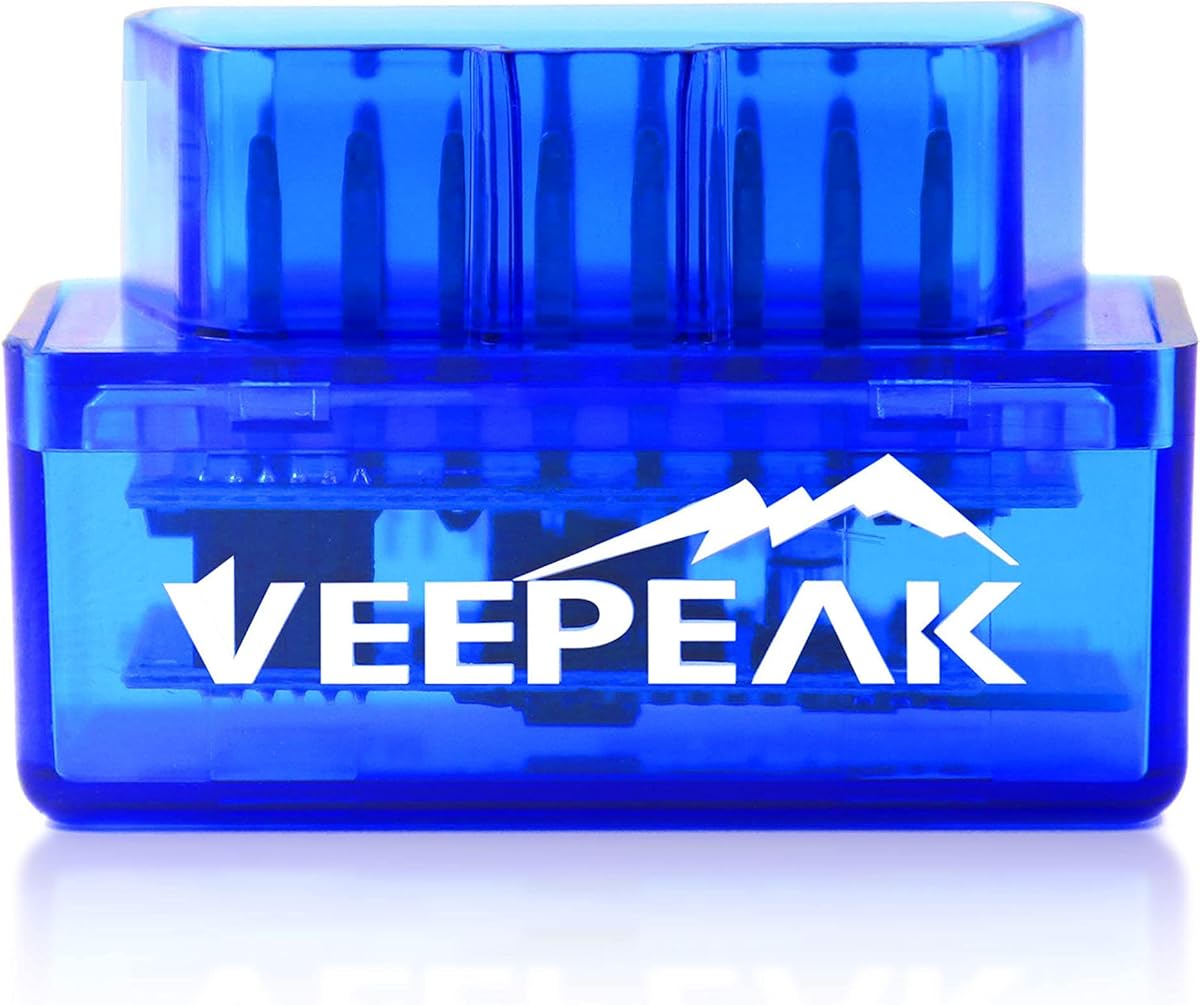
The Veepeak Mini is a compact device rated 4.4 stars designed exclusively for Android users. It offers a low-cost way to connect your phone to the car for basic diagnostics and live data.
We may earn a commission when you buy through this link, at no additional cost to you.
Its strength is the small size and reliable connection via classic Bluetooth. You can use it with popular apps like Torque to see engine parameters without any extra cables or power sources.
The trade-off is the lack of iOS support and advanced system scans. If you use an iPhone or need to reset service lights, you will need a different, more capable scanner.
This adapter is great for budget-conscious Android users who just need engine codes and live streaming. Its small form factor means it fits easily in your car console or pocket.
Designed specifically for Android devices ensuring a strong connection and no pairing issues.
Extremely small size makes it easy to carry and store without taking up space in your car.
We may earn a commission when you buy through this link, at no additional cost to you.
The V011 Scanner is a modern device rated 4.4 stars featuring the latest Bluetooth 5.4 for faster connections. It supports over 96% of vehicle makes, making it a versatile choice for many owners.
We may earn a commission when you buy through this link, at no additional cost to you.
Its key benefit is the intuitive data visualization that shows engine parameters in clear charts. This helps beginners understand what the numbers mean without needing technical training or experience.
The limitation is that it focuses on basic engine and emissions data. It does not offer advanced system resets like ABS bleeding or programming, which might be needed for deeper repairs.
This scanner is best for those who want a simple app and modern connectivity. If you want quick access to engine health data in multiple languages, the V011 is a solid pick.
Bluetooth 5.4 ensures faster pairing and a stronger connection compared to older adapters on the market.
View engine data in clear visual formats that make it simple to spot issues instantly.
We may earn a commission when you buy through this link, at no additional cost to you.
Choosing the right Android Obdii Scanner Tool requires understanding what features your vehicle needs. This section breaks down the key factors to consider.
Most modern scanners use Bluetooth Low Energy or Classic Bluetooth to connect to your Android device. Ensure your phone supports the type of connection the scanner requires for reliable communication.
Bluetooth LE saves battery life while Classic Bluetooth may offer more compatibility with older apps and devices.
Many adapters require a third-party app to function fully. Check if the scanner supports popular apps like Torque or Car Scanner if you prefer a specific interface.
Some brands like BlueDriver include their own dedicated app, which simplifies the setup process and provides better integration.
Basic scanners read engine codes only, while advanced ones access ABS, SRS, and transmission systems. Consider if you need full system diagnostics or just engine checks.
Look for models that specify support for the systems you want to monitor to avoid paying for features you do not need.
Live data streaming lets you watch sensor values in real time. This is crucial for diagnosing intermittent issues that do not trigger a code.
Choose a scanner that supports graphing live data if you want to analyze trends over time.
Advanced scanners include resets for oil lights, brake systems, and batteries. These save you service fees at the dealership.
Verify which resets are included since some tools only support engine resets while others offer comprehensive maintenance functions.
This feature allows you to send commands to vehicle components like windows or fuel pumps. It is a premium feature found on higher-end scanners.
If you need to test parts before replacing them, bidirectional control can save time and reduce guesswork.
Vehicle software changes over time, so regular updates are necessary to maintain compatibility. Look for tools that offer free lifetime updates.
Check if the manufacturer provides technical support in case you face connectivity or compatibility issues.
Ensure the scanner supports your specific make and model. Most work on 1996 and newer, but some systems vary by region or year.
Verify compatibility before purchase to ensure the tool will read your vehicle's systems correctly.
To start using your scanner, plug it into the OBD-II port under the dashboard. Turn the ignition to the on position to power the device without starting the engine.
Open your diagnostic app on Android and pair the scanner via Bluetooth if required. Ensure the connection is stable before reading any codes or data.
Unplug the scanner when not in use to avoid draining your vehicle battery. Store it in a dry place and keep the connector clean from dirt and moisture.
Most scanners work on gasoline cars built after 1996 that comply with OBD-II standards. However, coverage for ABS or transmission may vary by model. Always check compatibility before buying.
Yes, many scanners support diesel vehicles as long as they have a standard OBD-II port. Check the specs to ensure diesel protocols are supported for your specific engine.
Bluetooth Low Energy uses less battery and pairs faster but may have limited compatibility. Classic Bluetooth works with more devices but uses more power on your phone.
Some tools require monthly fees for full features, but others like BlueDriver offer one-time purchases. Always check the pricing model before buying to avoid unexpected costs.
Connect your scanner, read the codes, and use the clear function once the problem is fixed. The light will go off if the issue is resolved and monitors pass.
Only advanced scanners support ABS system codes. Basic readers only clear engine lights. Check the product specs to see if ABS diagnostics are included.
Ensure your car ignition is on and the scanner is in the correct mode. Some devices need to be paired via the app not the phone settings.
Using a scanner to check readiness does not affect emissions test results. However, using it to clear codes right before a test may flag your vehicle.
We reviewed ten top scanners ranging from budget picks to pro tools. The Veepeak Mini offers great value while the BlueDriver delivers expert insights without fees.
Prioritize features like live data and bidirectional control if you plan deep repairs. Simple users may only need a basic reader to clear engine codes.
Always check current prices and compatibility before purchasing to ensure the tool fits your vehicle and needs perfectly today.