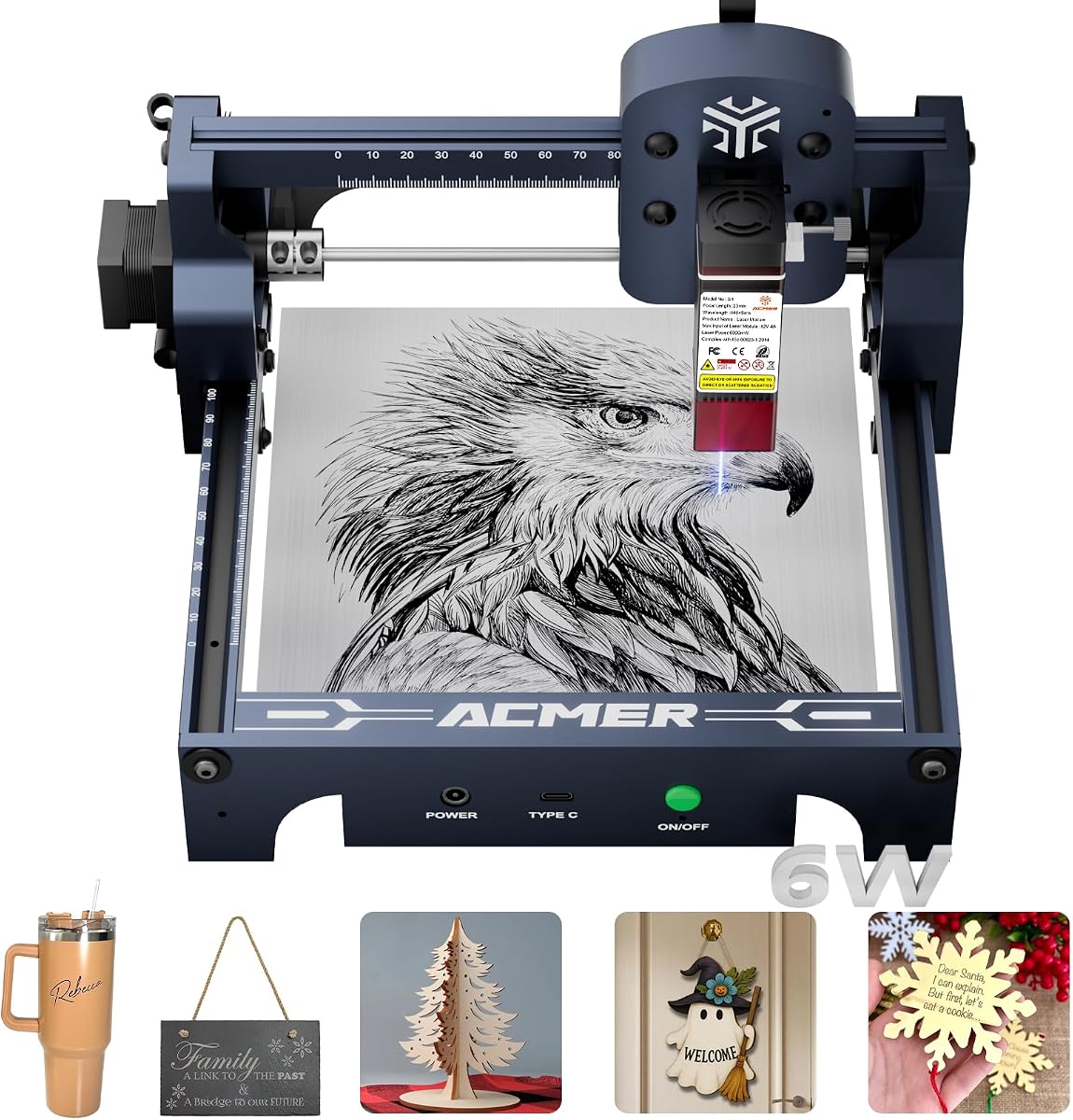
ACMER S1 Laser Engraver Machine
4.3Editor score
6000mW laser power
130x130mm workspace
Beginner-friendly software
This guide compares the top Acmer laser engravers for precision, power, and ease of use to help you choose the right model for your projects.
Finding the right laser engraver can transform your creative projects into professional-quality results. Acmer offers a range of models designed for hobbyists and small businesses alike, providing precision and power in compact designs.
We have analyzed ten distinct Acmer laser engraver models based on their laser power, working area, software compatibility, and safety features. This comparison helps you understand which machine fits your specific material needs and workspace constraints effectively.
Each selection below highlights key strengths and potential trade-offs to guide your decision-making process. Prices and availability may change frequently, so verify current details on the manufacturer or retailer site before purchasing.
4.3Editor score

4.4Editor score

5.0Editor score
The following table provides a side-by-side comparison of all ten Acmer laser engraver models reviewed in this guide. Use this overview to quickly identify specifications like laser power, workspace size, and key features that align with your requirements.



The ACMER S2 Laser Engraver stands out as a powerful option for those needing versatility. It holds a 4.4 rating and offers a true 12W laser module that handles a wide variety of materials effectively.
We may earn a commission when you buy through this link, at no additional cost to you.
Its standout quality is the balance between precision and power. The 0.08 by 0.08mm laser spot ensures intricate details are reproducible, while the 300 by 300mm workspace accommodates larger signs or layouts without frequent repositioning.
While highly capable, the system power is robust at 72W total. This means it requires a stable power source and potentially dedicated ventilation to manage smoke and residue during prolonged cutting sessions on thick materials.
This machine is ideal for makers who want room to grow. It supports ACMER Studio, LightBurn, and LaserGRBL, giving you flexibility in workflow. For those needing consistent 12W performance, this is a top recommendation.
The 0.01mm positioning accuracy ensures that repeated engraving projects maintain consistent quality over time.
Compatibility with multiple software platforms allows you to choose tools that fit your existing creative workflow.
We may earn a commission when you buy through this link, at no additional cost to you.
The ACMER S1 Laser Engraver Machine is designed for users seeking an affordable entry into laser engraving. With a 4.3 rating, it offers a true 6000mW diode laser that handles common materials well.
We may earn a commission when you buy through this link, at no additional cost to you.
Its main strength lies in convenience and portability. Arriving 99% preassembled, it saves hours of setup time. The 130 by 130mm working area is sufficient for small crafts, personalized gifts, and detailed hobby work.
However, the smaller workspace means large projects must be segmented. The 6000mW power is sufficient for engraving and thin cuts but lacks the throughput of higher wattage units for rapid production.
Buyers looking for a cost-effective, easy-to-start solution will appreciate this model. Its compatibility with LightBurn and LaserGRBL plus free AI tools in the software makes it a smart choice for beginners.
With minimal assembly required, you can begin your first engraving project almost immediately after unboxing.
Despite the lower power, it supports a wide range of materials including wood, acrylic, and leather effectively.
We may earn a commission when you buy through this link, at no additional cost to you.
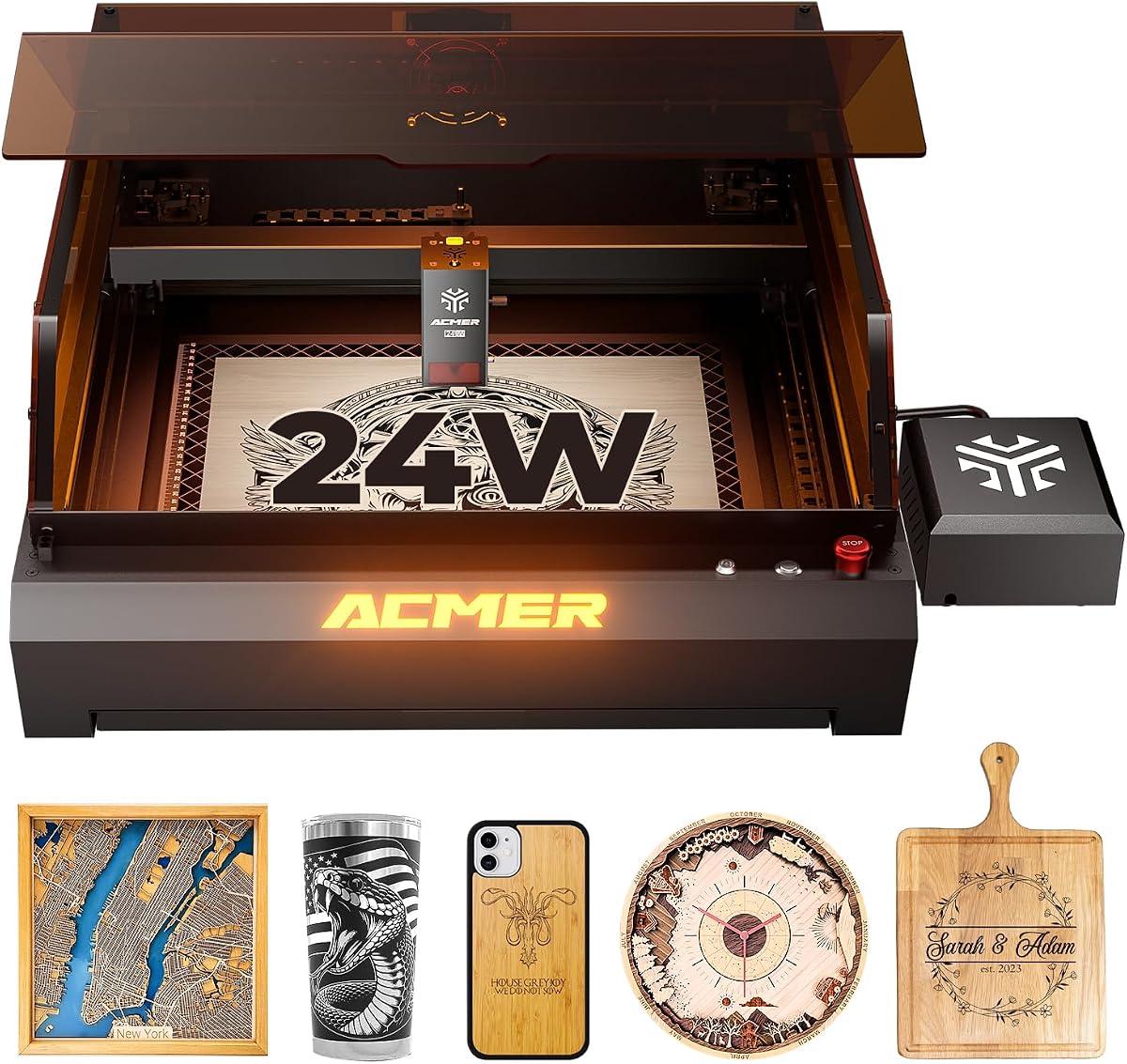
The ACMER P3 Laser Engraver represents the pinnacle of the lineup with a perfect 5.0 rating. It features switchable laser outputs allowing you to adjust between 24W and 48W depending on your material needs.
We may earn a commission when you buy through this link, at no additional cost to you.
Safety and speed define this model. The Class 1 closed box design reduces smoke and noise significantly, making it safer for indoor use. The CoreXY structure ensures stability even at high speeds up to 800mm/s.
While excellent, the premium features come with a larger physical footprint and higher cost. The closed design can also be harder to access for certain deep cutting tasks compared to open frame models.
For professionals or serious hobbyists who prioritize safety, speed, and raw power, this is the ultimate choice. The included camera and visual alignment features further elevate the user experience and accuracy.
The enclosed design protects users from direct laser exposure while significantly reducing smoke and noise pollution.
Switching between 24W and 48W allows you to optimize speed and precision for different materials instantly.
We may earn a commission when you buy through this link, at no additional cost to you.
This variant of the ACMER S2 offers similar power to the first model with a 12000mW laser output. It has a 4.3 rating and focuses heavily on software features like AI design tools for easier setup.
We may earn a commission when you buy through this link, at no additional cost to you.
Its strength is speed and workspace. The advanced 32-bit chip allows for engraving speeds up to 10,000mm/min, meaning faster project completion. The 300 by 300mm area supports larger projects comfortably.
While powerful, users new to laser engraving might need to learn the software interface thoroughly. The AI tools help, but understanding settings for different materials takes practice to avoid burns or uneven cuts.
This model is a great alternative for those who want high performance with modern software assistance. If you prioritize speed and have some experience with design software, it is a solid investment.
Built-in AI features can convert text prompts or photos into engraving designs automatically to save time.
The 32-bit chip ensures the machine runs smoothly at high speeds without lagging during complex engraving paths.
We may earn a commission when you buy through this link, at no additional cost to you.
The ACMER S1 Laser Engraver Machine is designed for users seeking an affordable entry into laser engraving. With a 4.3 rating, it offers a true 6000mW diode laser that handles common materials well.
We may earn a commission when you buy through this link, at no additional cost to you.
Its main strength lies in convenience and portability. Arriving 99% preassembled, it saves hours of setup time. The 130 by 130mm working area is sufficient for small crafts, personalized gifts, and detailed hobby work.
However, the smaller workspace means large projects must be segmented. The 6000mW power is sufficient for engraving and thin cuts but lacks the throughput of higher wattage units for rapid production.
Buyers looking for a cost-effective, easy-to-start solution will appreciate this model. Its compatibility with LightBurn and LaserGRBL plus free AI tools in the software makes it a smart choice for beginners.
With minimal assembly required, you can begin your first engraving project almost immediately after unboxing.
Despite the lower power, it supports a wide range of materials including wood, acrylic, and leather effectively.
We may earn a commission when you buy through this link, at no additional cost to you.
The ACMER S2 Laser Engraver with 7000mW power is a top performer for mid-range users. It holds a perfect 5.0 rating, indicating high user satisfaction with its balance of speed and precision.
We may earn a commission when you buy through this link, at no additional cost to you.
Its strength is reliability and safety. The 300 by 300mm workspace is spacious, and the included anti-UV protective shield adds a layer of protection. This model cuts up to 13mm paulownia wood effectively.
While the 7W output is strong, it may struggle with very thick hard materials compared to 12W or 20W models. However, for most DIY and light business projects, this power is entirely sufficient.
Users who value safety features and reliable performance will find this model rewarding. The 0.01mm precision ensures sharp text and logos, making it ideal for detailed branding or personalized items.
The included anti-UV shield and safety goggles protect users from harmful rays during operation effectively.
The 0.01mm accuracy guarantees that even small text and logos are crisp and readable.
We may earn a commission when you buy through this link, at no additional cost to you.
The ACMER P1 S Pro 20W offers a significant power boost with a 20000mW diode laser. It holds a 5.0 rating and delivers sharp lines and smooth gradients thanks to its compressed laser spot.
We may earn a commission when you buy through this link, at no additional cost to you.
Its standout feature is the built-in air assist pump. This helps minimize burn marks and smoke residue on materials like wood and acrylic, resulting in cleaner cuts and better overall finish quality.
While the air assist improves quality, it requires proper ventilation setup to manage airflow. Users must ensure the workspace is well-ventilated to maximize the pump's benefits without creating smoke issues.
This model is perfect for those needing higher precision and cleaner cuts. If you work with delicate materials or need a professional finish on small parts, the 20W power and air assist are highly beneficial.
The built-in air assist pump reduces smoke and burn marks to ensure cleaner edges on finished pieces.
The lens technology extends the laser head lifespan to 8000 hours for long-term reliability and cost savings.
We may earn a commission when you buy through this link, at no additional cost to you.
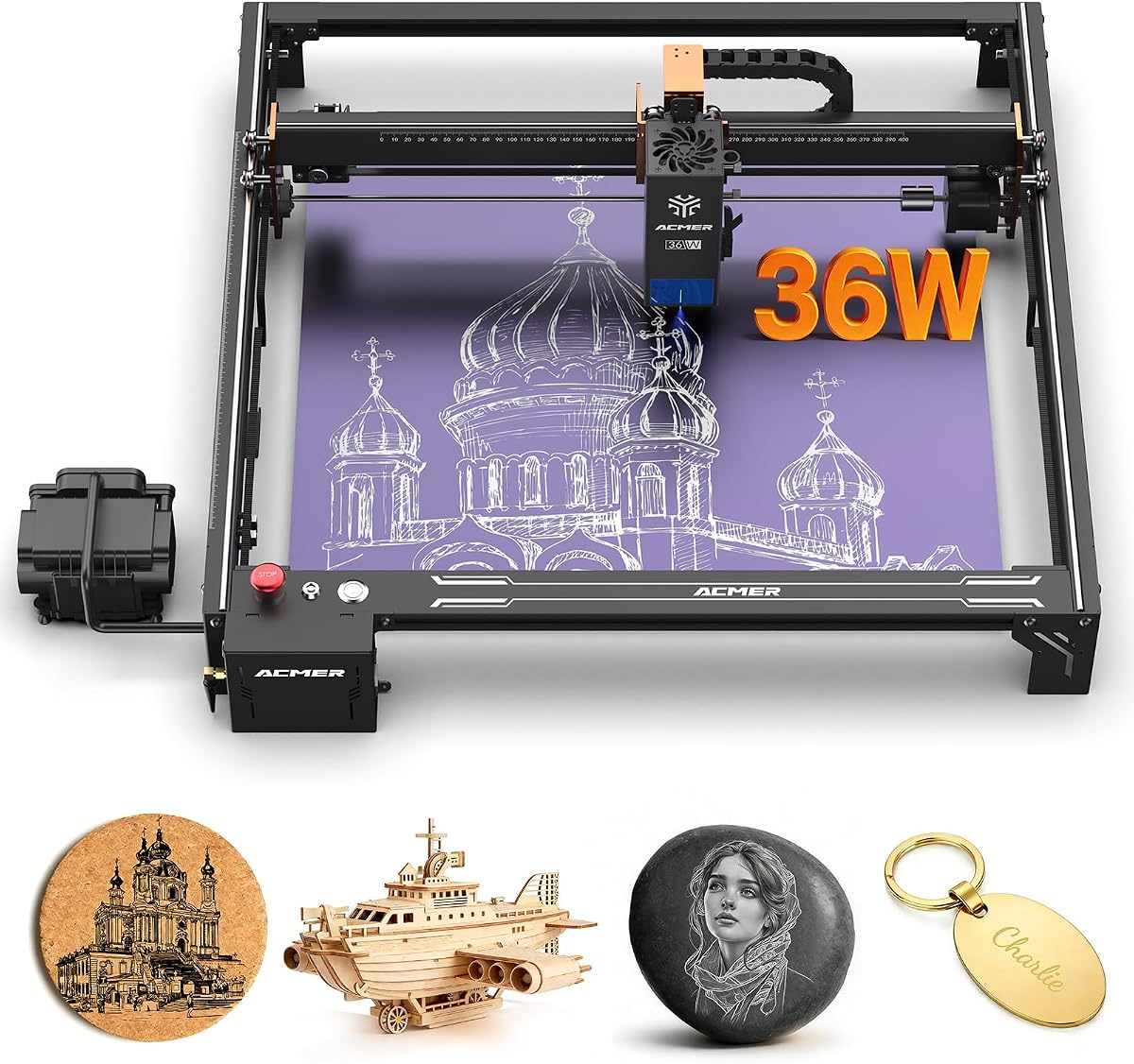
The ACMER S2 Pro 36W is built for serious production needs with 36000mW laser power. It has a 4.1 rating and features dual linear rails that provide industrial-level stability during high-speed engraving.
We may earn a commission when you buy through this link, at no additional cost to you.
Its strength is the workspace and airflow. The 400 by 400mm area supports larger projects. The 30L/min air pump continuously clears smoke, protecting the lens and improving edge quality significantly.
While powerful, this unit requires a stable and strong power outlet. The weight and size are substantial compared to home models, making it better suited for dedicated workshops than small desks.
For small businesses needing rapid turnaround on many items, this model is strong. The combination of high power, large workspace, and air assist makes it efficient for batch production tasks.
Advanced dual linear rails reduce vibration for better stability and precision on long engraving runs.
The 36000mW module delivers exceptional speed and cutting depth for demanding industrial style projects.
We may earn a commission when you buy through this link, at no additional cost to you.
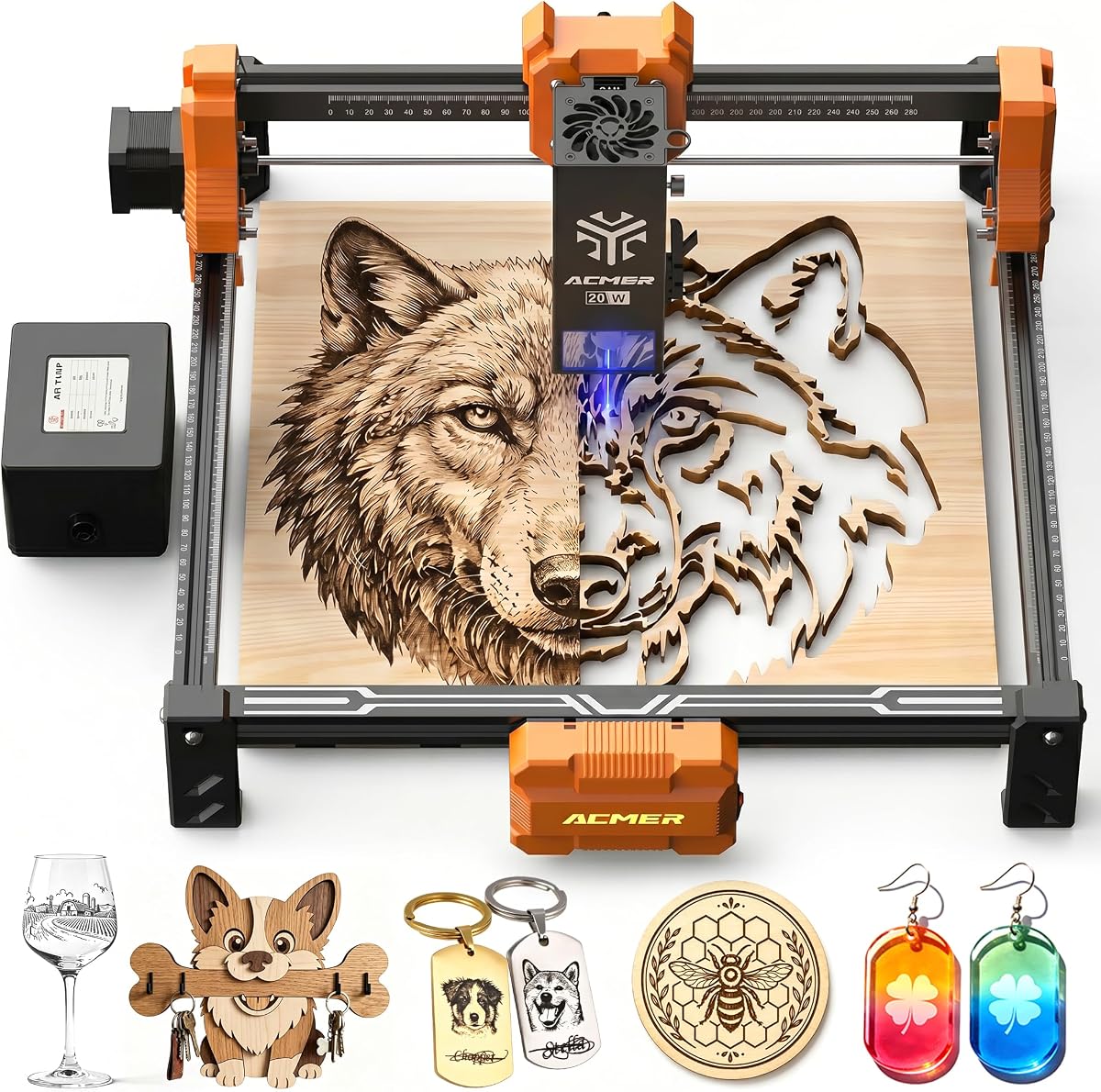
The ACMER S2 20W is a well-rounded machine with a 20000mW laser module. It holds a 5.0 rating and features a compressed laser spot that produces clean lines and smooth gradients effectively.
We may earn a commission when you buy through this link, at no additional cost to you.
Its strength is the balance of power and features. The 25L/min air assist pump reduces burn marks. Safety features like limit switches prevent head over-travel, ensuring consistent operation.
While the power is high for detailed work, it may not be as fast as the 36W or 48W models. However, for most professional and hobby projects, the 20W output is entirely sufficient and reliable.
Users looking for a reliable machine with safety features will appreciate this model. The air assist and limit switches make it easier to get consistent, clean results without frequent maintenance.
Built-in limit switches help define the working area accurately to prevent laser head over-travel.
The 25L/min air assist pump significantly reduces smoke and burn marks for better edge quality.
We may earn a commission when you buy through this link, at no additional cost to you.
The ACMER P1 S Pro 6W is designed for those needing a large workspace. It holds a 5.0 rating and features a 380 by 370mm working area that supports large scale designs efficiently.
We may earn a commission when you buy through this link, at no additional cost to you.
Its strength is the combination of size and connectivity. WiFi and USB support allow flexible control. The 0.06mm spot size ensures precision even on larger layouts without distortion.
While the 6W power is good for engraving, it is limited for deep cutting on thick materials. Users prioritizing large area coverage over high speed cutting will find this model ideal.
For businesses needing to engrave large items like signs, this model is a strong choice. The Class 1 safety certification and included protective glasses ensure safe operation for home use.
The 380 by 370mm workspace allows for large scale designs without needing to tile multiple small projects.
Class 1 laser certification and included protective glasses ensure safety for home environments.
We may earn a commission when you buy through this link, at no additional cost to you.
Choosing the right Acmer laser engraver requires understanding your project needs and workspace constraints. This guide explains the key factors to consider.
Laser power determines cutting depth and speed. Higher power like 20W or 36W cuts thicker materials faster, while 6W or 7W is sufficient for engraving and thin cuts.
Choose higher wattage for production and lower wattage for hobbyists saving on cost.
Workspace size limits the physical dimensions of materials you can engrave in one pass. Larger areas like 400x400mm allow for big signs without repositioning.
Match the workspace to your typical project sizes to avoid extra setup time.
Air assist pumps blow away debris during cutting to improve edge quality and prevent burns. This feature is vital for working with wood and acrylic materials.
Prioritize models with built-in air pumps for cleaner results and better lens protection.
Software compatibility ensures you can use preferred design tools like LightBurn or LaserGRBL. Open compatibility gives flexibility for workflow.
Check that the machine supports the software you already use to save learning time.
Safety features like Class 1 enclosures or protective shields reduce risk. Look for tilt protection or limit switches to avoid accidents.
Invest in models with strong safety ratings if children or pets are nearby.
High speed allows faster production, while precision like 0.01mm ensures clean details. Balance speed needs with the detail required for your designs.
Fast machines reduce wait times for batch jobs.
Connectivity like WiFi or USB allows flexible control. Some models support offline TF card or app control for convenience.
Choose connectivity that fits your workspace setup preferences.
Budget ranges widely from entry-level 6W models to premium 48W machines. Balance cost against the features you truly need for your work.
Avoid overspending on features you will not use regularly.
Always wear protective eyewear when the laser is active and ensure the machine is on a stable surface. Read the manual for specific safety steps before powering on.
Calibrate the focus before each job by following the height guide in the software. Clean the lens regularly with a soft cloth to prevent residue buildup from affecting quality.
Store the machine in a dry place to avoid corrosion on rails. Keep the workspace free of flammable materials and ensure good ventilation for smoke removal.
Acmer laser engravers can cut wood, leather, acrylic, and coated metals. They work well on paper, bamboo, and plastic. Avoid materials that release toxic gases when heated.
Clean the lens with a soft cloth after each session to remove dust or smoke residue. Replace the lens if scratches appear that affect precision or spot size.
Yes, tools like ACMER Studio are designed for beginners. Features like AI tools help convert text or photos into designs easily. LightBurn is also supported for advanced users.
Yes, ventilation is recommended to manage smoke and residue. Use an air assist pump and open windows or an exhaust fan to keep air clear while working.
Laser modules typically last around 8000 hours with proper care. Avoid overheating and keep the lens clean to extend the life of the module.
Acmer models work best on coated metals or anodized aluminum. Bare metals usually need a spray or coating to engrave visibly. Check compatibility for your specific metal type.
The S2 models generally offer higher power and larger workspace than the S1. S1 is compact and entry-level while S2 supports more advanced cutting needs.
Turn off the machine and restart the computer connection. Check the USB or WiFi link. Verify the material is flat to avoid collision errors during operation.
Choosing the right model depends on your balance of power, size, and budget. We highlighted top picks for different needs to simplify your decision process.
Prioritize safety features and workspace needs to avoid frustration. High power is great for cutting but requires proper ventilation and secure setup.
Always check current prices and availability before buying. Technology updates frequently so verify specs match your current requirements.