
Canon Canoscan Lide 300
4.2Editor score
Auto Scan Mode detection
USB connectivity
Compact lightweight design
Finding the right flatbed scanner can transform how you handle documents and photos at home or work. A good model offers sharp resolution and reliable software to digitize your files efficiently.
We evaluated ten top-rated 1117 flatbed scanners based on scan quality, speed, software features, and ease of use. Our analysis covers options for students professionals and home offices alike.
Each pick highlights key strengths and ideal use cases so you can match a scanner to your specific needs. Prices and availability change often so check the links for current details.
4.2Editor score

3.7Editor score

3.7Editor score
As an Amazon Associate we earn from qualifying purchases.
This side-by-side comparison outlines the key specs and capabilities of each model to help you quickly identify which scanner fits your space and budget.


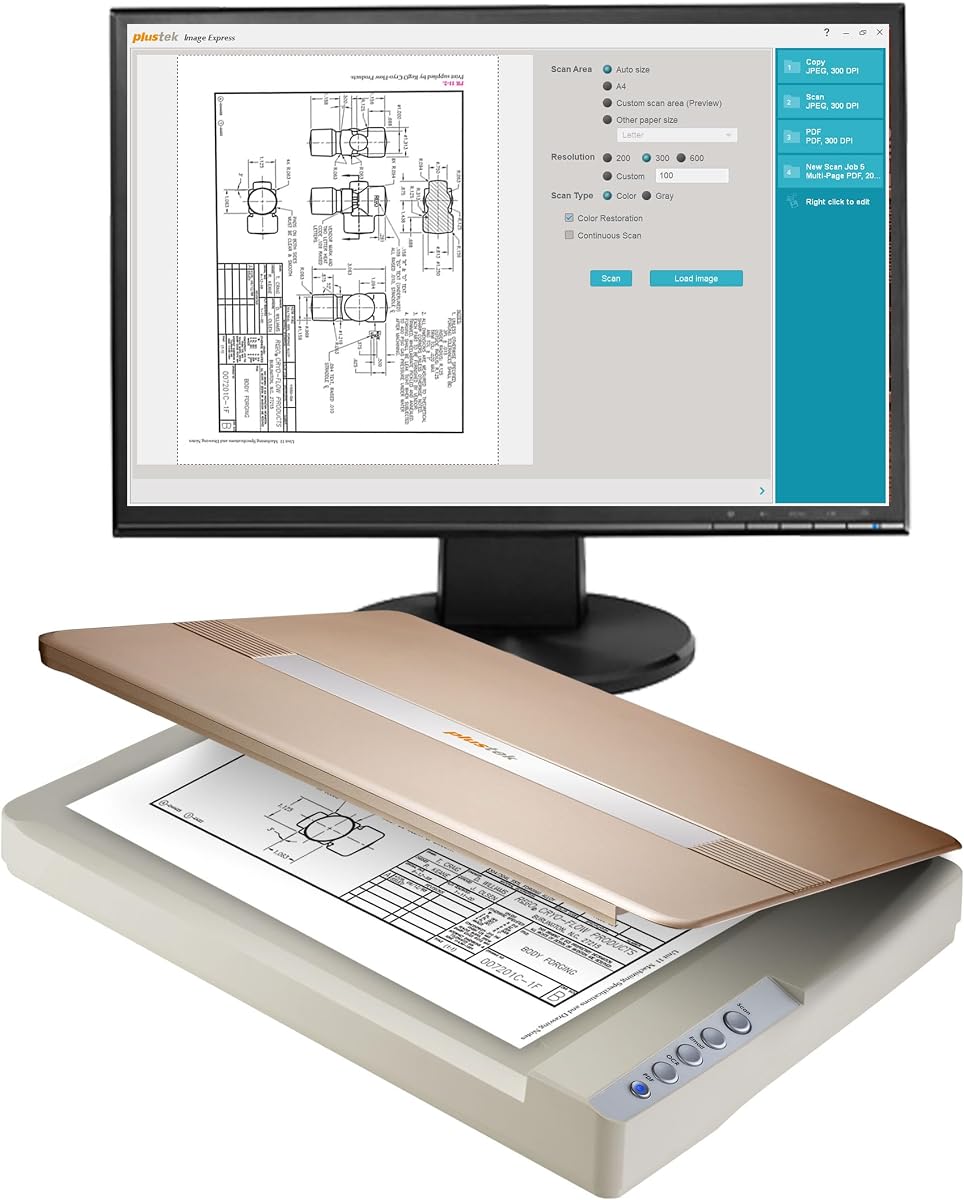
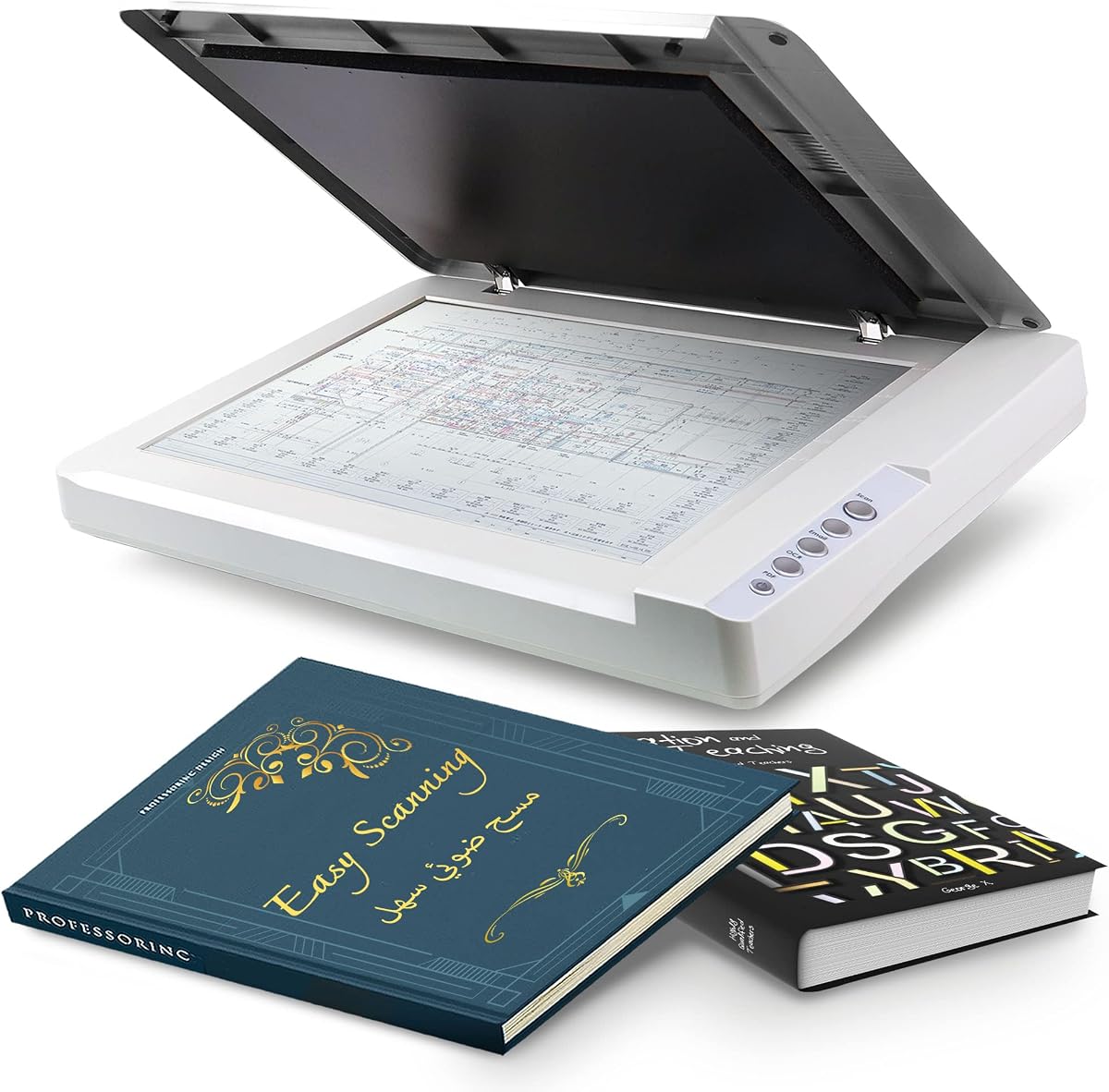


The Epson Perfection V39 II is a dedicated photo scanner designed for users who need sharp digital copies of prints and documents. It holds a solid rating for its clarity and ease of use.
We may earn a commission when you buy through this link, at no additional cost to you.
Its 4800 dpi optical resolution ensures that even small details in photos are captured accurately. The scanner includes Easy Photo Fix technology to restore color to faded images with a single click.
While it handles documents well, the scanner is optimized for photos and flat items. The one-touch buttons streamline the process, though the software setup may take time for new users.
This model suits home users and photographers who want a reliable way to preserve memories without investing in heavy-duty office gear.
The scanner features easy-to-use buttons that let you scan documents or images in fewer steps than typical models.
This design allows you to place books or photo albums on the glass without forcing the lid open.
We may earn a commission when you buy through this link, at no additional cost to you.
The Canon Canoscan Lide 300 is an affordable option for basic digitization tasks. It carries a high rating for its simplicity and reliability in home settings.
We may earn a commission when you buy through this link, at no additional cost to you.
It uses Auto Scan Mode to detect what you are scanning, which reduces manual configuration steps. The USB connection makes it easy to set up without extra power cables.
While it excels at documents, it lacks the advanced color tools found in photo-specific models. This trade-off is acceptable for users focused on speed and budget.
This scanner is ideal for students or home offices that need a quick way to digitize text and forms.
The scanner automatically detects the type of item you place on the glass to optimize settings.
It connects via USB for easy setup and portability across different computers.
We may earn a commission when you buy through this link, at no additional cost to you.
The VIISAN 3120 A3 is built for scanning oversized documents and creative materials. It offers a high rating for its versatility in schools and small businesses.
We may earn a commission when you buy through this link, at no additional cost to you.
Its frameless boundary allows you to scan edge-to-edge on large pages like maps or posters. The 1200 DPI resolution captures clear gradients and details for digital publishing.
It uses a CIS sensor which is great for flat paper but cannot handle 3D objects. The fast scan speed helps when processing high volumes of documents.
This model is perfect for designers and libraries needing to archive large formats efficiently.
The narrow boundary design allows scanning of large items without trimming edges.
It includes a universal adapter so you can use it worldwide without converters.
We may earn a commission when you buy through this link, at no additional cost to you.
The VIISAN VF3240 A3 is optimized for efficiency in business environments. It earns a strong rating for its fast processing times and high resolution.
We may earn a commission when you buy through this link, at no additional cost to you.
It can scan an A3 color document in just 4 seconds under specific settings. The frameless design supports edge-to-edge scanning of blueprints and technical drawings.
Users on Windows may find the software limits DPI compared to Mac. This is a minor trade-off for the speed gains in office workflows.
This scanner suits engineers and architects who need quick digitization of large technical plans.
Achieves maximum speed of 4 seconds for A3 color documents at 200 DPI.
Scanning starts automatically when the lid is closed to boost productivity.
We may earn a commission when you buy through this link, at no additional cost to you.
The Epson Perfection V19 II is a compact unit designed for mobility and quick scans. It has a solid reputation for clarity and simple operation.
We may earn a commission when you buy through this link, at no additional cost to you.
It uses USB power so you can run it from a laptop without an outlet. The built-in kickstand allows vertical storage to save desk space.
While the scan area is smaller, it handles standard documents and photos well. The OCR support helps turn scanned text into editable files.
This model is great for travelers or small spaces where portability matters most.
Weighing only 3.1 lb it is easy to carry between rooms or offices.
Scan letter-sized documents in as fast as 10 seconds with easy buttons.
We may earn a commission when you buy through this link, at no additional cost to you.
The Plustek OpticPro A320E is built for professional large-format scanning needs. It is rated well for its ability to handle maps and wide documents.
We may earn a commission when you buy through this link, at no additional cost to you.
It lets you scan multiple images at once and save them as separate PDF files. The Doc Action software simplifies file management and sharing.
This unit requires a larger desk space and dedicated power. That is a reasonable requirement for the versatility it offers.
This scanner fits libraries and offices that manage high volumes of bound or oversized items.
Doc Action lets you save to different formats and access post-scan destinations quickly.
Scan multiple printed images at one time to save to multiple PDF files.
We may earn a commission when you buy through this link, at no additional cost to you.
The Plustek OpticSlim 1680 focuses on speed for large format documents. It carries a strong rating for its responsiveness and ease of use.
We may earn a commission when you buy through this link, at no additional cost to you.
You can scan a tabloid document in about 3 seconds which saves time on busy days. The interface is simple with one-key buttons for common tasks.
While it handles documents well, it is best for flat paper items. The speed makes it a strong contender for high-volume work.
This scanner is ideal for offices that need to digitize reports and files quickly.
Scan tabloid size documents in just 3 seconds for gray or 5 for color.
Touch a pre-configured button to finish a job with no extra steps.
We may earn a commission when you buy through this link, at no additional cost to you.
The Plustek OS1180 is designed for steady office workflows with A3 support. It is rated highly for its reliability and feature set.
We may earn a commission when you buy through this link, at no additional cost to you.
It uses an LED light source so there is no warm-up time before scanning. The included software bundle enhances OCR accuracy for better text recognition.
This model is a bit bulky for travel but perfect for a desk setup. The fast speed supports continuous scanning in busy environments.
This scanner is well suited for schools and small offices needing consistent performance.
The LED light source saves energy and requires no warm-up time.
Includes ABBYY OCR for enhanced accuracy and DocAction for sharing.
We may earn a commission when you buy through this link, at no additional cost to you.
The Epson DS-1630 is a hybrid unit with both a flatbed and auto feeder. It earns a high rating for its versatility and document handling.
We may earn a commission when you buy through this link, at no additional cost to you.
You can feed up to 50 pages at once while duplex scanning saves time. The flatbed handles fragile items or IDs that cannot go through the feeder.
This model is more complex than simple flatbeds but delivers more speed. It is a strong choice for shared office environments.
This scanner is ideal for offices that process stacks of paper daily.
Auto-duplex scanning through the ADF plus a flatbed for fragile items.
Scan to Dropbox or Google Drive with Epson Document Capture software.
We may earn a commission when you buy through this link, at no additional cost to you.
The Plustek OpticSlim 2700 offers fast scanning at a reasonable price point. It has a high rating for its speed and ease of use.
We may earn a commission when you buy through this link, at no additional cost to you.
It scans in 3 seconds and creates searchable PDFs with a single button press. The image processing tools like auto rotate help fix orientation issues.
This model is straightforward but lacks advanced network features. For home use it provides excellent value and performance.
This scanner is perfect for users who need quick and reliable document digitization.
Scans quickly and easily up to 3 seconds in color mode.
Built-in PDF button scans and saves files that are editable and searchable.
We may earn a commission when you buy through this link, at no additional cost to you.
Choosing the right flatbed scanner depends on your specific needs for resolution speed and size. This guide breaks down the key factors to consider.
Resolution determines how detailed your scans will be. For photos and text look for models with at least 1200 dpi to ensure clear results.
Higher dpi settings give better quality but increase file size and scan time.
Scan speed is crucial if you handle many documents. Models with faster cycle times can save hours of work over time.
Check both the time per page and the maximum throughput to match your workload.
Standard flatbeds handle letter size but A3 models support larger documents. Consider your common file types before buying.
Larger scanning areas are vital for maps blueprints and oversized artwork.
USB is the most common connection but network options help in shared offices. Wireless models offer portability but require power.
Choose a port that matches your computer setup and sharing needs.
Software can automate tasks like OCR PDF creation and file sorting. Look for tools that save time on your workflow.
Easy-to-use interfaces reduce frustration and help you get started quickly.
Prices vary widely from budget to premium units. Decide how much you need for advanced features versus basic scanning.
Invest in quality if you scan daily or handle important documents regularly.
Established brands often provide better support and firmware updates. Read reviews to see how a scanner holds up over years.
Reliability matters more when the device is part of your daily workflow.
Always clean the glass before scanning to remove dust or marks. A soft lint-free cloth works best to prevent scratches.
Close the lid gently but firmly to avoid air gaps that can blur edges. This ensures consistent lighting and better quality.
Store your scanner in a cool dry place when not in use. Protect it from direct sunlight and moisture to prolong its life.
A flatbed scanner uses a glass plate where you place documents manually while a sheet-fed scanner pulls pages through a feeder. Flatbeds are better for fragile or bound items.
Most modern models include drivers for both Windows and Mac systems. Always check the product page to confirm compatibility with your OS version.
Clean the glass whenever you see lines or spots on your scans. Regular monthly cleaning helps maintain image quality and performance.
Yes many flatbed scanners have a removable lid to accommodate books. Just close the lid gently to avoid binding damage.
For high-quality photo scans choose at least 300 dpi. For archival or enlargements use 600 dpi or higher for best detail.
Most USB-powered models draw power from your computer so they are energy efficient. The main cost comes from initial purchase and any replacement parts.
The top picks cover a range of needs from budget-friendly models to premium high-speed units. The Epson Perfection V39 II leads in quality while the Canon Lide 300 offers great value.
Focus on what matters most for your tasks whether it is resolution speed or portability. The best choice balances performance with your daily workflow demands.
Check the latest prices and availability before making a decision to ensure you get the best deal for your setup.