
Samsung 40-inch ViewFinity S8
4.3Editor score
Thunderbolt 5 Connectivity
5K2K WUHD Resolution
Built-in KVM Switch
Discover the top AI ready monitors for 2026. We compare features, performance, and value to help you choose the best display for your workflow and entertainment
AI ready monitors are transforming how we interact with our screens by integrating intelligent features that enhance productivity and visual quality. These displays use advanced processors to optimize settings dynamically based on your content and environment.
We have carefully selected ten leading models that showcase the latest in artificial intelligence integration for consumer displays. Each product was evaluated based on its unique AI capabilities, overall performance, and suitability for various use cases.
Every pick in this list highlights specific strengths ranging from smart home control to gaming optimization. Please note that product specifications and pricing can change over time so verify details before purchasing.
4.3Editor score

4.2Editor score
4.4Editor score
This side-by-side comparison highlights the key specifications and unique AI features of each monitor to help you find the perfect match for your specific computing and entertainment requirements.




The Samsung 32-inch Smart Monitor M7 stands out as a versatile display that integrates Samsung Vision AI to enhance both work and entertainment. With a 4K UHD resolution and built-in streaming apps it functions as a standalone device without needing a computer.
We may earn a commission when you buy through this link, at no additional cost to you.
Its AI Picture Optimizer adapts visuals based on content ensuring comfortable viewing during document work or immersive game sessions. The Active Voice Amplifier analyzes background noise to adjust volume levels which is particularly useful in loud environments.
While it offers excellent smart features the lack of dedicated high refresh rate gaming modes might limit competitive gamers. However the built-in Gaming Hub allows console-free gaming which balances this trade-off for casual users.
This monitor is ideal for home offices or living rooms where a secondary screen or smart TV replacement is desired. Its robust security features like Samsung Knox ensure data safety making it a reliable choice for sensitive tasks.
Manage your smart home devices through a 3D Map View directly on the monitor screen for centralized control.
Check energy usage and cost by device to optimize power consumption and save money on electricity bills.
We may earn a commission when you buy through this link, at no additional cost to you.
The Samsung 40-inch ViewFinity S8 offers a panoramic curved display with 5K2K resolution that is perfect for professionals needing extensive screen real estate. It supports Thunderbolt 5 for managing data-intensive tasks and fast charging.
We may earn a commission when you buy through this link, at no additional cost to you.
Its built-in KVM switch allows control of two sources simultaneously with one keyboard and mouse which streamlines workflows significantly. The HDR10+ support ensures optimized brightness and contrast for vivid content consumption and creative work.
The main drawback is the premium price which may not suit budget-conscious buyers. However the efficiency gains from its multitasking features justify the investment for power users and creative professionals.
This monitor is best suited for executives or designers who require a seamless multitasking experience with high-resolution visuals. The ergonomic design ensures comfort during long work sessions making it a top-tier choice.
Thunderbolt 5 allows rapid transfer of large files which is essential for video editing and data analysis tasks.
The curved 40-inch screen provides a natural viewing experience that reduces eye strain during extended use.
We may earn a commission when you buy through this link, at no additional cost to you.
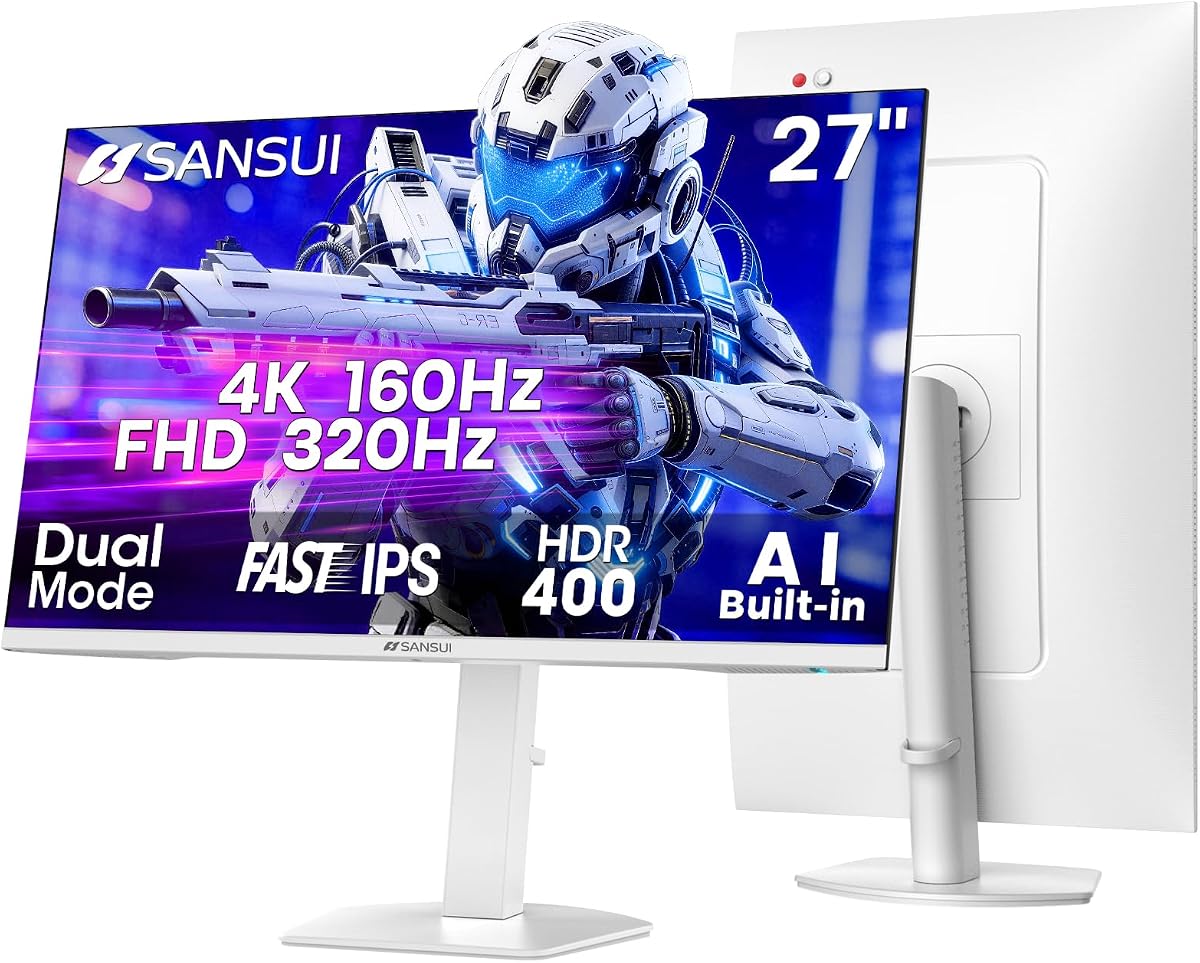
SANSUI delivers a compelling budget option with this 27-inch monitor that includes AI Crosshair and Sniper Scope features for gamers. It offers dual mode capabilities allowing switching between 4K and FHD resolutions for different performance needs.
We may earn a commission when you buy through this link, at no additional cost to you.
The AI PQ technology enhances picture quality while AI DBL Eye Care helps reduce strain during long sessions. Fast IPS technology ensures vibrant colors and quick response times making it suitable for both work and play.
Build quality may not match premium brands but the feature set is impressive for the price. The ergonomic stand supports height and tilt adjustments which adds value to the overall package.
This monitor is perfect for students or gamers looking for high performance without breaking the bank. The inclusion of AI tools at this price point makes it a standout choice in the budget category.
The dual mode system lets you prioritize speed in FHD or detail in 4K depending on the game genre.
AI DBL Eye Care technology automatically adjusts settings to minimize blue light and flicker for healthier viewing.
We may earn a commission when you buy through this link, at no additional cost to you.
The Dell 27 Monitor S2725QS focuses on user comfort with Improved ComfortView Plus that reduces harmful blue light emissions significantly. It delivers smooth visuals with a 120Hz refresh rate suitable for both work and casual gaming.
We may earn a commission when you buy through this link, at no additional cost to you.
Color accuracy is strong with 99% sRGB coverage ensuring vibrant visuals for creative tasks. The re-engineered sound quality provides detailed audio which reduces the need for external speakers in simple setups.
While it lacks a smart operating system the sleek ultra-thin bezel design makes it aesthetically pleasing. It is a reliable choice for those prioritizing eye health and color fidelity over smart features.
Ideal for office environments or home setups where eye comfort is a priority. Its straightforward functionality ensures easy integration into existing systems without unnecessary complexity.
ComfortView Plus maintains color accuracy while filtering blue light for all-day viewing comfort without sacrificing quality.
HDR readiness and high contrast ratio deliver excellent depth and detail for movies and images.
We may earn a commission when you buy through this link, at no additional cost to you.
LG offers a powerful display with the 27UP850K-W featuring up to 95% DCI-P3 color gamut expression for vibrant content creation. It supports VESA DisplayHDR 400 and USB-C power delivery up to 90W simplifying laptop connections.
We may earn a commission when you buy through this link, at no additional cost to you.
The Switch App transforms the screen into a multitasking hub allowing seamless splitting and layout customization. Built-in stereo speakers with Waves MaxxAudio enhance media consumption without extra hardware.
Gaming performance is not its primary focus which makes it more suitable for creative professionals. The ergonomic stand allows flexible adjustments ensuring optimal positioning for prolonged use.
This monitor is best for designers and editors who require accurate colors and a clean workspace. Its connectivity options reduce cable clutter making it an efficient addition to any workstation.
USB-C allows data transfer and power delivery via a single cable reducing the need for adapters and dongles.
The Switch app enables splitting the screen into up to 6 sections for enhanced productivity and workflow management.
We may earn a commission when you buy through this link, at no additional cost to you.
The LG 27U730SA-W reimagines work and play with webOS providing access to streaming apps without a PC. Brightness Control detects light sources to adjust screen brightness automatically for optimal visuals day or night.
We may earn a commission when you buy through this link, at no additional cost to you.
Dynamic Tone Mapping uses AI tools to enhance brightness and contrast ensuring movies and games look amazing. It supports AirPlay 2 and Screen Share for easy device mirroring and connectivity.
While it offers remote access to cloud PCs it may lack the depth of a full desktop OS. The frameless design adds a modern aesthetic that fits well in minimal setups.
This monitor is ideal for media rooms or home offices where flexible viewing options are valued. Its smart features reduce the need for additional streaming devices streamlining your entertainment setup.
Brightness Control adapts to your environment automatically reducing eye strain and improving visibility.
Remotely access your PC via webOS to use video conferencing and cloud apps without needing the hardware nearby.
We may earn a commission when you buy through this link, at no additional cost to you.
Samsung equips the 32-inch M8 with AI upscaling powered by the NQM AI Processor to turn lower resolution content into nearly 4K. Active Voice Amplifier Pro analyzes background noise to deliver clear dialogue even in noisy environments.
We may earn a commission when you buy through this link, at no additional cost to you.
It includes accessibility tools like screen magnification and audio descriptions which support low vision users effectively. The SolarCell Remote eliminates the need for disposable batteries making it an eco-friendly choice for remote control.
The AI features focus heavily on content enhancement which is valuable for media consumption. However the ergonomic stand adjustments might be less flexible compared to premium competitors.
This monitor is perfect for families seeking a smart TV alternative with superior AI processing. Its accessibility features ensure inclusivity making it a thoughtful choice for diverse households.
AI upscaling improves the clarity of streamed content ensuring it looks sharp on the 4K screen.
The SolarCell Remote uses a solar panel on the back to recharge reducing battery waste and cost.
We may earn a commission when you buy through this link, at no additional cost to you.
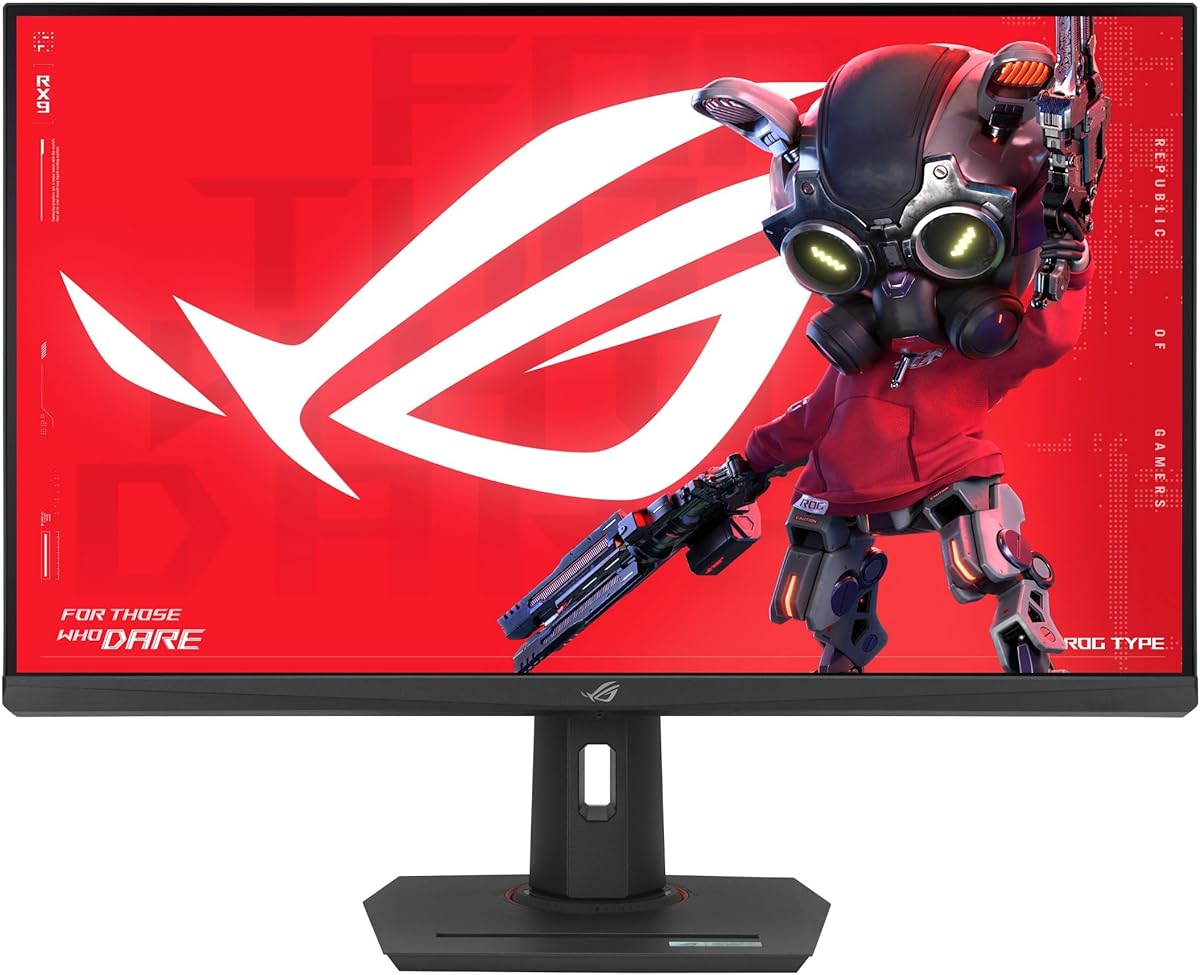
The ASUS ROG XG27ACS is built for professional gamers with an ultrafast 180Hz refresh rate and 1ms response time. ASUS Fast IPS technology ensures sharp gaming visuals with high frame rates and minimal motion blur.
We may earn a commission when you buy through this link, at no additional cost to you.
DisplayWidget Center simplifies setting adjustments with a mouse making it easy to tweak performance on the fly. The included USB-C hub supports video transmission and allows connection to wired peripherals for a clutter-free setup.
While resolution is limited to 1440p the speed and clarity make up for it in competitive scenarios. Free Adobe Creative Cloud adds value for creators transitioning between work and gaming.
This monitor is ideal for competitive gamers who prioritize speed and accuracy over resolution. Its robust feature set ensures a smooth and responsive gaming experience.
ELMB SYNC technology eliminates ghosting and tearing for sharp visuals during fast-paced gameplay.
USB-C hub connectivity simplifies your setup allowing you to connect peripherals directly to the monitor.
We may earn a commission when you buy through this link, at no additional cost to you.
ASUS delivers a premium gaming experience with the XG32UCG featuring dual mode technology for 4K at 160Hz or FHD at 320Hz. ROG Gaming A.I technology enhances the user experience with AI-powered features for optimized gameplay.
We may earn a commission when you buy through this link, at no additional cost to you.
Color accuracy is superior with 95% DCI-P3 color gamut ensuring uniformity and smooth color gradation. The 0.3ms response time supports sharp visuals and high frame rates for immersive gaming.
The 3-year warranty with advanced replacement offers significant peace of mind for expensive hardware. However the premium price point means it is best suited for serious enthusiasts.
This monitor is perfect for gamers who demand top-tier performance and resolution versatility. The combination of AI features and high speed ensures a competitive edge in any game.
Switch between high resolution for immersion and high refresh rates for competitive play instantly.
Advanced replacement warranty ensures minimal downtime if issues arise with your display hardware.
We may earn a commission when you buy through this link, at no additional cost to you.
SANSUI offers an immersive ultrawide experience with this 34-inch curved monitor delivering up to 200Hz refresh rate. AI built-in features like AI Crosshair and AI Blue Light reduction enhance gaming and eye comfort respectively.
We may earn a commission when you buy through this link, at no additional cost to you.
The fast VA panel provides vibrant colors and good contrast which is suitable for immersive gaming. PIP/PBP functionality allows multitasking across two sources which can boost productivity in work environments.
Lack of built-in speakers is a minor drawback for those wanting an all-in-one setup. However the price point makes it a strong contender for wide screen enthusiasts.
This monitor is ideal for gamers who want an immersive field of view without spending a fortune. The AI features add practical value for health and gameplay enhancement.
The 34-inch curved screen wraps around your vision creating a more engaging experience for media.
AI Blue light reduction adjusts color output to minimize strain during long sessions.
We may earn a commission when you buy through this link, at no additional cost to you.
Selecting the right AI ready monitor involves understanding how intelligence features can enhance your specific workflow or entertainment needs.
Resolution determines the clarity and detail you see on screen. Monitors with 4K resolution provide sharper images while IPS panels offer better color accuracy and viewing angles compared to VA or TN panels.
Look for high resolution and IPS technology for professional work requiring color precision.
Refresh rate measured in Hertz indicates how many times the screen updates per second. Higher rates like 144Hz or 200Hz result in smoother motion which is crucial for gaming. Response time affects how quickly pixels change color to reduce ghosting.
Prioritize refresh rates above 144Hz and response times under 5ms for gaming applications.
AI features can range from picture optimization to noise cancellation. Some monitors use AI to adjust brightness based on ambient light while others use it to improve upscaling for streaming content.
Choose models with AI tools that address your specific needs such as eye care or sound enhancement.
Modern monitors should offer versatile connectivity like HDMI, DisplayPort, and USB-C. USB-C is particularly valuable as it can transmit video and power data simultaneously reducing cable clutter.
Ensure the monitor has ports that match your devices like laptops or gaming consoles.
Some monitors include built-in operating systems like webOS or Tizen allowing you to stream apps without a PC. This can be useful for secondary screens or living room setups.
Consider smart platforms if you want a standalone media experience without additional hardware.
An adjustable stand that supports height tilt and swivel helps maintain a healthy posture. Slim bezels and aesthetic finishes also contribute to how the monitor fits into your space.
Verify stand adjustability to ensure comfort during long work or gaming sessions.
Built-in speakers vary significantly in quality. Some models include advanced audio processing to amplify dialogue or reduce background noise which improves media consumption.
Check speaker specifications if you do not plan to use external headphones or speakers.
Prices vary based on features and size. AI features can add cost so evaluate if they provide real utility for your use case versus basic models.
Balance cost against necessary features to avoid overpaying for capabilities you will not use.
Connect your devices using the appropriate cables to maximize data transfer speed. For smart monitors ensure a stable internet connection to access streaming apps and software updates.
Use the provided apps or physical buttons to calibrate the display settings. Adjust brightness and color profiles manually if AI features do not meet your preferences.
Clean the screen with a soft microfiber cloth and avoid harsh chemicals. Regular dusting helps prevent buildup that could affect cooling or optical performance over time.
An AI ready monitor includes intelligent hardware or software that adapts display settings based on content or environment. This can include picture optimization automatic brightness adjustment or noise reduction features.
Most on-device AI features like eye care and color optimization work offline. However smart features requiring streaming updates or cloud sync will need a connection.
Yes models with high color gamut coverage and accurate panels are suitable. However always check specific color accuracy specs for critical workflows.
Many modern monitors support USB-C power delivery up to 65W or 90W. This can charge compatible laptops while displaying video but verify wattage needs.
AI upscaling uses algorithms to enhance lower resolution content to fit the screen resolution. It fills in missing pixels to create a sharper image than standard stretching.
Many models include high refresh rates and low response times ideal for gaming. Specific gaming features like AI crosshairs or motion blur reduction further enhance performance.
Smart monitors can function as standalone TVs for streaming but most still require a PC for productivity apps. Cloud PC features offer some independence but depend on internet speed.
Enable blue light reduction features like ComfortView Plus or AI Eye Care. Adjust brightness to match ambient lighting and take regular breaks to rest your eyes.
We have explored ten standout options that bring intelligent features to your desktop. From Samsung Vision AI to AI upscaling these models offer unique ways to enhance productivity and entertainment.
Prioritize the features that matter most to you such as color accuracy for work or refresh rate for gaming. Smart features can add convenience but ensure core display performance meets your standards.
Remember that technology evolves quickly so current models may soon be superseded by newer innovations. Verify specifications and pricing directly with retailers before making your final purchase.