
ASUS ExpertBook B3
4.5Editor score
AI-powered Core Ultra processor
Military-grade durability certified
Comprehensive enterprise security suite
Choosing the right business laptop requires balancing performance, portability, and security to meet demanding professional needs effectively in modern work environments.
We evaluated ten top ASUS models based on processor power, memory capacity, display quality, connectivity options, and overall build durability for enterprise and small business users.
Each selection highlights specific strengths and trade-offs to guide your decision, though current pricing and availability may vary depending on retailer promotions and stock levels.
4.5Editor score

5.0Editor score

4.8Editor score
As an Amazon Associate we earn from qualifying purchases.
The following table provides a side-by-side comparison of key specifications across all ten selected ASUS business laptops to help you quickly identify the best fit for your requirements.


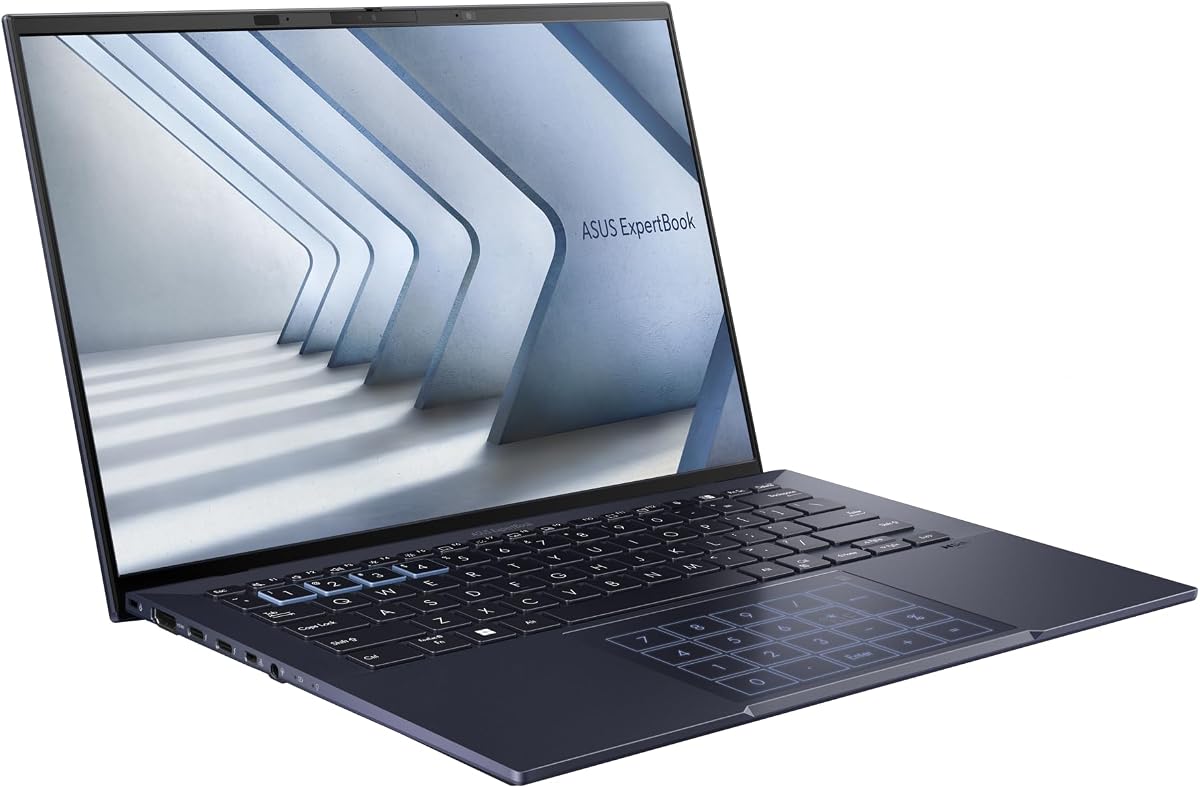
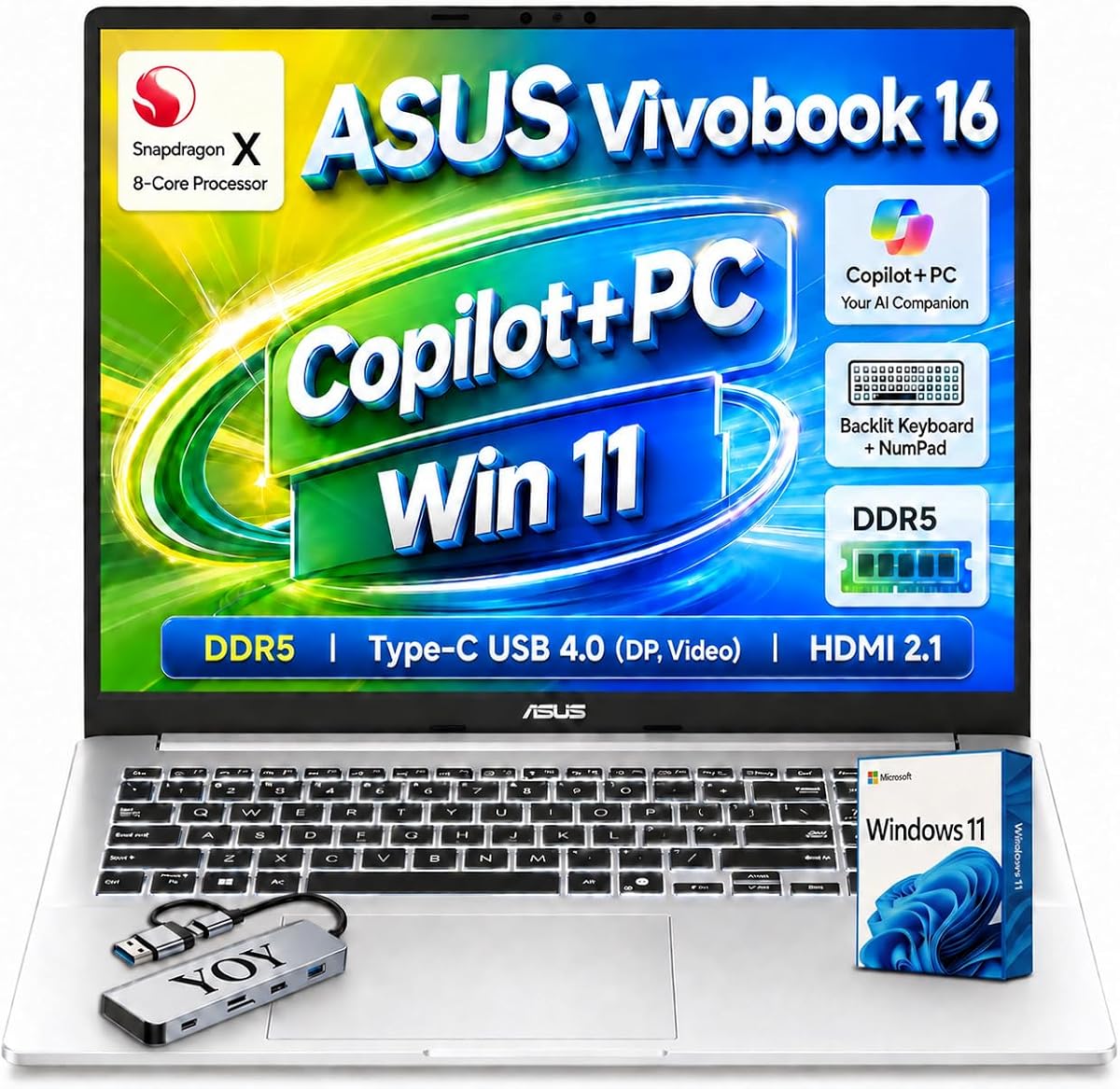


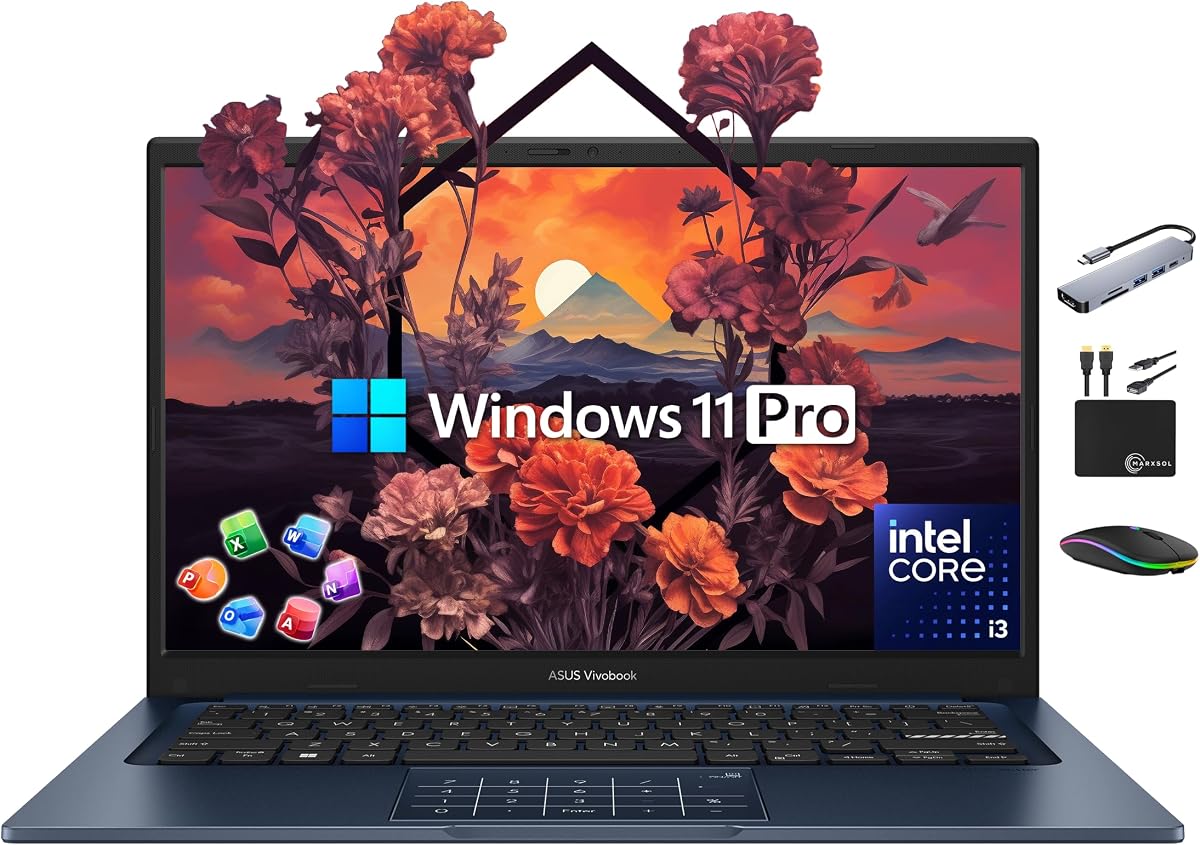
This model stands out as a top choice for small businesses needing reliable hardware and productivity software bundled together without extra setup.
We may earn a commission when you buy through this link, at no additional cost to you.
The generous 24GB of DDR4 RAM ensures smooth performance even with heavy browser tabs and data analysis tools running simultaneously during peak work hours.
While the external drive is a nice touch, users preferring all-in-one storage solutions might find the reliance on peripheral drives slightly less convenient.
Ideal for startups and freelancers who value immediate productivity with Windows 11 Pro and Office included right out of the box.
The inclusion of a lifetime Microsoft Office license alongside a 6-in-1 USB-C docking hub provides immediate operational readiness for new deployments.
Built-in hardware encryption and a physical webcam privacy shield protect sensitive business communications during remote work or client meetings.
We may earn a commission when you buy through this link, at no additional cost to you.
The ExpertBook B3 leads the pack with advanced AI processing capabilities and enterprise-level security, making it ideal for executives and IT managers.
We may earn a commission when you buy through this link, at no additional cost to you.
Its massive 32GB of RAM and 2TB storage offer ample headroom for virtual machines and large datasets without compromising system responsiveness.
The MIL-STD-810H certification ensures reliability in harsh environments, though the premium price tag may be a consideration for budget-conscious buyers.
Buyers prioritizing future-proofing and robust build quality will find this model delivers long-term value for mission-critical professional tasks.
The integrated Intel AI Boost NPU optimizes conference calls and background tasks automatically, freeing up CPU resources for core applications.
Features like TPM 2.0 and Secured-core PC support ensure data protection meets strict compliance standards for regulated industries.
We may earn a commission when you buy through this link, at no additional cost to you.
At just 2.18 pounds, the B9 OLED redefines portability without sacrificing display quality or performance, making it perfect for frequent travelers.
We may earn a commission when you buy through this link, at no additional cost to you.
The OLED screen provides vivid colors and deep blacks for presentations, while the dedicated Copilot key accelerates access to AI-driven assistance.
While the high quality commands a higher price, the durability and lightweight chassis justify the cost for professionals constantly on the move.
Anyone seeking a balance of premium aesthetics and ultra-portability will appreciate this refined business laptop design.
The 14-inch OLED panel delivers unmatched contrast and color accuracy for creative professionals reviewing media on the go.
Built with eco-friendly materials throughout the product lifecycle, it meets modern corporate sustainability goals effectively.
We may earn a commission when you buy through this link, at no additional cost to you.
The B1 focuses on stability and reliability with its ExpertCool system ensuring consistent performance even during extended work sessions without overheating.
We may earn a commission when you buy through this link, at no additional cost to you.
It offers a robust set of enterprise security features including BIOS protection and TPM 2.0 to safeguard critical corporate data from unauthorized access.
While it lacks a fingerprint reader, the combination of port selection and thermal efficiency makes it a solid choice for office deployments.
Business users needing a durable workhorse with ample memory for multitasking should consider this balanced configuration.
The thermal design maintains steady temperatures under load, preventing throttling and ensuring consistent speed throughout the workday.
Retaining legacy ports like RJ45 ensures compatibility with older network infrastructure and peripherals without adapters.
We may earn a commission when you buy through this link, at no additional cost to you.
This configuration pairs a high-end Core i7 processor with a visually striking OLED panel, making it ideal for design professionals and executives.
We may earn a commission when you buy through this link, at no additional cost to you.
The magnesium-lithium alloy chassis provides a rare combination of ultralight weight and rugged durability for daily transport and field work.
While the non-touch interface may deter some creative users, the color accuracy and brightness of the OLED screen are compelling advantages.
Those prioritizing screen quality and build materials will find this ExpertBook version a premium option for daily professional use.
The 2.8K OLED display ensures precise color reproduction for tasks requiring detailed visual work like editing or presenting.
Using aerospace-grade magnesium-lithium alloy keeps the device lightweight yet resistant to warping and structural damage.
We may earn a commission when you buy through this link, at no additional cost to you.
Powered by the Snapdragon X processor, this Vivobook unlocks the full potential of Windows Copilot+ with dedicated AI hardware for efficient local processing.
We may earn a commission when you buy through this link, at no additional cost to you.
With USB4 connectivity and Wi-Fi 6E, it offers modern connectivity standards essential for high-speed data transfer and wireless peripherals.
Users should verify app compatibility before purchase, but for general productivity and media tasks, this laptop delivers seamless AI-enhanced performance.
Tech-savvy professionals wanting to future-proof their workflow with AI capabilities will appreciate this innovative ARM-based design.
The Qualcomm Hexagon NPU enables complex AI tasks like live captions and image generation directly on the device without cloud delays.
USB4 ports allow for ultra-fast data transfer and support for high-resolution external displays via single-cable docking solutions.
We may earn a commission when you buy through this link, at no additional cost to you.
This Vivobook delivers exceptional value by offering high-end Core i7 performance and Windows 11 Pro at a price point accessible to small businesses.
We may earn a commission when you buy through this link, at no additional cost to you.
The 16-inch screen provides ample workspace for multitasking while maintaining reasonable portability for occasional mobile use outside the office.
While build quality is functional rather than premium, the included docking station and external drive add significant utility to the package.
For businesses seeking a powerful workhorse without premium pricing, this configuration offers the best cost-to-performance ratio available.
Pre-installed Windows 11 Pro ensures seamless integration with corporate networks and management tools out of the box.
The included USB-C hub and external storage provide necessary connectivity and data space without requiring additional purchases.
We may earn a commission when you buy through this link, at no additional cost to you.
Ryzen-based systems offer exceptional battery efficiency and multi-core performance, making this Vivobook an ideal companion for long workdays without charging.
We may earn a commission when you buy through this link, at no additional cost to you.
The 16-inch WUXGA IPS display provides sharp visuals and color consistency suitable for spreadsheets and general office applications.
While the RAM is partially soldered, the 16GB capacity is sufficient for most standard business tasks, ensuring responsive operation.
Users prioritizing battery life and display quality at a mid-range price point will find this model a reliable daily driver.
The Zen 3 architecture delivers robust performance per watt, extending battery life significantly during unplugged usage scenarios.
The backlit keyboard and larger 16-inch screen reduce eye strain during late-night work sessions and data-heavy tasks.
We may earn a commission when you buy through this link, at no additional cost to you.
This variant highlights the benefit of third-party upgrades, offering a lower price point while still delivering solid Ryzen performance for office tasks.
We may earn a commission when you buy through this link, at no additional cost to you.
Although the factory seal is open for hardware adjustments, the device maintains reliable performance for general business productivity and web browsing.
Buyers must weigh the cost savings against potential warranty limitations, making this a smart choice for tech-savvy users managing their own hardware.
It serves as a flexible budget option for organizations willing to accept third-party modifications in exchange for lower entry costs.
Professional upgrades by third-party vendors allow for customized memory and storage configurations at reduced retail prices.
The addition of a high-speed USB hub enhances connectivity options for users needing multiple peripheral connections.
We may earn a commission when you buy through this link, at no additional cost to you.
The Vivobook 2025 Ultra offers an affordable entry point into business computing, combining a capable Core i3 with an unusual 24GB of RAM.
We may earn a commission when you buy through this link, at no additional cost to you.
This high RAM count ensures smooth multitasking even if the processor is not designed for heavy computational loads like rendering or coding.
With Windows 11 Pro and a lifetime Office license included, it represents a strong value proposition for basic administrative and web-based work.
Organizations looking to equip non-technical staff with functional, low-cost devices will find this configuration practical and sufficient.
The 14-inch form factor ensures easy transport, making it ideal for staff who move between departments or work remotely.
The bundled software and external storage provide a comprehensive package that reduces the need for separate software purchases.
We may earn a commission when you buy through this link, at no additional cost to you.
Selecting the right ASUS business laptop requires understanding your specific workflow needs, security requirements, and budget constraints to ensure optimal ROI.
Choose between Intel Core, Core Ultra, or AMD Ryzen based on your need for AI processing, raw speed, or battery efficiency.
For data-heavy tasks, look for 10-core processors or higher to ensure smooth multitasking during peak hours.
Aim for at least 16GB RAM for modern applications, with 32GB preferred for virtualization or heavy data analysis workloads.
Prioritize NVMe SSDs for fast boot times and file access; consider models with expansion slots for future storage needs.
14-inch screens offer portability for travel, while 16-inch displays provide better workspace for spreadsheets and multitasking.
OLED panels deliver superior contrast for creative work, while IPS screens provide consistent viewing angles for presentations.
Look for MIL-STD-810H certification to ensure the device can withstand drops, dust, and temperature variations during travel.
Magnesium or aluminum alloys offer better structural integrity and heat dissipation than plastic chassis for long-term reliability.
Enterprise-grade security should include TPM 2.0, BIOS protection, and Windows Hello support for multi-factor authentication.
Physical features like webcam privacy shutters are essential for remote work environments where privacy is a priority.
Ensure the laptop has enough USB-A and USB-C ports to connect your existing peripherals without needing excessive dongles or hubs.
Gigabit Ethernet ports and Wi-Fi 6E support are critical for stable, high-speed network connections in office environments.
Windows 11 Pro offers better management tools and security features compared to Home, making it the standard for business devices.
Consider models that bundle essential software like Microsoft Office to reduce initial setup time and additional licensing costs.
Check if the device comes with a standard warranty or offers extended support options like accidental damage protection.
Enterprise buyers should verify if the model supports business-class support channels for faster issue resolution during critical operations.
Keep the device in a protective sleeve when transporting to prevent scratches and physical damage from daily commuting.
Regularly update BIOS and firmware through the MyASUS app to ensure security patches and performance optimizations are applied automatically.
Avoid placing the laptop on soft surfaces like beds for long periods, as this can restrict airflow and cause thermal throttling.
Yes, models like the ExpertBook B9 and Vivobook 16 offer excellent battery life, secure webcams, and Wi-Fi 6E connectivity that support seamless remote productivity without connectivity issues.
It depends on the specific model; some allow SODIMM upgrades while others have soldered memory, so check the product specs carefully before purchasing to ensure future expandability.
Most business-focused ASUS models include Windows 11 Pro pre-installed, which provides essential enterprise features like BitLocker encryption and domain joining capabilities.
Battery life typically ranges from 8 to 12 hours depending on screen brightness and workload, with newer Ultra processors offering improved efficiency over older generations.
The ExpertBook series is specifically designed for IT needs with vPro support, robust security features, and durable build quality suitable for field technicians.
Use the MyASUS software to adjust fan profiles or ensure the laptop has adequate ventilation; elevated stands also help improve airflow during intensive workloads.
We recommend the ExpertBook B9 for executives prioritizing portability and the Vivobook 16 for small businesses seeking cost-effective performance.
Focus on your specific workload requirements rather than general specs to ensure the device matches your daily operational needs effectively.
Prices fluctuate frequently, so verify current availability and pricing before making your purchase to secure the best deal possible.