
ASUS ROG Strix G16 (2025)
4.4Editor score
Intel Core i7 14650HX
RTX 5060 GPU
165Hz FHD+ Display
The ASUS ROG Strix Laptop series offers powerful gaming machines designed for enthusiasts. These laptops combine high refresh rate screens with robust cooling systems to handle demanding titles and creative workloads efficiently.
We evaluated ten models based on processor power, GPU performance, display quality, and thermal management. Each pick balances budget and premium features to suit different user needs and gaming preferences across the lineup.
Every selection includes key specs, pros, and cons to guide your decision. Prices and availability change frequently, so check current listings before purchasing to ensure you get the best value for your specific requirements.
4.4Editor score

4.3Editor score

4.3Editor score
As an Amazon Associate we earn from qualifying purchases.
The following table provides a side-by-side overview of the top ten ASUS ROG Strix models. It highlights key specifications including processors, graphics cards, screen sizes, and refresh rates to help you compare performance tiers quickly.



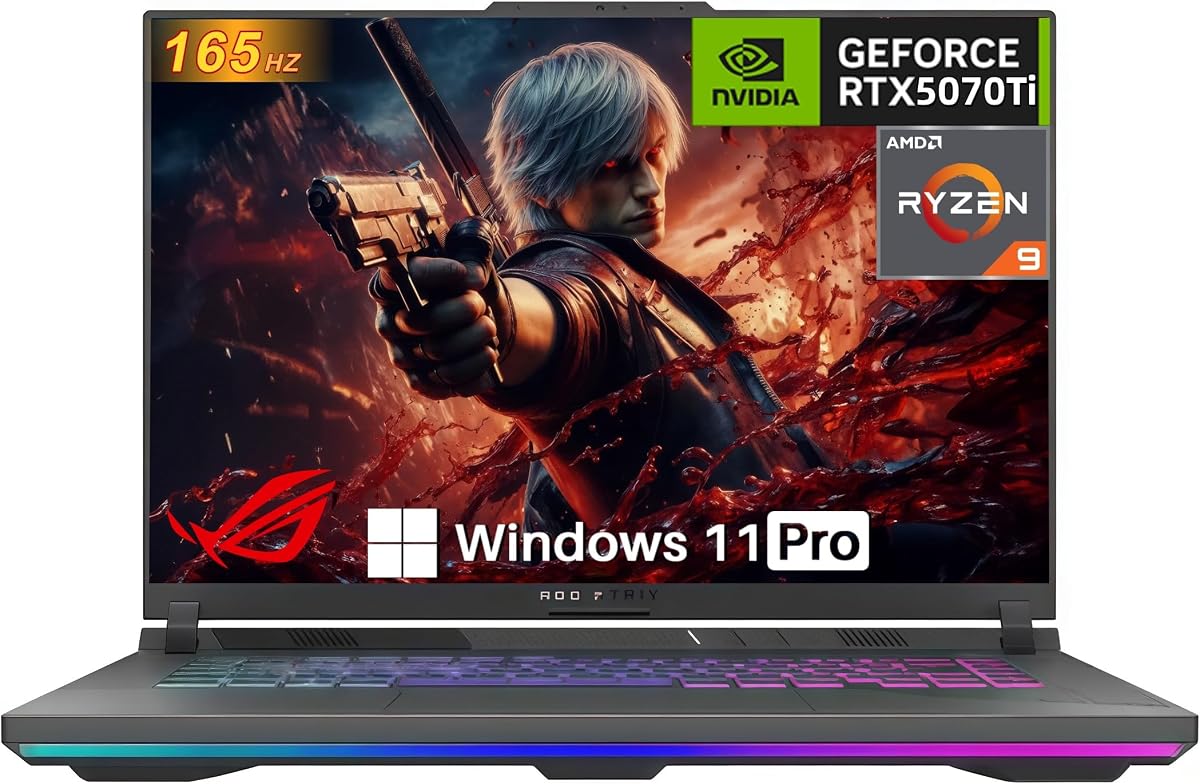

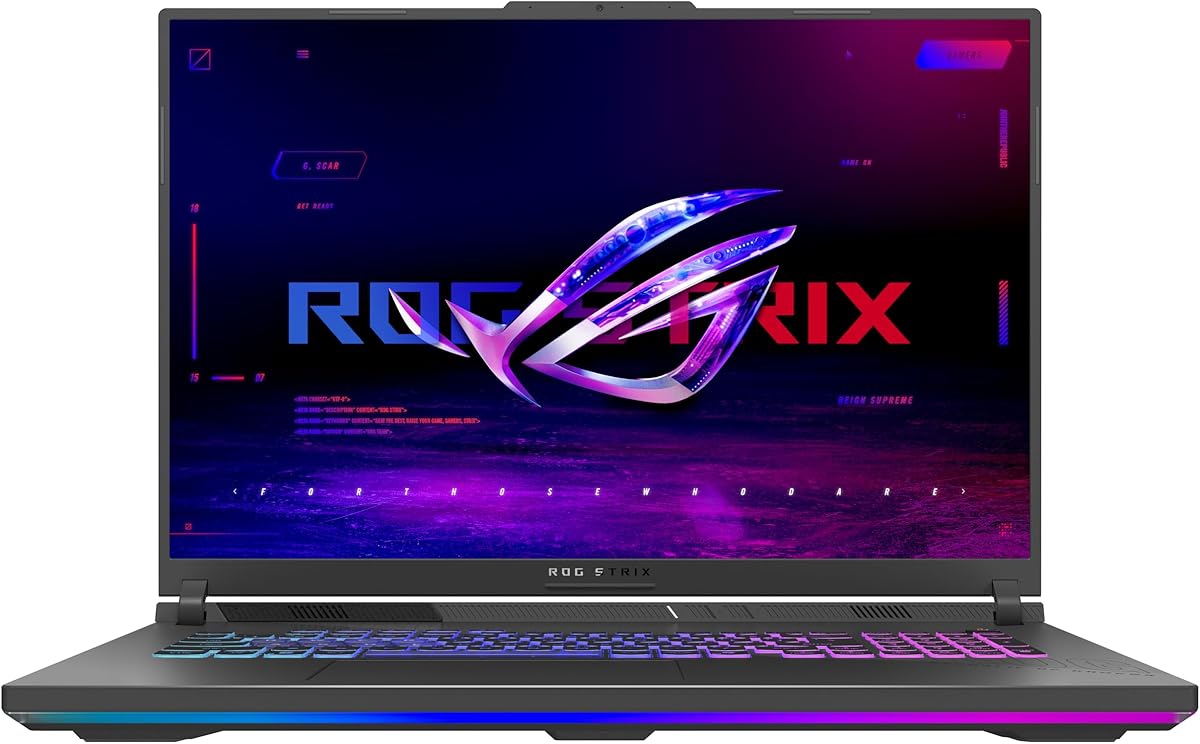
This laptop delivers strong performance for its price point with an Intel Core i7 and RTX 5060. It achieves a 4.4 rating for balancing cost and capability effectively for casual and competitive gamers.
We may earn a commission when you buy through this link, at no additional cost to you.
The 165Hz FHD+ display provides smooth visuals while the vapor chamber cooling keeps temperatures manageable during extended sessions. DDR5 memory ensures quick multitasking for games and apps.
While the screen resolution is standard and lacks a MUX switch, the performance per dollar makes it a smart entry point. The 1TB storage is generous for most libraries.
Buy this if you want high frame rates without overspending. It is ideal for students or gamers upgrading from older hardware who need reliability and modern connectivity.
The combination of 14650HX and RTX 5060 handles AAA titles efficiently without requiring top-tier pricing.
Wi-Fi 7 ensures low latency online gaming and future proofing for next generation routers.
We may earn a commission when you buy through this link, at no additional cost to you.
This model stands out with an RTX 5070 Ti and Core Ultra 9 for next level performance. Its 4.3 rating reflects strong appeal among serious gamers needing raw power and speed.
We may earn a commission when you buy through this link, at no additional cost to you.
The Nebula display offers 2.5K resolution and 240Hz refresh rates for crisp, fluid visuals. Liquid metal cooling and tri-fan tech sustain high performance under load without noise.
The cost is significant compared to entry models, but the 32GB RAM and superior screen justify the investment. It avoids bottlenecks for heavy multitasking or content creation.
Choose this if you demand the best gaming experience in a portable form. It suits creators and pros who need speed and visual fidelity without desktop constraints.
The Nebula panel enhances contrast and color for immersive gaming and precise creative work.
Core Ultra 9 275HX supports demanding workflows and modern gaming engines efficiently.
We may earn a commission when you buy through this link, at no additional cost to you.
This flagship offers an 18 inch Mini LED HDR display and top specs for unmatched visuals. With a 4.3 rating, it targets enthusiasts who want premium features and maximum screen real estate.
We may earn a commission when you buy through this link, at no additional cost to you.
The AniMe Vision lid adds unique style while the MUX switch boosts gaming performance by 5 to 10 percent. Tool-free access simplifies RAM and SSD upgrades for future-proofing.
Its size and cost are barriers, but the HDR quality and Pro OS suit professionals. It delivers desktop-like power in a chassis designed for high-end gaming experiences.
Invest in this for a desktop replacement experience. It is best for users who prioritize display quality, customization, and raw performance over portability.
Mini LED technology with 2000 zones delivers deep blacks and vibrant highlights for movies and games.
AniMe Vision allows text or animations on the lid for personal expression and brand identity.
We may earn a commission when you buy through this link, at no additional cost to you.
This version pairs a premium screen with Core Ultra 9 for a strong multimedia experience. It scores 4.0 for users who prioritize visual quality and CPU performance over raw GPU power.
We may earn a commission when you buy through this link, at no additional cost to you.
The Nebula display with Dolby Vision HDR offers rich colors and high contrast. The tri-fan cooling ensures silence during light tasks while handling gaming loads efficiently.
The GPU is less powerful than the Ti variants, but the display makes up for it in content consumption. It is a balanced choice for creators needing screen fidelity.
Select this if screen quality is your primary concern. It fits well for those who edit videos and play games requiring sharp resolution and color accuracy.
2.5K resolution with HDR support provides sharp details and vibrant colors for media and games.
Core Ultra 9 handles multitasking and streaming without bottlenecks during gameplay.
We may earn a commission when you buy through this link, at no additional cost to you.
This AMD model delivers strong performance with a Ryzen 9 9955HX and RTX 5070. It is suited for those seeking AMD efficiency without sacrificing gaming capability or upgrade paths.
We may earn a commission when you buy through this link, at no additional cost to you.
The GPU supports DLSS 4 and frame generation for smoother gameplay. Advanced Optimus switches between iGPU and dGPU automatically to extend battery life during work.
The screen is FHD+ instead of 2.5K and it lacks Wi-Fi 7. However, the CPU and GPU combination offers excellent throughput for tasks and gaming.
Opt for this if you prefer AMD architecture. It is a solid choice for users prioritizing processing power and battery management over max resolution.
Ryzen 9 provides excellent performance per watt for portable gaming and sustained workloads.
Advanced Optimus seamlessly switches graphics to save power during light productivity tasks.
We may earn a commission when you buy through this link, at no additional cost to you.
This configuration features a full 140W TGP for peak GPU performance. With a 5.0 rating it is highly praised for raw power and reliable thermal management.
We may earn a commission when you buy through this link, at no additional cost to you.
The Ryzen 9 8940HX offers 16 cores for multitasking and productivity. The 32GB RAM ensures smooth operation across multiple heavy applications simultaneously.
Screen resolution is WUXGA and it uses Wi-Fi 6E which is slightly older. But the Ethernet port adds stability for competitive gaming requiring low latency connections.
Buy this for stable high performance gaming. It is ideal for streamers and editors needing consistent throughput and dedicated network connectivity.
The 140W TGP allows maximum ray tracing and frame generation capabilities for games.
RJ-45 Ethernet ensures stable wired connections for online play and downloads.
We may earn a commission when you buy through this link, at no additional cost to you.
This model emphasizes upgradability with tool-free access to RAM and SSD. It scores 4.9 for its user-friendly design and maintenance capabilities for enthusiasts.
We may earn a commission when you buy through this link, at no additional cost to you.
The Q-latch SSD system lets you swap drives in seconds without tools. Tri-fan cooling and liquid metal maintain temperatures for sustained gaming sessions effectively.
VRAM is 8GB which may limit future titles at high settings. However, the 7000MB/s throughput ensures fast load times and smooth asset streaming.
Choose this if you plan to upgrade over time. It is perfect for tech-savvy users who want flexibility and easy maintenance without opening the device.
Tool-free slots and removable frames simplify upgrades and repairs for average users.
PCIe Gen 4 storage delivers rapid load times for games and system boot.
We may earn a commission when you buy through this link, at no additional cost to you.
Featuring the RTX 5080, this laptop delivers top performance for 4K gaming. With a 5.0 rating it represents the pinnacle of portable gaming power and quality.
We may earn a commission when you buy through this link, at no additional cost to you.
The HDR display with Dolby Vision delivers vibrant colors and deep contrasts. Wi-Fi 7 ensures low latency connectivity for cloud gaming and fast downloads.
The price and weight are high compared to others in this guide. But the GPU capability supports future titles and creative rendering needs effectively.
Invest in this for high-end gaming. It is best for those who want the latest hardware and highest visual fidelity possible.
RTX 5080 supports advanced AI upscaling and ray tracing for realistic visuals.
Wi-Fi 7 offers higher bandwidth and lower latency for competitive online gaming.
We may earn a commission when you buy through this link, at no additional cost to you.
This model includes 2TB storage which is rare in laptops. It scores 4.2 for offering ample space for large game libraries and creative assets out of the box.
We may earn a commission when you buy through this link, at no additional cost to you.
RTX 5070 with Core Ultra 9 handles modern titles well. The Pro OS provides advanced security and management features for business or professional users.
While the price is higher due to storage and RAM, you save on immediate upgrades. It suits users needing large capacity and professional features without tinkering.
Pick this for capacity and features. It is ideal for professionals or gamers with huge libraries requiring robust storage and secure OS.
2TB SSD allows extensive game libraries and media projects without external drives.
Windows 11 Pro supports better security and remote management for enterprise needs.
We may earn a commission when you buy through this link, at no additional cost to you.
This 18 inch model offers a larger workspace for gaming and multitasking. It achieves a 4.4 rating for its balance of screen size and entry-level graphics performance.
We may earn a commission when you buy through this link, at no additional cost to you.
The Ryzen 9 8940HX provides solid multitasking even with the RTX 5050. The full-width heatsink and surround vents keep the system cool during use.
Refresh rate is 144Hz which is good for casual gaming. The RTX 5050 handles esports well but may struggle with ray-traced AAA titles.
Buy this for screen size and value. It is best for users prioritizing display area and general performance over competitive high refresh gaming.
18 inch screen offers more room for HUD elements and multitasking without peripherals.
Full-width vents help dissipate heat efficiently even with the larger chassis.
We may earn a commission when you buy through this link, at no additional cost to you.
Selecting the right ASUS ROG Strix laptop requires evaluating key components like GPU, CPU, and display. These factors define performance and value across different price points and use cases.
The GPU determines gaming capability and visual quality. Options range from RTX 5050 to RTX 5080. Higher tiers support ray tracing and AI upscaling better.
Choose based on target games and resolution. Mid-tier GPUs suit competitive esports while high-tier cards support AAA titles and 4K gaming.
CPUs like Intel Core Ultra 9 or AMD Ryzen 9 handle multitasking and production. They impact game physics and streaming quality. Intel offers high clock speeds while AMD excels in efficiency.
Select a processor matching your workload. For heavy editing pick top-tier CPUs. For gaming standard high-end models are sufficient.
Resolution and refresh rate affect visuals and smoothness. Look for 2.5K and 240Hz for detailed fast images. HDR and Mini LED enhance contrast and color depth significantly.
Prioritize panels with accurate colors and high refresh rates. A good screen improves immersion and responsiveness during play.
RAM impacts multitasking and loading. 32GB DDR5 handles heavy apps while 16GB is enough for most games. SSD storage speeds boot and loading times drastically compared to HDDs.
Choose 32GB if you run multiple apps. Ensure storage has Gen 4 speeds for rapid access.
Cooling keeps performance stable. Look for vapor chambers, liquid metal, and multiple fans. Effective cooling prevents throttling and extends hardware lifespan.
Ensure the model uses advanced airflow tech. A cooler system runs quieter and lasts longer.
Wi-Fi 7 offers faster wireless speeds and low latency. Ethernet ports provide stable wired connections. USB ports allow peripherals and fast data transfer.
Check for latest standards to future-proof your setup. Wired options are vital for competitive gaming.
Tool-free access allows easy RAM and SSD changes. This extends life and adjusts performance later. Modular designs save money on future upgrades.
Prefer models with accessible bays. Flexible designs offer better value over time.
Windows 11 Pro supports enterprise features like BitLocker. Home is simpler for most gamers. Software suites offer RGB control and performance tuning.
Choose Pro for security or Home for ease. Software should integrate well with peripherals.
Place the laptop on a hard flat surface to ensure airflow. Avoid soft fabrics that block vents and cause overheating during long gaming sessions.
Update drivers regularly via the manufacturer app. This ensures compatibility with new games and improves performance tuning for cooling and power settings.
Clean dust from vents every few months to maintain cooling. Use compressed air gently to prevent damage and keep fans operating quietly and efficiently.
RTX 5060 to 5070 Ti suits 1440p. They handle high settings well. For maximum detail go with RTX 5070 Ti or higher to ensure stable frame rates and visual fidelity.
Yes they are. Strong CPUs and 32GB RAM handle rendering well. Ensure you pick models with good color-accurate displays for precise editing workflows.
No they do not. The GPUs are integrated into the system. They are designed as self-contained units offering desktop-level performance without external accessories.
Expect four to six hours for productivity. Gaming reduces this significantly. Use power saving modes during work to extend runtime between charges.
They can be. Advanced cooling systems manage noise well. Use balanced modes to reduce fan speed while maintaining performance for most sessions.
No. The GPU is soldered. You can upgrade RAM and SSD easily via tool-free access but the graphics card remains fixed.
The Scar 18 with Mini LED is top. It offers high brightness and contrast. Choose based on your needs for HDR and color accuracy.
Yes it lowers latency. It helps reduce lag during multiplayer. Ensure your router supports it to benefit from the higher speeds and stability.
These models range from affordable entry to premium power. The best picks balance cost with performance and display quality for your needs.
Prioritize GPU tier and screen quality. Match RAM and storage to your workflow for smooth multitasking and faster access.
Check current listings as prices and stock change. This ensures you secure the best deal on the model that fits your goals.