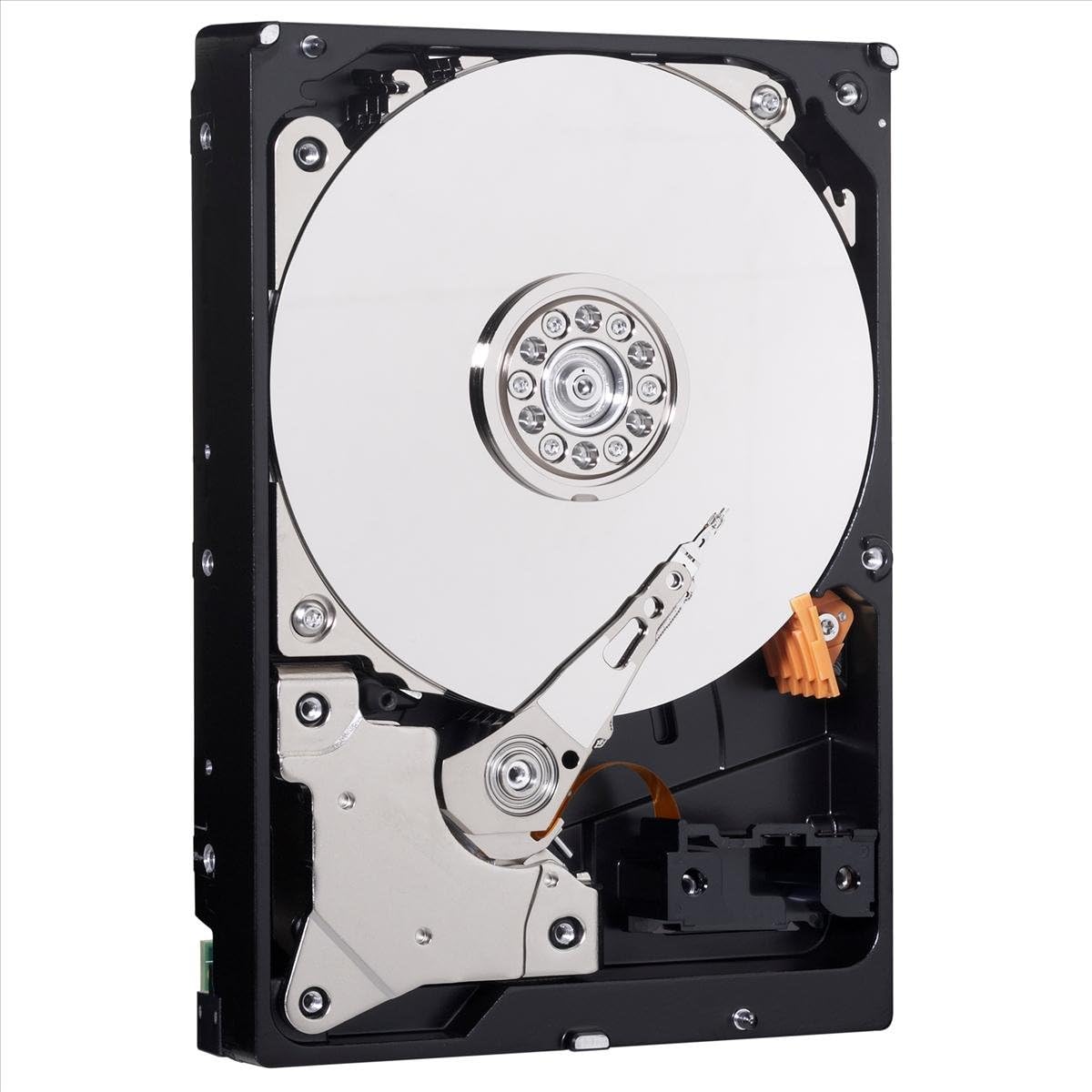
WD Blue 500GB Desktop Hard Disk Drive
4.4Editor score
IntelliSeek power optimization
Data LifeGuard monitoring
NoTouch Ramp Load protection
Finding a reliable hard drive is essential for any desktop setup needing fast performance and ample storage space. A 7200 RPM HDD ensures quick data access and smooth multitasking for demanding tasks.
We analyzed ten top-rated models focusing on cache size, capacity, interface speed, and warranty coverage. Each product offers unique strengths tailored to gaming, creative work, or general computing needs.
Every pick highlights specific use cases and performance traits to match your budget and requirements. Please note that product availability and pricing can change frequently so check current listings before purchasing.
4.4Editor score
4.6Editor score

4.4Editor score
As an Amazon Associate we earn from qualifying purchases.
The following table provides a side-by-side overview of all ten selected drives highlighting their capacities interfaces and key specifications to simplify your decision-making process.



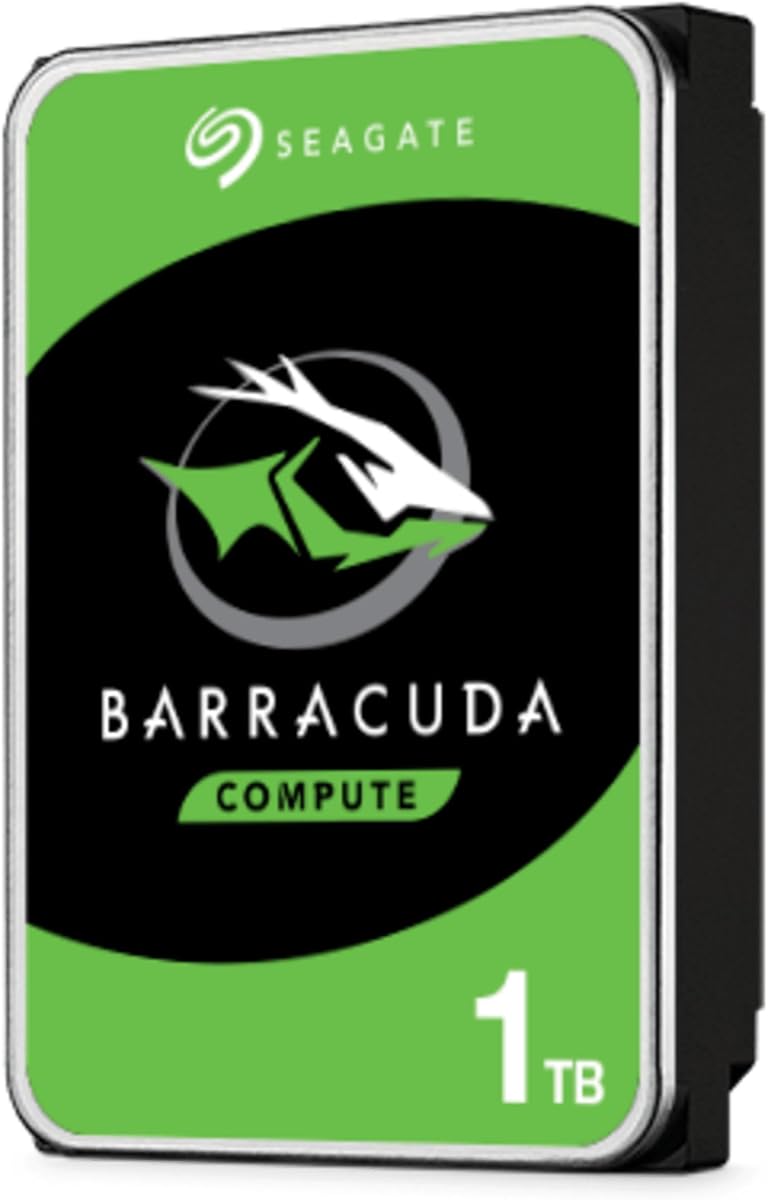
This Seagate BarraCuda model stands out as a top performer for desktop users seeking balanced storage and speed. With a solid 4.6 rating it delivers consistent performance for everyday computing and gaming needs.
We may earn a commission when you buy through this link, at no additional cost to you.
Its 7200 RPM spindle speed combined with a 64MB cache ensures quick access to frequently used files and smooth application loading times. The drive supports SATA 6 Gb/s interfaces making it compatible with most modern desktop PCs.
While it lacks some premium features like data recovery services the drive remains a cost-effective choice for expanding system storage. Users appreciate its reliability and seamless integration into various desktop configurations.
Ideal for gamers and general users needing extra space without breaking the bank this drive is a reliable upgrade option. We recommend it for anyone building or upgrading a standard desktop system today.
The drive's optimized read/write caching technology helps reduce load times in modern PC games enhancing the overall gaming experience.
Backed by twenty years of innovation this drive provides peace of mind for storing important documents media and system files securely.
We may earn a commission when you buy through this link, at no additional cost to you.
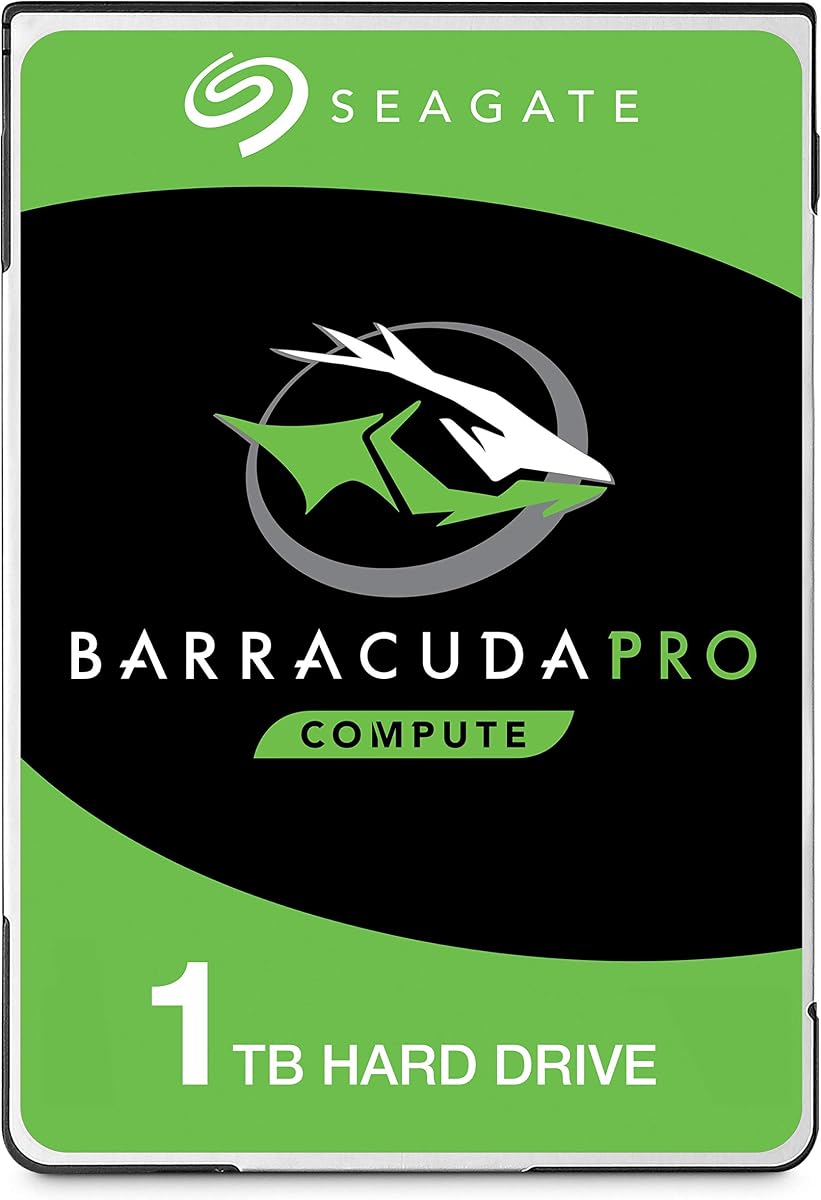
The BarraCuda Pro model offers premium features appealing to users needing reliable storage in a smaller form factor. Its 128MB cache enhances burst performance for professional workloads and demanding applications.
We may earn a commission when you buy through this link, at no additional cost to you.
Beyond raw speed the drive includes two years of Rescue Data Recovery Services adding significant value for protecting important data. This feature makes it an attractive option for professionals managing critical files.
Its compact 2.5 inch design allows installation in laptops or compact desktop cases where space is limited. While the price reflects these added benefits it justifies the investment for reliability-focused buyers.
We recommend this drive for creative professionals or power users needing portable storage with robust protection. The five-year warranty and recovery tools ensure your data remains secure over the long term.
The included Rescue Data Recovery Services provide an extra safety net ensuring valuable projects remain protected against potential drive failures.
The 2.5 inch form factor maintains high speed in smaller systems making it versatile for both desktop and laptop environments.
We may earn a commission when you buy through this link, at no additional cost to you.
Western Digital's WD Black series is renowned for delivering high performance for gamers and creative professionals. This 2TB model combines ample storage with reliable 7200 RPM speeds to handle intensive workloads efficiently.
We may earn a commission when you buy through this link, at no additional cost to you.
StableTrac and Dynamic Cache Technology optimize performance and reliability by reducing vibrations and improving data throughput. These features ensure consistent speeds even under heavy load conditions common in professional environments.
The drive's design targets users who need large capacity without sacrificing speed making it a strong choice for multimedia editing or extensive game libraries. Its five-year warranty provides long-term peace of mind.
We recommend this drive for serious enthusiasts and professionals needing robust storage. The premium features justify the cost for those prioritizing performance and reliability in their desktop setup.
StableTrac stabilizes the drive within the system ensuring reliable performance even in multi-drive configurations or high-vibration environments.
With two terabytes of space users can store extensive media collections and large projects without frequent external storage dependencies.
We may earn a commission when you buy through this link, at no additional cost to you.
This Bare Drive model offers a straightforward solution for users needing reliable storage without extra frills. Its frustration-free packaging ensures a hassle-free unboxing and setup process for quick integration into desktop systems.
We may earn a commission when you buy through this link, at no additional cost to you.
Performance remains strong with 7200 RPM speeds and SATA 6 Gb/s interface capabilities. The drive handles music video and photo editing tasks effortlessly ensuring smooth workflows for creative users.
While it lacks advanced premium features it delivers consistent results backed by years of brand innovation. Users looking for a simple and dependable upgrade will find this model meets their needs well.
We suggest this drive for standard desktop builds where simplicity and reliability are key. Its design supports everyday computing tasks efficiently and integrates easily into existing hardware configurations.
The frustration-free packaging allows users to begin using the drive immediately without delays caused by complex installation procedures.
From gaming to media editing the drive supports a wide range of applications making it a versatile component for any desktop.
We may earn a commission when you buy through this link, at no additional cost to you.
This Seagate model boasts an exceptional user rating reflecting high satisfaction among buyers seeking reliable storage. It delivers solid performance for a wide array of desktop applications and general computing tasks.
We may earn a commission when you buy through this link, at no additional cost to you.
The 2TB capacity provides ample room for expanding system storage without requiring multiple drives. Its SATA 6 Gb/s interface ensures data transfer rates are optimized for modern system performance standards.
Users appreciate the balance between cost and capacity making it an ideal choice for secondary storage or backup needs. The simplicity of the model reduces compatibility issues with various motherboard configurations.
We recommend this drive for users needing extra space at an affordable price point. It serves well as a secondary drive in gaming rigs or media centers needing bulk storage.
The near perfect user rating highlights consistent reliability and performance across diverse desktop setups and usage scenarios.
Supporting SATA 6 Gb/s ensures quick file transfers and smooth streaming of large video files without bottlenecks.
We may earn a commission when you buy through this link, at no additional cost to you.
The WD SE series is engineered for demanding environments requiring constant operation and high reliability. Its design includes features like Rotary Acceleration Feed Forward to manage vibrations in multi-drive setups.
We may earn a commission when you buy through this link, at no additional cost to you.
This drive is tested under actual server workloads ensuring it can handle intensive tasks consistently. The cost-effective per GB pricing makes it a strategic choice for expanding storage pools.
Users building home labs or small business servers will benefit from its robust performance and five-year warranty. The drive ensures your data remains accessible during long operational hours without interruption.
We suggest this model for enthusiasts needing reliable bulk storage in a server environment. It delivers professional-grade dependability suitable for critical storage applications.
RAFF technology significantly improves performance in high-vibration environments ensuring consistent data integrity over time.
The low cost per gigabyte helps maximize total storage capacity while keeping overall system costs low.
We may earn a commission when you buy through this link, at no additional cost to you.
The Barracuda XT series delivers a strong balance of high capacity and fast speeds for desktop environments. It is designed to handle space-hungry games and movies without compromising performance.
We may earn a commission when you buy through this link, at no additional cost to you.
Its 64MB cache optimizes burst performance reducing data throughput bottlenecks that can slow down system operations. The drive supports SATA 6 Gb/s interfaces ensuring compatibility with modern controllers.
Users value the ample storage space providing plenty of room for large libraries and extensive backups. It serves well as a primary or secondary drive for general desktop computing needs.
We recommend this drive for users needing substantial storage space at a reasonable price. It offers a solid performance foundation for expanding desktop capabilities effectively.
The 64MB cache optimizes data flow reducing common bottlenecks that can impact gaming or media streaming performance.
With two terabytes of space users can store thousands of files and large media libraries easily.
We may earn a commission when you buy through this link, at no additional cost to you.
The WD Blue series is a staple for budget-conscious users needing reliable storage for everyday tasks. Its IntelliSeek technology calculates optimal seek speeds to lower power consumption and noise.
We may earn a commission when you buy through this link, at no additional cost to you.
Data LifeGuard monitors drive health continuously ensuring it remains in optimum condition for long-term use. The NoTouch Ramp Load technology protects data by positioning heads safely off the disk surface.
While the capacity is modest it serves perfectly as a boot drive or for light storage needs. The affordable pricing makes it an accessible choice for budget builds or minor upgrades.
We recommend this drive for users seeking a cost-effective solution for essential storage needs. Its reliability features ensure stable performance even with limited budget constraints.
IntelliSeek technology optimizes seek speeds to reduce power consumption noise and vibration for quieter operation.
Advanced algorithms continuously monitor your drive ensuring it stays healthy and performs optimally over time.
We may earn a commission when you buy through this link, at no additional cost to you.
This BarraCuda model features a notable 256MB cache enhancing burst performance for demanding applications. The included DiscWizard software simplifies data migration and cloning tasks for easy upgrades.
We may earn a commission when you buy through this link, at no additional cost to you.
Users benefit from high capacity storage ensuring ample space for games and multimedia files. The drive maintains proven reliability standards backed by years of Seagate innovation.
The frustration-free packaging adds convenience during setup ensuring a smooth installation experience. It supports a variety of PC applications from music to video editing efficiently.
We recommend this drive for users prioritizing cache size and easy data migration. It serves well as a primary storage solution for modern desktop systems requiring fast access.
The large 256MB cache optimizes data access speeds making it faster to launch applications and load files.
Seagate DiscWizard software makes cloning old drives seamless allowing users to upgrade without data loss.
We may earn a commission when you buy through this link, at no additional cost to you.
This renewed enterprise drive offers massive capacity for users needing extensive bulk storage at a lower cost. It delivers high reliability metrics with a million-hour MTBF rating ensuring consistent operation.
We may earn a commission when you buy through this link, at no additional cost to you.
The 128MB cache supports sustained transfer rates ideal for RAID arrays or centralized surveillance systems. Features like hot-plug support allow flexible system configurations without downtime.
Users seeking maximum storage volume for backups or archives will find this drive cost-effective. The renewed status provides access to high-end specs while saving on overall expense.
We recommend this drive for server environments or large-scale backups where capacity is critical. It offers enterprise-grade performance in a budget-friendly renewed package.
With six terabytes of capacity this drive is ideal for storing large video archives and extensive backup sets.
Built for 24×7 operation it offers high reliability and features like hot-plug support for flexible system upgrades.
We may earn a commission when you buy through this link, at no additional cost to you.
Selecting the right hard drive involves weighing capacity speed warranty and specialized features to match your specific desktop computing requirements effectively.
Storage capacity determines how much data you can keep locally on your system. For gamers and video editors choosing larger sizes like 2TB or 6TB ensures you won't run out of space quickly.
Assess your current needs and future growth to pick a drive that holds all your files comfortably without requiring external backups constantly.
Cache memory acts as a buffer for frequently accessed data helping the drive retrieve files faster. Higher cache sizes such as 128MB or 256MB significantly improve performance during heavy read/write operations.
Look for drives with larger caches if you run applications requiring frequent data access or need smoother multitasking capabilities.
The RPM speed dictates how fast the disk spins affecting data access times. A standard 7200 RPM speed offers a balance between performance and heat compared to slower 5400 RPM drives.
Choose 7200 RPM models if you need responsive performance for gaming or system booting while maintaining efficient power usage.
Modern drives typically use SATA 6 Gb/s interfaces ensuring maximum data transfer rates supported by your motherboard. Verify your system supports this standard before purchasing to avoid bottlenecks.
Ensure your motherboard has available SATA ports and cables to connect the new drive without needing additional adapters or hardware.
Warranty terms provide peace of mind protecting you against manufacturing defects. Standard drives often come with two to five-year warranties so check the coverage before buying.
Prioritize models with longer warranties if you rely on the drive for critical data to ensure you can get replacements if issues arise.
Desktop drives usually come in 3.5 inch sizes while laptops require 2.5 inch drives. Confirm your case supports the physical dimensions of the drive you intend to buy.
Choose the correct form factor to ensure proper fitting and alignment inside your system case without needing special mounting brackets.
Drives designed for multi-drive systems often include vibration tolerance features like RAFF to maintain performance in server environments. This is crucial for datacenter or NAS setups.
If building a multi-bay server ensure your drive supports vibration resistance to prevent data errors during heavy operation loads.
Some premium drives include data recovery services protecting your files against accidental loss. These services are valuable for professionals managing critical business or creative data.
Look for drives that bundle recovery tools if data safety is a top priority for your workflow and project management needs.
Install the drive securely using appropriate mounting screws to prevent vibrations that can lead to physical damage or data corruption over time.
Regularly update your drive firmware to benefit from performance improvements and bug fixes provided by the manufacturer for better longevity.
Keep your system well-ventilated to avoid overheating which can significantly reduce the lifespan of mechanical hard drives during heavy usage.
Yes 7200 RPM drives spin faster which generally results in quicker data access and transfer speeds. They are better suited for demanding tasks like gaming or video editing compared to slower models.
For general use 64MB cache is usually sufficient but 128MB or higher is recommended for heavy multitasking or professional workloads. Larger caches help manage data requests more efficiently.
They can generate more heat due to higher speeds but modern designs manage this effectively. Ensure your PC case has good airflow to prevent overheating during extended use.
Yes if you choose a 2.5 inch model designed for laptops. Many drives offer this form factor ensuring compatibility with portable systems while maintaining performance.
Most drives last several years with proper care typically between three to five years. Regular backups and monitoring drive health can help maximize its operational life and protect data.
No standard SATA power cables from your power supply unit are usually sufficient. Ensure your PSU has available connectors to power the new drive without issues.
We reviewed ten top models balancing capacity speed and features to meet diverse storage needs. From budget-friendly options to premium enterprise drives each offers unique benefits for desktop users.
Prioritize features like cache size and warranty length based on your specific usage scenarios for best results. Ensure compatibility with your system before purchasing to avoid setup complications.
Please check current availability and pricing as these details may change frequently before you finalize your order today.