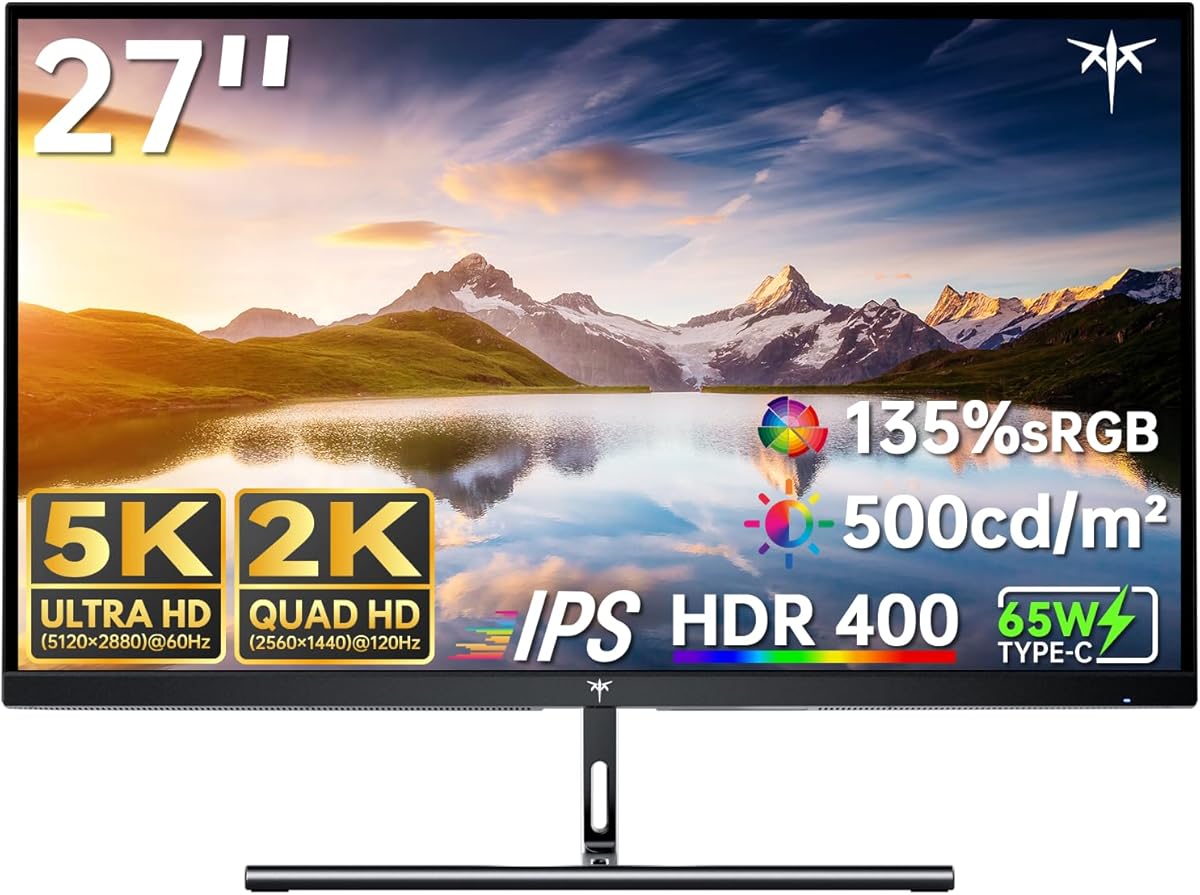
KTC 5K Monitor 27 Inch
4.4Editor score
Dual mode 5K and 2K
Cost-effective price point
65W Type-C port
Choosing a 27 Inch 5K Monitor transforms your workflow with pixel-perfect clarity. These displays offer immense screen real estate for creative tasks and gaming.
We evaluated ten top models based on panel quality, color accuracy, and connectivity. Our analysis focuses on real-world performance and value for money.
Each pick highlights specific strengths like color fidelity or speed. Please note that prices fluctuate frequently on retailer sites like Amazon.
4.4Editor score

3.6Editor score

3.7Editor score
As an Amazon Associate we earn from qualifying purchases.
This table provides a quick side-by-side look at the key specifications of every monitor featured in this guide.




This professional monitor delivers exceptional clarity with its 5K resolution and factory calibration. It stands out for creative users needing precision color without extra tools.
We may earn a commission when you buy through this link, at no additional cost to you.
The wide color gamut coverage ensures vibrant images while the USB-C port simplifies laptop connectivity with high power transfer. Calman verification adds trust to its color claims.
While the rating is lower than expected, the specs suggest strong performance for design workflows. The included Adobe subscription adds value for new creators starting their journey.
Buy this if you need reliable color for professional work. It balances performance and features well for Mac and Windows users needing a serious display.
The factory pre-calibration ensures that what you see on screen matches your final output closely.
Single cable USB-C connectivity reduces desk clutter while charging your laptop simultaneously.
We may earn a commission when you buy through this link, at no additional cost to you.
Samsung brings high-end gaming features to the 5K space with this impressive model. It handles both detailed visuals and fast action with ease thanks to its dual mode.
We may earn a commission when you buy through this link, at no additional cost to you.
The Fast IPS panel provides bright and vivid colors while the high refresh rates keep motion smooth. G-SYNC compatibility ensures tearing is minimized during intense gameplay sessions.
Some users might find the setup complex but the performance rewards are worth the effort. The ergonomic stand allows for comfortable viewing angles during long gaming marathons.
Choose this for competitive gaming where speed and clarity matter. It is a top choice for those who want resolution and refresh rate in one package.
Toggle between high resolution for immersion or high speed for competitive edge instantly.
High refresh rates combined with adaptive sync technologies eliminate screen tearing effectively.
We may earn a commission when you buy through this link, at no additional cost to you.
This gaming monitor focuses on speed and responsiveness for competitive players. The dual mode feature allows switching between detailed graphics and high frame rates effortlessly.
We may earn a commission when you buy through this link, at no additional cost to you.
The ultra-sharp panel ensures crisp visuals while the quick response time reduces blur during movement. ROG AI features provide an edge by enhancing visibility in dark game areas.
The lack of user reviews makes it a bit of a risk but the specs are compelling. It fits well in a setup targeting high performance and professional gaming standards.
Consider this if you prioritize reaction time and clarity. It offers a strong balance of features for serious gamers wanting 5K detail.
AI tools boost shadow details to help you spot enemies in darker game zones.
HDR support adds depth to games making explosions and lighting effects pop.
We may earn a commission when you buy through this link, at no additional cost to you.
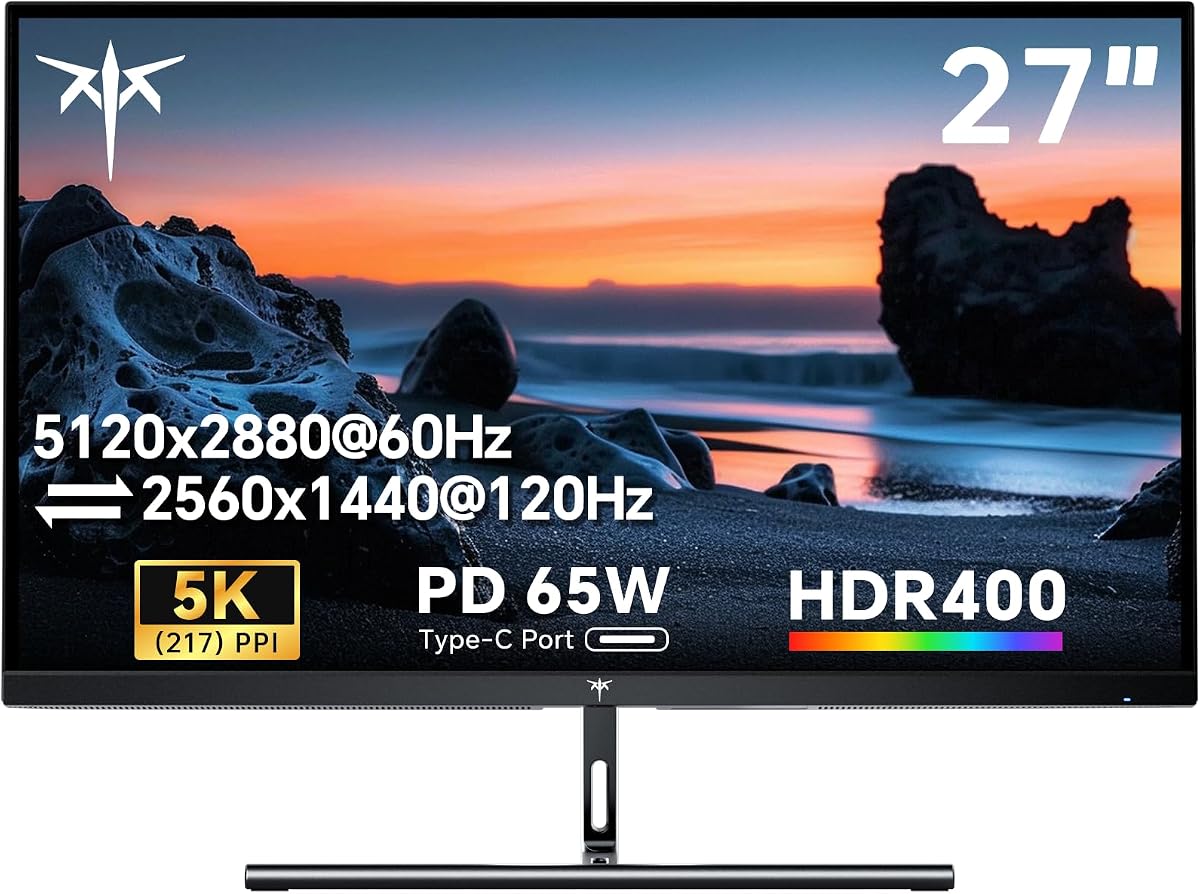
KTC offers a compelling option for those needing 5K resolution without breaking the bank. It is tailored well for Mac mini setups with its compatibility focus.
We may earn a commission when you buy through this link, at no additional cost to you.
The high sRGB coverage means colors look vibrant and accurate for daily work. Connectivity is handled well with multiple ports to keep your peripherals organized efficiently.
Lack of public reviews means you rely on specs here but the features look promising. It is a great choice for budget-conscious buyers who still need high resolution.
Get this if you want a simple 5K setup for a Mac. It delivers the needed clarity and connectivity at a friendly price point.
Designed to work smoothly with Apple devices for seamless system integration.
Blue light reduction helps reduce strain during long work sessions.
We may earn a commission when you buy through this link, at no additional cost to you.
This monitor is a top contender for those on a budget who still want high resolution. It offers great color accuracy and flexible modes for various tasks.
We may earn a commission when you buy through this link, at no additional cost to you.
The dual mode switch lets you trade resolution for speed when needed. High color coverage ensures images look good without needing expensive calibration tools.
It is a solid entry point into 5K territory with reliable performance. While it lacks premium extras it covers the basics very well for the price.
Choose this if you need a cost effective 5K display. It is perfect for students or casual users needing clarity.
High coverage of standard color spaces ensures accurate images.
Dual modes adapt to different workloads instantly.
We may earn a commission when you buy through this link, at no additional cost to you.
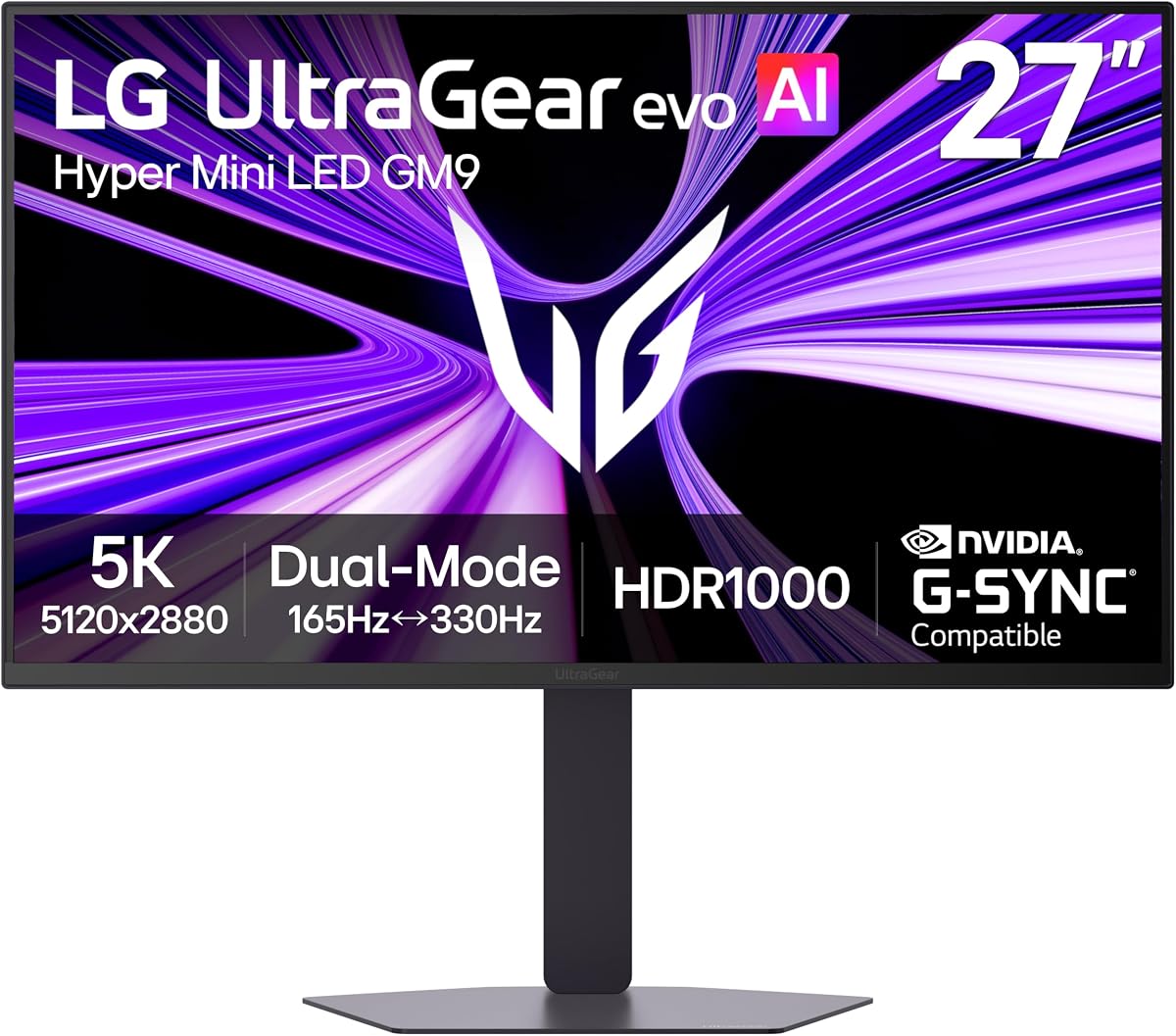
LG pushes the boundaries with Mini LED technology in this gaming monitor. The brightness levels allow for incredible detail in HDR content even in bright rooms.
We may earn a commission when you buy through this link, at no additional cost to you.
AI upscaling helps content look sharper without needing a powerful GPU. The local dimming zones create deep blacks that make visuals pop on screen.
However user feedback suggests some hurdles with firmware or stability. It is a powerful option but requires patience to get right for daily use.
Opt for this if brightness and contrast are your main goals. It offers a premium visual experience for high end gaming.
High brightness levels ensure highlights and details are always visible.
AI processing enhances lower resolution inputs to look like native 5K.
We may earn a commission when you buy through this link, at no additional cost to you.
Dell offers a reliable alternative if 5K is too demanding for your system. This model focuses on smooth performance and color accuracy for daily work.
We may earn a commission when you buy through this link, at no additional cost to you.
The 120Hz rate keeps motion fluid for general use and light gaming. ComfortView Plus helps reduce strain during long work hours effectively.
While it lacks 5K density it provides excellent clarity for most users. It is a safe choice for those who prefer a proven brand and solid build.
Consider this if you want a hassle free display. It works well for office tasks and creative work without breaking the bank.
Reduced blue light helps maintain focus over long periods.
High refresh rate ensures smooth scrolling and video playback.
We may earn a commission when you buy through this link, at no additional cost to you.
LG delivers a balanced monitor that excels in both work and entertainment. It offers great color coverage and connectivity options for modern setups.
We may earn a commission when you buy through this link, at no additional cost to you.
The built-in speakers and webOS features make it a versatile hub for your desk. High color coverage ensures images look rich for media and design.
It is a reliable choice for general users needing a high-quality display. The high rating suggests most buyers are happy with its performance and ease.
Pick this if you want a versatile monitor for mixed use. It handles work and entertainment with equal competence.
Streaming features allow you to watch content without a PC.
Wide color gamut ensures accurate visuals for creators.
We may earn a commission when you buy through this link, at no additional cost to you.
This monitor is built for serious professionals who need precision and reliability. The Thunderbolt connectivity simplifies setup for high-end Mac workflows.
We may earn a commission when you buy through this link, at no additional cost to you.
The Nano matte panel reduces glare significantly making it great for bright offices. Uniformity tools ensure your colors are consistent across the whole screen.
It is a high-end solution with a price to match. But for VFX and design work the clarity and features justify the investment fully.
Choose this if you need top-tier color accuracy and connectivity. It is the best choice for professional creatives needing stability.
Nano matte coating improves visibility in bright environments.
Thunderbolt 4 allows daisy chaining for multi-monitor setups.
We may earn a commission when you buy through this link, at no additional cost to you.
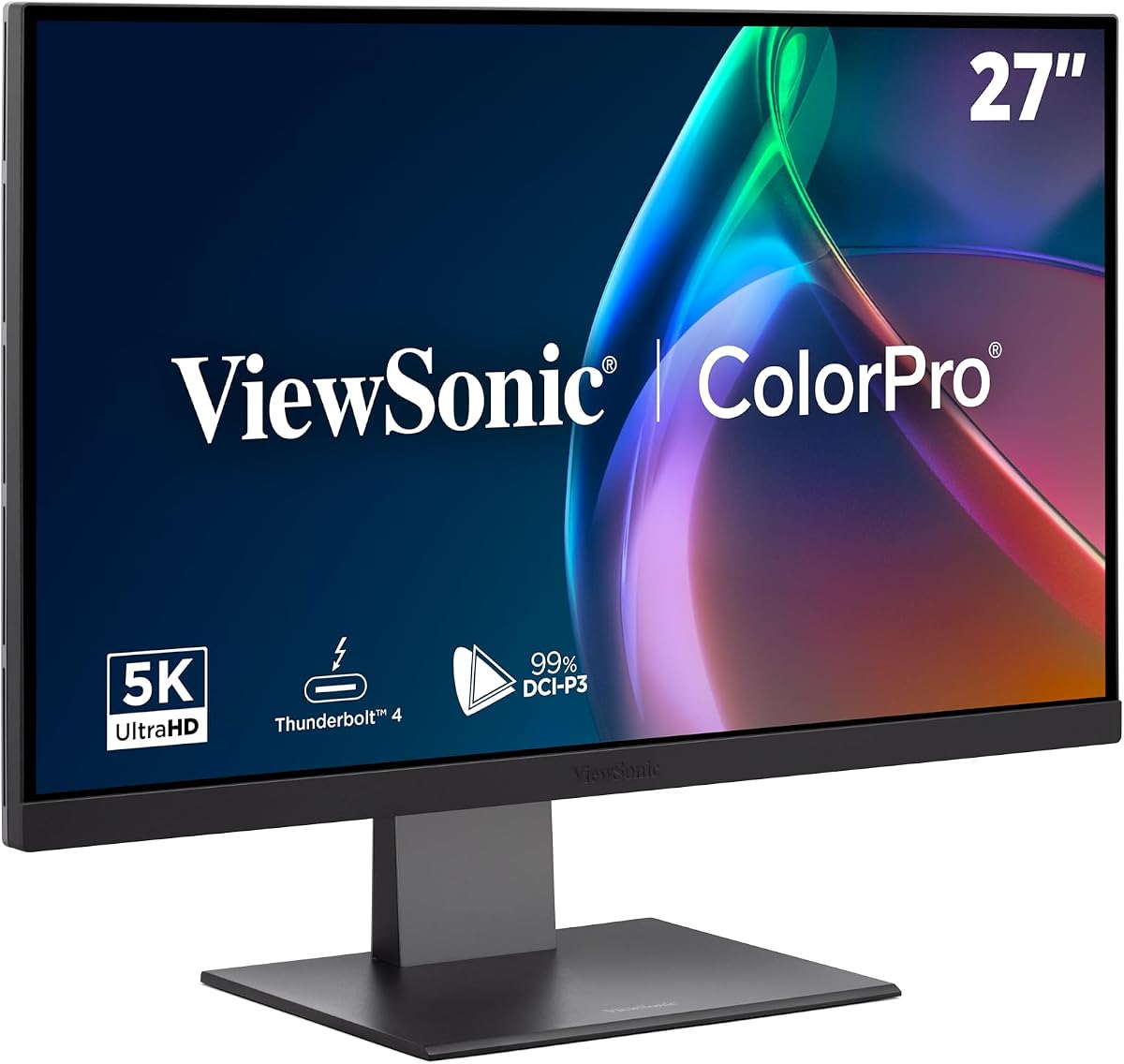
ViewSonic targets designers with this 5K display optimized for Mac ecosystems. It ensures color accuracy through Pantone validation for professional outputs.
We may earn a commission when you buy through this link, at no additional cost to you.
The high power delivery keeps your laptop charged while driving the display. Ergonomic adjustments allow for comfortable positioning during long design sessions.
It is a reliable tool for graphic design and editing work. The color accuracy ensures your projects look correct on different devices.
Select this if you work heavily with Mac and design tools. It offers the stability and color precision needed for professional creative work.
Pantone validation ensures industry standard color accuracy.
Thunderbolt 4 allows high speed data and power through one cable.
We may earn a commission when you buy through this link, at no additional cost to you.
Finding the right 27 Inch 5K Monitor requires balancing resolution with connectivity and color needs.
IPS panels are generally preferred for color accuracy and viewing angles. Check for brightness and contrast specs to ensure visibility in your workspace.
Look for IPS tech to guarantee vibrant colors from any angle.
High coverage of DCI-P3 and sRGB is vital for design work. Ensure the monitor covers at least 95% of these standards for accuracy.
Prioritize high percentage coverage to avoid color shifts.
USB-C and Thunderbolt ports simplify cable management and power delivery. Ensure your laptop supports the required bandwidth for 5K at high refresh rates.
Verify cable compatibility to support full 5K resolution.
Gamers should look for higher refresh rates like 120Hz or more. Response time should be low to prevent motion blur during fast action.
Balance resolution with speed based on your usage needs.
Factory calibration saves time and ensures accuracy from day one. Look for Delta E values under 2 for professional color reliability.
Check for calibration certificates for trusted color performance.
Adjustable stands help reduce neck strain during long sessions. Ensure the monitor supports VESA mounts if you need a different stand.
Adjustable height and tilt are essential for comfort.
A solid warranty protects your investment against defects. Check the terms for coverage length and customer support responsiveness.
Choose brands with strong reputations for support.
5K monitors vary widely in price based on features. Set a budget but ensure it meets your minimum technical requirements for work.
Invest in features that matter most to your tasks.
Start by connecting via the highest bandwidth cable available for 5K. Ensure your graphics card supports the resolution and refresh rate you want.
Calibrate your display using built-in tools or software for best results. Adjust brightness to match ambient lighting to reduce eye strain over time.
Clean the screen with a microfiber cloth to avoid scratches. Do not use harsh chemicals that could damage the anti-glare coating.
Yes if you work with text or high detail content. The pixel density offers a noticeable improvement in sharpness compared to 4K displays.
You typically need USB-C or DisplayPort 1.4 or higher. Ensure the cable is certified for the bandwidth required to avoid signal loss.
Yes Apple devices support 5K resolution natively. You may need a Thunderbolt dock or cable depending on your specific Mac model.
Yes but you need a powerful GPU to drive it. High refresh rate 5K monitors are available but require significant graphics power.
Use built-in tools or a colorimeter device. Calibration ensures your colors remain accurate for creative work over time.
Yes brands like KTC offer more affordable options. These might lack some premium features but still deliver solid resolution.
Thunderbolt 4 offers higher minimum bandwidth and features. It is recommended for stable 5K connections with high power delivery.
Most panels last between 5 to 10 years. Proper care and usage extend the lifespan of the screen and electronics.
We highlighted top picks like the ASUS ProArt and BenQ for their professional features. These options offer precision for designers and creatives working daily.
For gamers consider the Samsung or LG models for speed and brightness. Ensure your system can handle the demands of 5K at high rates.
Always check current prices and availability before buying. Technology moves fast so staying updated helps you get the best deal possible.