
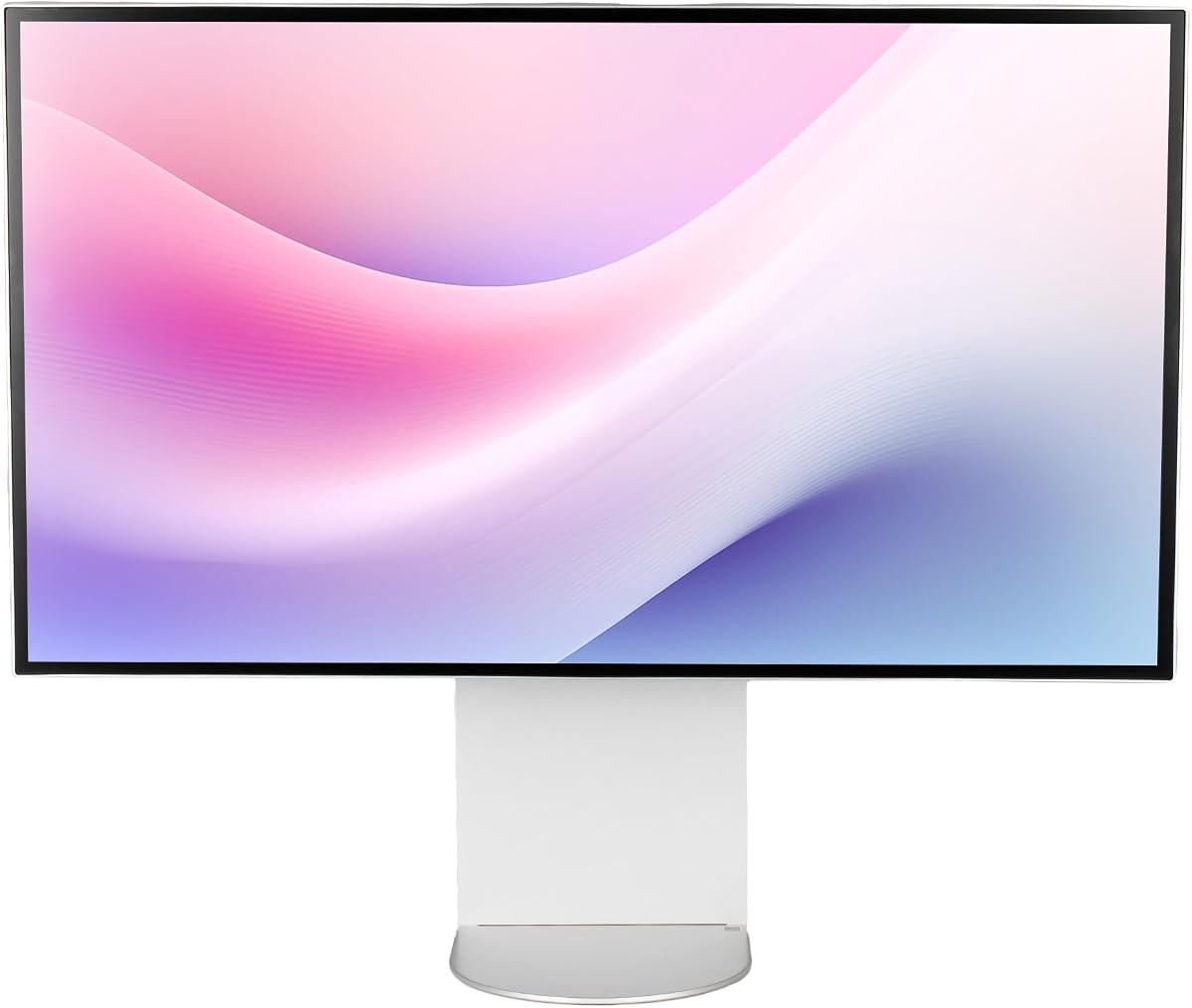
Samsung 32" Odyssey G8 (G80HS)
3.7Editor score
6K resolution at 165Hz
Dual mode for 3K 330Hz
Fast IPS panel technology
High-resolution displays are essential for modern workflows. A 32 inch 6K monitor offers incredible detail, making it perfect for creative professionals and power users who need precise visual clarity.
We evaluated ten leading models based on panel quality, connectivity options, and color accuracy. Each product was selected for its ability to handle demanding tasks like video editing and design work effectively.
Every pick highlights specific strengths and ideal use cases. Prices and availability change frequently, so verify current details before purchasing to ensure you get the best value for your specific needs.
3.7Editor score

3.8Editor score

5.0Editor score
As an Amazon Associate we earn from qualifying purchases.
The following table provides a side-by-side comparison of all ten selected monitors. Review the key specifications to identify which model best fits your workspace requirements.


The LG UltraFine evo stands out as a top tier choice for professional workflows. Its Thunderbolt 5 connectivity ensures rapid data transfer and charging capability.
We may earn a commission when you buy through this link, at no additional cost to you.
This monitor delivers exceptional color accuracy with high brightness. The Nano IPS Black panel improves contrast significantly compared to standard IPS displays.
While expensive, the build quality and feature set justify the cost for serious creators. Users seeking maximum productivity will appreciate the detailed clarity provided.
We recommend this model for design studios requiring precise color fidelity. It balances modern connectivity with a reliable visual experience for demanding tasks.
Thunderbolt 5 enables speeds up to 80 Gbps for data and video. This single cable connection handles power, data, and display simultaneously.
The 2000:1 contrast ratio provides deep blacks essential for HDR content. This ensures shadows remain detailed without losing highlight information.
We may earn a commission when you buy through this link, at no additional cost to you.
The ASUS ProArt PA32QCV is designed specifically for color critical work. It comes factory calibrated to ensure accuracy out of the box.
We may earn a commission when you buy through this link, at no additional cost to you.
Dual Thunderbolt 4 ports offer versatile connectivity for Mac users. The Auto KVM switch simplifies workflows between multiple devices effectively.
Some users might find the refresh rate limiting for gaming. However, professional tasks like video editing benefit greatly from the precision offered.
We suggest this monitor for photographers needing reliable color reproduction. The included Adobe Cloud subscription adds significant value to the purchase.
Factory calibration ensures Delta E < 2 out of the box. This removes the need for immediate external colorimeter usage.
Built-in KVM allows control of two PCs with one set of peripherals. This reduces clutter and streamlines your desk setup.
We may earn a commission when you buy through this link, at no additional cost to you.
The Samsung Odyssey G8 offers high refresh rates for smooth visuals. This makes it ideal for gamers who also require high resolution.
We may earn a commission when you buy through this link, at no additional cost to you.
Dual Mode technology allows switching between 6K at 165Hz and 3K at 330Hz. This flexibility caters to both productivity and competitive gaming needs.
While not perfect for all professional tasks, it covers many bases. The Fast IPS panel provides good viewing angles and color performance.
We recommend this unit for hybrid users mixing work and play. It delivers a high level of performance at a competitive price point.
Users can toggle between maximum resolution and maximum speed easily. This dual mode adapts to different application requirements instantly.
G-SYNC compatibility ensures smooth gameplay by synchronizing the panel. This reduces tearing and stuttering during intense gaming sessions.
We may earn a commission when you buy through this link, at no additional cost to you.
The Dell UltraSharp U3224KB integrates a webcam directly into the display. This setup simplifies video conferencing for remote professionals significantly.
We may earn a commission when you buy through this link, at no additional cost to you.
Its USB-C hub provides ample connectivity for laptops and peripherals. This centralizes connections and reduces desk clutter effectively.
While the rating is lower, the unique webcam feature is valuable. Users prioritizing privacy and setup ease will appreciate this integration.
We suggest this monitor for corporate environments needing reliable communication. It combines productivity features with a seamless conferencing experience.
The 8K pop-up webcam provides high quality video calling. It eliminates the need for an external camera device entirely.
USB Type-C allows quick data and video transmission over one cable. This simplifies docking and charging simultaneously.
We may earn a commission when you buy through this link, at no additional cost to you.
This bundle includes the LG UltraFine monitor plus useful accessories. The cleaning kit and cable ties ensure the setup remains tidy.
We may earn a commission when you buy through this link, at no additional cost to you.
KVM functionality allows control of two computers via one set of peripherals. This feature is essential for users managing multiple systems.
Higher rating reflects satisfaction with the complete package. Users appreciate the value added by the included cleaning and organization tools.
We recommend this bundle for professionals setting up new workstations. It offers a ready-to-use solution that saves setup time.
The bundle provides cleaning tools to maintain display quality. This convenience ensures your screen stays pristine from day one.
Control two computers with a single keyboard and mouse setup. This simplifies switching between work and personal machines.
We may earn a commission when you buy through this link, at no additional cost to you.
The G32X monitor has received perfect user feedback. Its minimalist design ensures it fits into clean office environments beautifully.
We may earn a commission when you buy through this link, at no additional cost to you.
Connectivity is versatile with a high-speed port for charging. This allows laptops to be powered while streaming 6K video simultaneously.
Users praise the eye care features which reduce strain. The anti-glare screen helps maintain comfort during long working hours.
We suggest this model for those prioritizing aesthetics and comfort. It is a reliable choice for general productivity and media consumption.
The sleek aluminum body reduces visual clutter on your desk. This design focuses attention on the content rather than the bezels.
Flicker-free backlighting and low blue light mode protect vision. These features ensure prolonged viewing sessions remain comfortable.
We may earn a commission when you buy through this link, at no additional cost to you.
The G32P offers a glossy finish for vibrant image reproduction. This option appeals to users seeking rich contrast and deep blacks.
We may earn a commission when you buy through this link, at no additional cost to you.
Built-in honeycomb cooling helps maintain performance during extended use. This thermal management is crucial for high-resolution monitors under load.
While bez reflections may occur, the visual quality is superior. The build quality justifies the higher price point effectively.
We recommend this for controlled lighting environments. Artists and designers who need maximum color saturation will find this appealing.
The glossy screen provides more vibrant colors and blacks. This makes it suitable for media consumption in dark rooms.
Unique cooling structure ensures consistent performance during long sessions. This prevents heat from degrading the panel over time.
We may earn a commission when you buy through this link, at no additional cost to you.
This bundle adds a two-year protection plan to the standard unit. This coverage provides peace of mind for professional investments.
We may earn a commission when you buy through this link, at no additional cost to you.
Multiple cables are included to support immediate setup needs. Users can connect laptops and peripherals without purchasing extra accessories.
The core specs match the standard model. The primary value comes from the extended service and comprehensive cable inclusion.
We suggest this for enterprise buyers needing warranty support. The protection plan ensures continuity if hardware issues arise.
Extended service covers accidental damage or hardware failure. This reduces financial risk for long-term hardware usage.
The box contains various cables for different connection types. This convenience saves time and money on initial setup.
We may earn a commission when you buy through this link, at no additional cost to you.
The ALOGIC monitor is the world's first 6K touchscreen option. It combines massive resolution with intuitive touch control effectively.
We may earn a commission when you buy through this link, at no additional cost to you.
It comes with a pressure-sensitive stylus for detailed work. This transforms the display into a large digital canvas for creatives.
Users praise the unique utility for design and annotation tasks. The fold stand allows flat use similar to a drafting board.
We recommend this for advanced artists needing direct input. The technology justifies the high cost through unique functionality.
Pinch to zoom and direct navigation streamline workflows. Touch input makes reviewing detailed designs significantly faster.
The 4096 levels of pressure sensitivity mimic traditional drawing. This precision allows for natural shading and stroke control.
We may earn a commission when you buy through this link, at no additional cost to you.
The standard LG Ultrafine offers a balanced professional display. It lacks extra features but delivers consistent performance for daily work.
We may earn a commission when you buy through this link, at no additional cost to you.
Anti-glare technology helps reduce reflections in bright offices. This ensures visibility remains clear regardless of lighting conditions.
The rating is average as it is a standard model. However, it remains a solid choice for reliable daily office use.
We suggest this for standard office environments. It provides necessary resolution without unnecessary features or costs.
The coating minimizes glare from overhead lights. This helps maintain visual clarity in varied office environments.
Three USB-C ports allow multiple device connections. This flexibility simplifies connection management for various peripherals.
We may earn a commission when you buy through this link, at no additional cost to you.
Selecting the right monitor depends on your specific workflow and budget. We outline the key factors to consider before purchasing.
6K resolution offers roughly 224 pixels per inch on a 32-inch screen. This density ensures text is sharp and images are detailed without aliasing.
Look for monitors with high PPI to maximize screen real estate for professional tasks.
IPS panels are standard for 6K monitors due to their color accuracy. Nano IPS variants offer better contrast and black levels than standard IPS.
Choose Nano IPS if you work with HDR content or require deeper blacks.
Thunderbolt 5 or 4 is essential for high bandwidth and power delivery. HDMI 2.1 and DisplayPort 2.1 are also important for versatility.
Ensure your chosen monitor supports the cable speeds your devices require.
Professional work requires wide color gamuts like DCI-P3 and Adobe RGB. Factory calibration ensures accuracy out of the box.
Prioritize monitors with Delta E < 2 for critical color grading tasks.
Most 6K monitors are 60Hz. Some gaming models offer higher rates like 165Hz at lower resolutions.
Check the refresh rate if you plan to use the monitor for gaming.
Adjustable stands with height, tilt, and pivot are standard for comfort. VESA mounting support allows you to use third-party arms.
Verify stand capabilities if you need specific viewing angles.
Look for flicker-free technology and low blue light certifications. These features reduce strain during long working hours.
Certifications like TÜV Rheinland validate these comfort claims.
Prices vary significantly based on features like Thunderbolt 5 or touch. Determine if premium features like touch justify the cost.
Bundle options often save money on accessories like cables and stands.
Always calibrate your monitor using software tools to maintain accuracy. This ensures your colors remain consistent across different devices.
Clean the screen gently with a microfiber cloth to avoid scratches. Avoid harsh chemicals that might damage the panel coating.
Adjust your brightness and contrast based on ambient light. Proper settings reduce eye strain and improve image quality.
Yes, 6K offers significantly more pixels which allows for finer detail and more workspace. This reduces the need for zooming while editing high-resolution assets.
You need a computer with Thunderbolt 3, 4, or 5, or an HDMI 2.1 port. Older computers may not support the required bandwidth.
Some models support high refresh rates suitable for gaming. However, most professional models prioritize image quality over speed.
Thunderbolt 5 is a high-speed connectivity standard for data and video. It supports faster transfer speeds and higher power delivery than previous versions.
If you value sharpness and productivity, it is a worthwhile investment. The screen space allows for complex layouts without external tools.
Use a dry microfiber cloth for regular cleaning. If needed, slightly dampen the cloth with water to remove stubborn marks.
The LG UltraFine evo and ASUS ProArt models offer excellent balance for creators. They provide reliable performance and essential professional features.
Gamers may prefer the Samsung Odyssey G8 for its speed. Ensure your PC can support the high bandwidth requirements effectively.
Always check current availability and deals before buying. Prices fluctuate frequently based on market demand and stock levels.