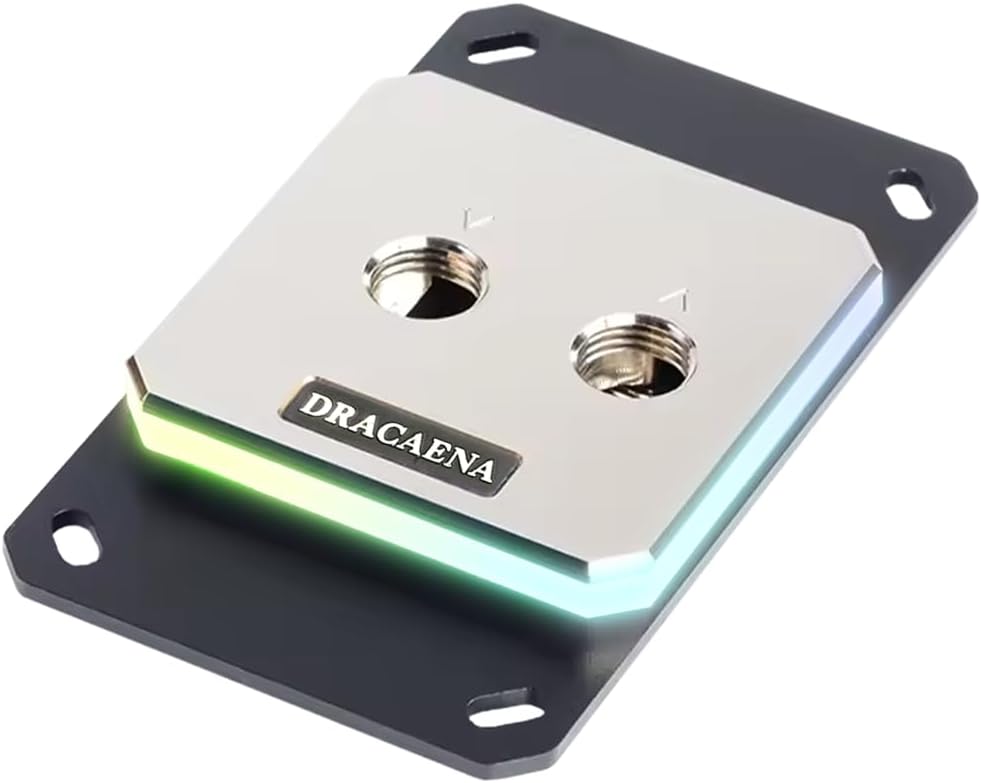
Dracaena.io CPU Water Block for AM5 AM4
4.6Editor score
Full copper internal
Wide socket support
5V ARGB sync
CPU water blocks are essential components for custom liquid cooling systems designed to dissipate heat efficiently. They directly contact the processor to transfer thermal energy into circulating coolant for superior performance.
We evaluated ten real products based on cooling efficiency, build quality, socket compatibility, and aesthetic features. This list covers everything from budget-friendly options to high-end displays.
Each pick highlights specific strengths and weaknesses so you can match a block to your build needs. Prices and availability change frequently so verify details before purchasing.
4.6Editor score

4.6Editor score

3.6Editor score
As an Amazon Associate we earn from qualifying purchases.
The following table presents a side-by-side comparison of all ten products highlighting key specifications and design choices for informed selection.




The EKWB EK-Quantum Velocity 3 stands out as a top tier water block for modern processors. It achieves an impressive rating thanks to its optimized internal geometry and precise engineering that ensures maximum heat transfer efficiency.
We may earn a commission when you buy through this link, at no additional cost to you.
Compared to the predecessor, this model offers up to 2 degrees C improvement in thermal performance. The nickel-plated copper cold plate delivers superior thermal conductivity which is critical for demanding workloads and overclocking scenarios.
While it commands a premium price, the performance gains justify the investment for enthusiasts. The dimensions are standard allowing it to fit most cases without clearance issues.
If you prioritize cooling performance and build quality this is the ideal choice. It is highly recommended for users running high-end AMD AM5 or Intel LGA 1700/1851 platforms.
The internal geometry and mounting pressure work together to ensure the entire CPU die is cooled evenly without hot spots.
Nickel plating on the copper cold plate resists corrosion and oxidation over time ensuring long-term reliability.
We may earn a commission when you buy through this link, at no additional cost to you.
This CORSAIR block brings a unique visual element with an embedded IPS LCD screen that can show temperatures or animations. It holds a solid rating for its blend of functionality and aesthetic appeal.
We may earn a commission when you buy through this link, at no additional cost to you.
The Hexa-Flow cooling engine mitigates laminar flow to cool all cores evenly which is vital for multi-chip CPUs. USB-C connectivity simplifies installation and allows automatic iCUE setup without extra controllers.
Some users may find the price high for just cooling but the display feature adds significant build value. The stealth gray finish complements modern PC aesthetics well.
Choose this if you want a high-end look with reliable cooling. It is perfect for showcase builds where visual customization is as important as thermal performance.
The 480×480 resolution screen supports custom GIFs or team logos allowing deep personalization of your system appearance.
Over 120 high-efficiency micro-cooling fins ensure the CPU stays cool during maximum overclocking sessions.
We may earn a commission when you buy through this link, at no additional cost to you.
The Dracaena.io block offers an excellent entry point for custom cooling with a full copper internal water loop. Its high rating reflects its reliable performance and extensive AMD socket support.
We may earn a commission when you buy through this link, at no additional cost to you.
With compatibility for AM5 AM4 and older platforms this block eliminates the need for adapters. The 0.4mm microfin base plate maximizes thermal conductivity for effective heat dissipation.
Although it lacks the flashy lights of expensive models it performs exceptionally well thermally. The included kit has everything needed for installation making it user friendly for beginners.
This is the ideal choice for budget conscious AMD users. It delivers core cooling performance without unnecessary frills ensuring value for money.
Supports virtually every AMD platform for the last 15+ years making it a versatile long term solution.
No aluminum in the water path ensures corrosion resistance and optimal heat transfer from the CPU.
We may earn a commission when you buy through this link, at no additional cost to you.
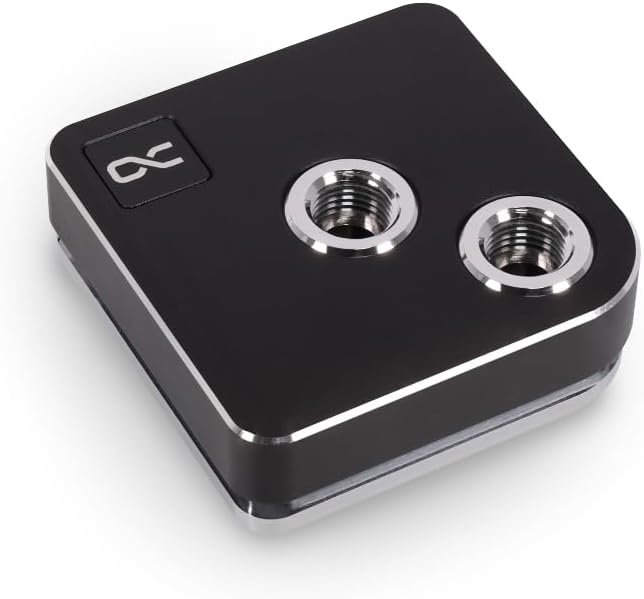
The Alphacool Core 1 is a straightforward water block focused on delivering reliable cooling performance. It holds a strong rating for its consistent function and compatibility with modern Intel and AMD sockets.
We may earn a commission when you buy through this link, at no additional cost to you.
Its design prioritizes function with a black finish that blends into any build. The nickel plated base ensures durability while the compact size fits most cases easily.
While it does not offer advanced lighting features it remains effective for quiet builds. Users appreciate the simplicity and the trusted reputation of the brand for quality.
This block is perfect for those who want no fuss cooling. It is a safe choice for systems where looks are secondary to function.
The core focus on cooling efficiency ensures your system remains stable under heavy loads without complex software.
We may earn a commission when you buy through this link, at no additional cost to you.
This basic CPU water cooling block provides essential cooling functionality for older systems or budget builds. Its 4.2 rating indicates it performs adequately for its specific target use cases.
We may earn a commission when you buy through this link, at no additional cost to you.
The copper base and large water contact area facilitate decent heat transfer. It is designed to be simple and easy to integrate without complex requirements or software.
It may lack the refinement of modern blocks but serves a purpose for legacy hardware. The accessory kit includes basic screws needed for mounting.
Consider this if you have an older system needing basic cooling. It is a utilitarian option for those who prioritize price over performance.
Designed for legacy platforms it offers a simple solution for those needing to cool older hardware efficiently.
We may earn a commission when you buy through this link, at no additional cost to you.
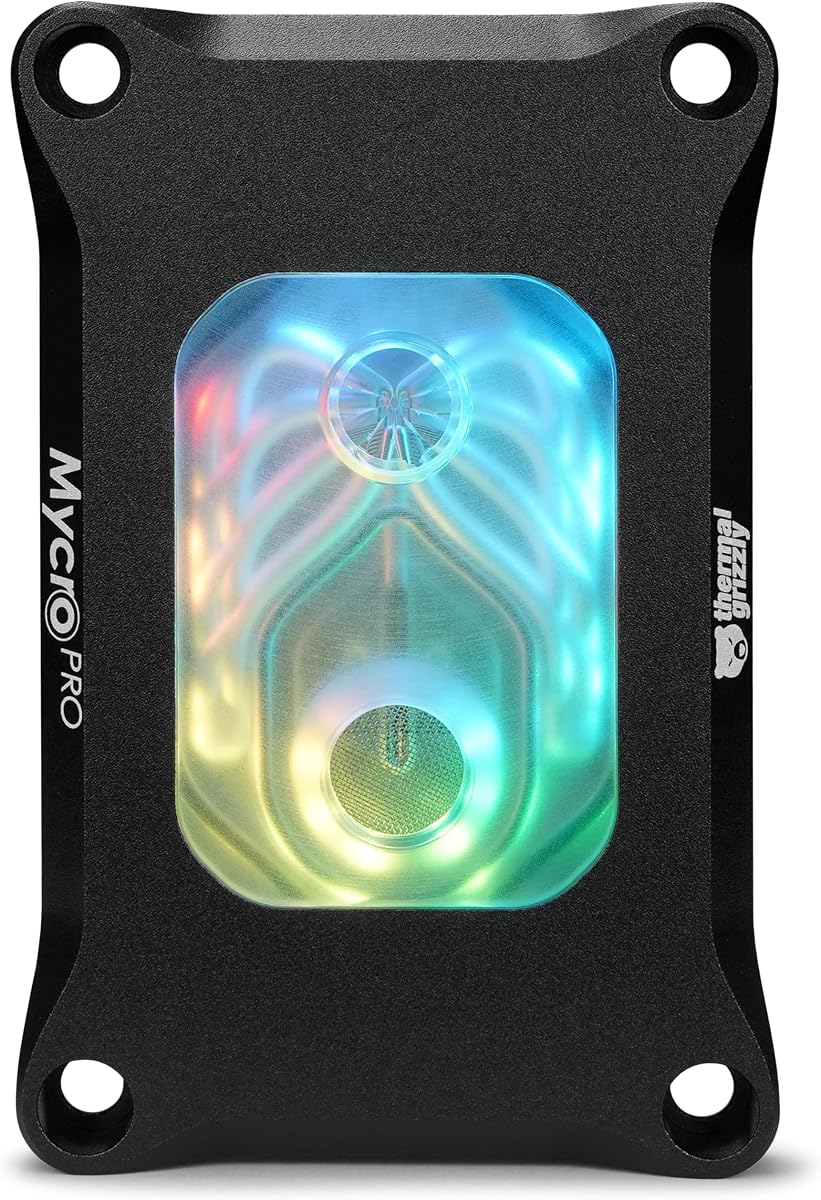
The Thermal Grizzly Mycro Pro RGB is designed for high-end custom loops requiring efficient heat dissipation. It earns a strong rating for its precision engineering and focus on performance.
We may earn a commission when you buy through this link, at no additional cost to you.
With 68 microfins and an integrated mesh filter it ensures consistent coolant flow and maximum heat transfer. The nickel plated copper cold plate increases surface area for better thermal performance.
The ARGB window adds a clean illuminated look to your build without excessive lighting. It is built for durability with premium materials ensuring long term reliability.
Select this block if you want precise engineering and reliable flow. It is an excellent choice for serious liquid cooling enthusiasts.
The 0.2 mm microfin structure increases surface area significantly allowing for rapid heat dissipation under load.
The integrated mesh filter traps particles ensuring consistent flow through the delicate microfin structure.
We may earn a commission when you buy through this link, at no additional cost to you.
This TRYX block features a unique curved 6.67 inch AMOLED screen that creates immersive visual effects. It offers a 3.6 rating reflecting mixed feedback but innovative features.
We may earn a commission when you buy through this link, at no additional cost to you.
The block includes a built-in PWM VRM fan to cool voltage regulators actively. With 60Hz refresh rate and high pixel density it delivers stunning visual quality compared to LCD options.
GIPHY availability allows users to customize the display with content effortlessly via the KANALI software. It supports a wide range of Intel and AMD CPUs.
Choose this if you want a distinct visual statement for your PC. It is best suited for enthusiasts who value unique aesthetics over raw cooling cost.
The curved AMOLED screen delivers vivid color reproduction that sets your custom loop apart from standard blocks.
The built-in VRM fan actively cools motherboard voltage regulators during heavy overclocking loads.
We may earn a commission when you buy through this link, at no additional cost to you.
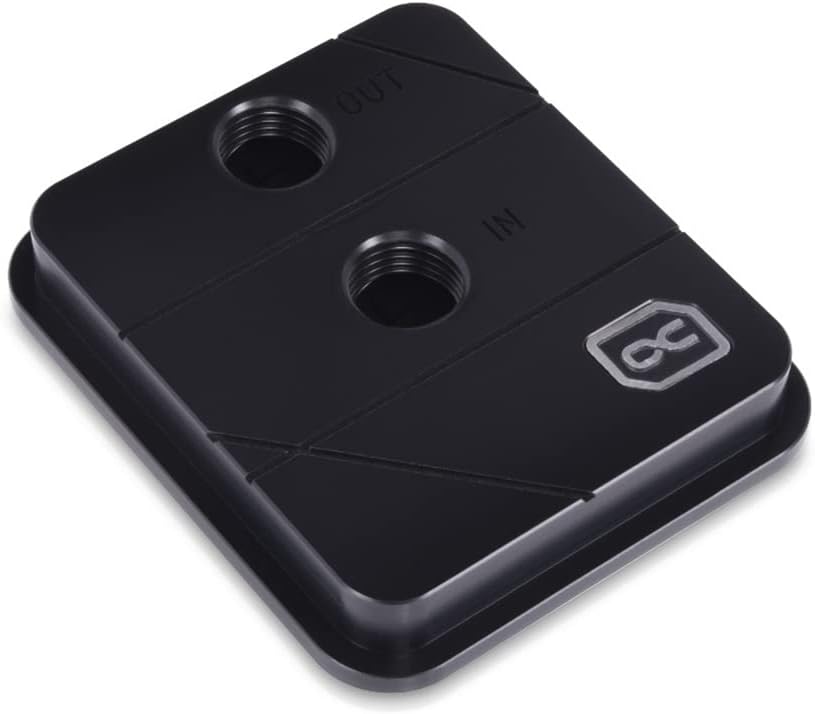
The Alphacool Core XP3 is a compact water block suitable for space-constrained builds. It holds a solid 4.4 rating for its reliable performance and straightforward design.
We may earn a commission when you buy through this link, at no additional cost to you.
Constructed with nickel plated copper and Acetal material it ensures durability. The dimensions are smaller than average allowing it to fit in tight cases without issues.
It supports standard G1/4 threads for easy integration into custom loops. The lack of RGB lighting makes it a neutral choice for minimalist setups.
This block is ideal for small form factor systems. It provides essential cooling performance without taking up valuable internal space.
The compact dimensions allow installation in tighter cases where larger blocks would cause clearance conflicts.
We may earn a commission when you buy through this link, at no additional cost to you.
This CORSAIR block is part of an intelligent ecosystem that simplifies cable management. Its 4.1 rating reflects its strong integration capabilities and cooling performance.
We may earn a commission when you buy through this link, at no additional cost to you.
The iCUE LINK ecosystem allows components to be daisy-chained using universal connectors. The transparent flow chamber provides a cool visual while the smart sensor offers precise temperature control.
24 individually addressable RGB LEDs enhance the visual experience through iCUE software. It is designed for users invested in the CORSAIR ecosystem for smart features.
Consider this if you want streamlined setup and control. It is best for those who already own the iCUE LINK System Hub.
Universal connectors reduce cable clutter and allow faster build times for intelligent cohesive system setups.
We may earn a commission when you buy through this link, at no additional cost to you.
The Alphacool Core 1 LT features an Acrylic finish that adds a modern aesthetic to your system. It holds a 4.1 rating for its reliable cooling and clear visual appeal.
We may earn a commission when you buy through this link, at no additional cost to you.
Compatible with standard Intel and AMD sockets it fits seamlessly into most builds. The digital RGB lighting provides customizable illumination to match your theme.
Acrylic material is lighter than metal but requires careful handling to avoid scratches. The dimensions are slightly taller allowing it to accommodate internal components easily.
This block suits builds prioritizing visual style. It is a good choice for those who prefer transparent looks over metal finishes.
The Acrylic material allows light to pass through creating a sleek transparent look for custom loop builds.
We may earn a commission when you buy through this link, at no additional cost to you.
Choosing the right CPU water block involves evaluating compatibility, thermal efficiency, and build materials to ensure long-term stability.
Ensure the water block supports your specific CPU socket such as AM5 LGA 1700 or AM4. Mismatched mounting hardware can lead to poor contact and overheating.
Check the product description for explicit socket support before purchasing to avoid installation issues.
Look for nickel-plated copper cold plates as copper offers the highest thermal conductivity. Nickel plating prevents corrosion and oxidation over time.
Avoid blocks with aluminum in the water path as it can cause galvanic corrosion with copper components.
High-efficiency micro-cooling fins and optimized internal geometry improve heat dissipation during heavy loads. Compare thermal ratings or reviews to gauge actual performance.
Prioritize models with proven cooling efficiency if you plan to overclock your processor significantly.
Decide if you need RGB lighting or LCD screens for customization. Premium blocks offer advanced features but may cost more.
Choose simple black or silver finishes if you prefer a clean minimalistic build without extra light.
Some blocks require specific controllers or hubs for RGB functionality. Ensure you have the necessary hardware to control lighting and displays.
Standard G1/4 threads ensure compatibility with most fittings and pumps in custom loops.
Set a clear budget range to narrow down your options. Budget blocks offer good cooling but lack extra features like screens.
Invest in premium models only if you value advanced visual customization and higher thermal efficiency.
Choose reputable brands with positive customer reviews and reliable support. Trusted manufacturers ensure better build quality and durability.
Verify warranty terms to protect against manufacturing defects or long-term wear.
Look for blocks that come with complete mounting kits and clear instructions. Simplified installation reduces the risk of leaks or damage.
Consider models with USB-C connectivity or pre-installed sensors for easier setup.
Before installing the water block, clean the CPU surface thoroughly with isopropyl alcohol to remove old thermal paste. Apply a fresh layer of high-quality thermal paste evenly across the center of the processor.
Secure the water block using the provided mounting hardware evenly to ensure consistent pressure. Follow torque specifications if provided to avoid cracking the CPU or block.
Regularly check coolant levels and flush your loop annually to prevent buildup. Inspect O-rings for wear and replace them to prevent leaks and ensure smooth flow.
Choose a block that explicitly lists your socket like AM5 LGA 1700 or AM4. Compatibility ensures proper mounting pressure and thermal contact with the processor die.
Yes copper has superior thermal conductivity which dissipates heat faster. Avoid aluminum inside the water path to prevent corrosion when mixing metals.
Most standard G1/4 threaded blocks work with any compatible pump. Ensure your pump provides enough flow pressure to overcome the microfin resistance.
You should clean your block and loop annually to prevent algae or dust buildup. Regular maintenance ensures consistent thermal performance and longevity.
No most RGB blocks require a 5V or 12V header on the motherboard. Check if your motherboard supports the specific RGB type before buying.
A water block includes both the cold plate and the housing for coolant flow. Cold plates usually refer to the contact surface part of the assembly.
We reviewed ten distinct CPU water blocks ranging from budget options to premium display models. The EKWB Velocity 3 leads in performance while the Dracaena.io offers excellent value.
Prioritize thermal efficiency and socket compatibility when making your final decision. Aesthetic features like RGB or screens enhance visual appeal but are secondary to cooling.
Prices and availability change frequently so verify current stock before purchasing. Use this guide as a reference to find the best block for your custom loop.